Your first unit test with Vitest
Install Vitest, write one real assertion, and see exactly what expect() checks under the hood before you ever run npx vitest for real.

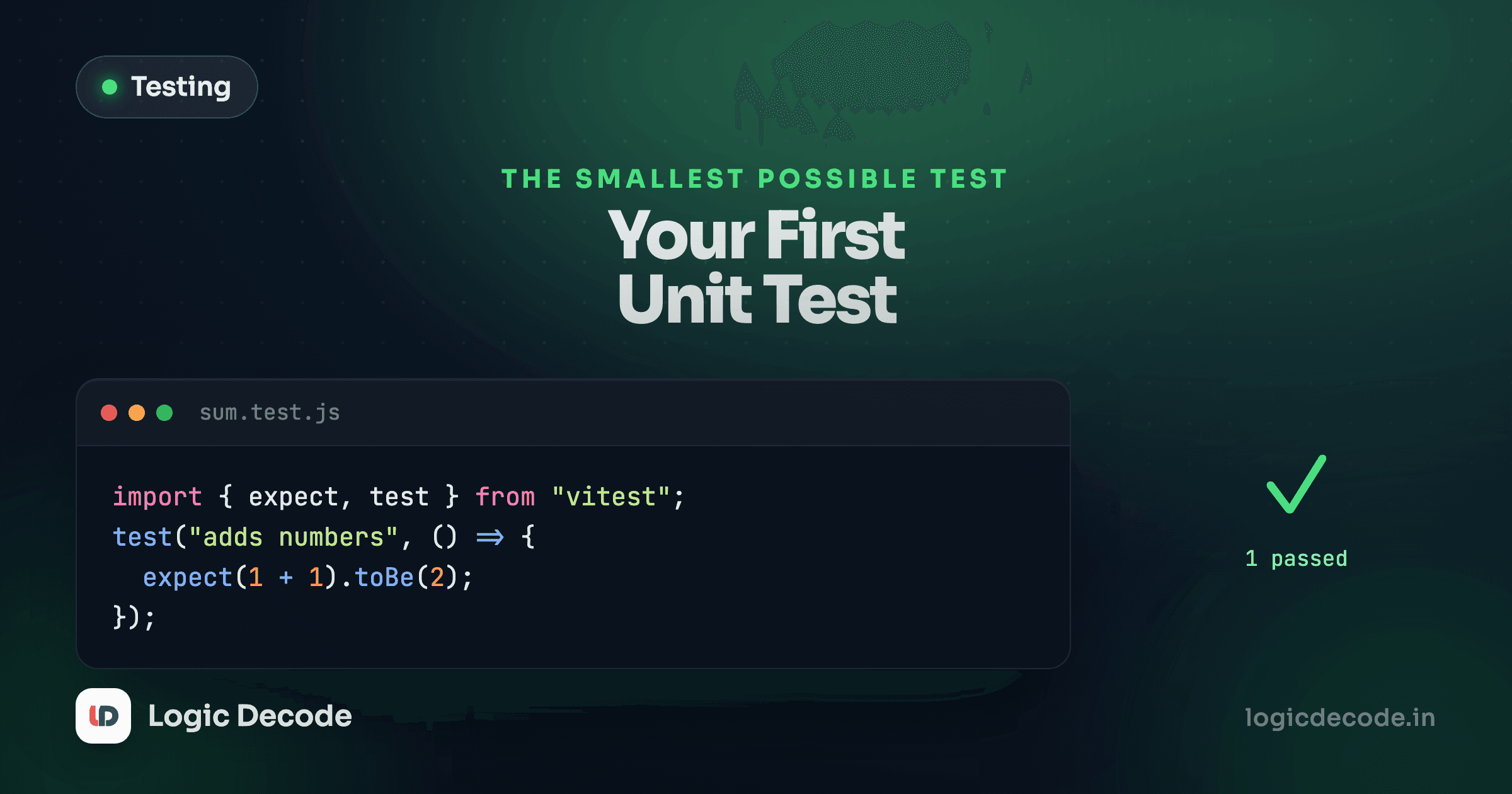
Strip away the tooling and a test is one small thing: run some code, then check that what came out matches what you expected. Everything else, the runners, the reporters, the coverage reports, is scaffolding around that one idea. Let's build it by hand first, then use the real tool.
What expect() is actually doing
Here's a function with an obvious job: turn cents into a display price.
Run it. Three lines, three checks, each one comparing what the function actually returned against what you said it should return. That's the whole idea behind expect(actual).toBe(expected). Vitest's version does more (better failure messages, deep equality for objects, a huge library of matchers) but the core is the same comparison you just wrote yourself.
Setting up the real thing
In a project with Node installed:
npm install -D vitestVitest looks for files that end in .test.ts or .spec.ts (or .js, if you're not using TypeScript). Put formatPrice in price.ts:
export function formatPrice(cents: number): string {
  return "$" + (cents / 100).toFixed(2);
}
And the test next to it:
import { describe, it, expect } from "vitest";
import { formatPrice } from "./price.ts";

describe("formatPrice", () => {
  it("formats cents as a dollar string", () => {
    expect(formatPrice(1099)).toBe("$10.99");
  });

  it("handles zero", () => {
    expect(formatPrice(0)).toBe("$0.00");
  });
});
Add a script to package.json:
"scripts": {
  "test": "vitest"
}
Then npm test. Vitest starts in watch mode by default: it runs once, prints two green checks, and then sits there watching price.ts and price.test.ts. Save either file and it reruns automatically, usually before you've moved your hand back to the mouse.
The three pieces
describe("formatPrice", () => { ... }) groups related tests under a label. It's optional, purely organizational, and shows up in the test output so failures are easy to locate.
it("formats cents as a dollar string", () => { ... }) is one test. The string is a sentence describing the behavior, not the implementation. Read it back: "it formats cents as a dollar string." That sentence is what shows up, in red, when this test fails, so write it for the person debugging a failure at 11 p.m., not for yourself right now.
expect(formatPrice(1099)).toBe("$10.99") is the assertion. toBe checks strict equality, which is exactly right for strings and numbers. For objects and arrays you'd reach for toEqual, which compares contents instead of identity, since two different objects with the same fields are never === equal in JavaScript.
Run one file
npx vitest price.test.ts runs a single file instead of the whole suite. Useful once a project has hundreds of tests and you only care about the one you're editing.
What happens on failure
Change the test to expect the wrong thing and rerun it:
That's the failure message shape you'll see constantly: what you got, what you wanted. Real Vitest output adds a diff and a file/line pointer, but the information is identical. A failing test isn't a problem to silence. It's the exact thing you're paying for.
Where the file lives
Vitest doesn't care where you put price.test.ts, as long as the name matches its default pattern. Two conventions cover almost every project you'll see:
- Colocated, right next to the code it tests:
price.tsandprice.test.tsin the same folder. You see both files in one directory listing, and moving or deleting a module makes its test impossible to forget about. - A
__tests__ortestfolder, mirroring the source tree. Some teams prefer keepingsrc/free of anything that isn't shipped code.
Neither is objectively correct. Colocated is the more common default in newer projects, and it's what this series uses, because a test file sitting right next to price.ts is a constant, visible reminder that the module has one. Pick a convention on day one and don't mix both in the same project. A codebase with tests scattered across three different patterns is one where people stop trusting the search results when they look for coverage.
toBe vs toEqual, and why it trips people up
toBe uses ===, which compares primitives by value and objects by reference. That second half catches people:
Two different objects with identical fields are never === equal, so expect(a).toBe(b) fails even though the data matches. That's what toEqual is for: it walks the structure and compares values, not identity. Reach for toBe on strings, numbers, and booleans, and toEqual the moment you're asserting on an object or array. Getting this backwards is one of the most common first mistakes, and Vitest's error message when you use the wrong one is usually clear enough to tell you.
You've now written and run a real test. The rest of this series is about writing better ones. If you came here from why write tests, this is the two minutes that lesson was pointing at.
Next: arrange, act, assert, the shape every good test follows once you look past the syntax.

Written by
Rhythm Bhiwani
Engineer and relentless builder, happiest reverse-engineering hard problems until they click.
Enjoyed this?
Tap the heart to leave some love.
Be the first to react
Comments
Join the conversation.
Loading comments…