Express 5: your first routes
Install Express 5.2, write your first routes with async/await, and see why Express 5 forwards rejected promises to error handling automatically.

Fifteen lines of raw http.createServer routing turned into a wall of if statements fast. Express exists to make that wall go away, and getting it running takes about four lines.
Install and the smallest app
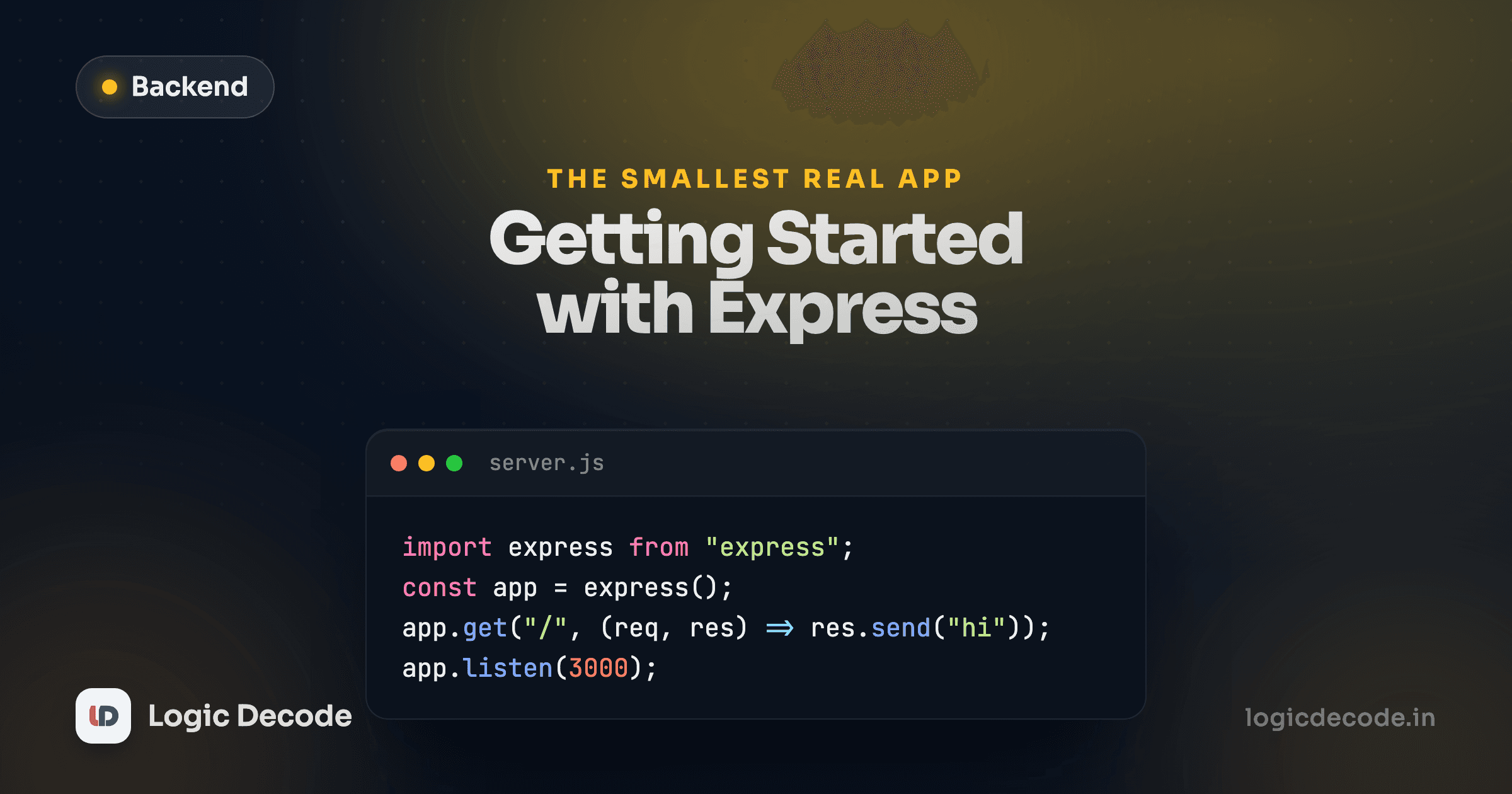
npm install expressimport express from "express";
const app = express();
app.get("/", (req, res) => {
res.send("Linkstash API");
});
app.listen(3000, () => {
console.log("Listening on http://localhost:3000");
});express() gives you an app object. app.get(path, handler) registers a handler for GET requests to that path. app.listen(port, callback) starts the server, and under the hood it's still calling http.createServer for you, Express is a layer on top, not a replacement.
This is close to the real thing. Linkstash's actual entry point is barely longer:
import { openDb } from "./db.ts";
import { createApp } from "./app.ts";

const port = Number(process.env.PORT ?? 3000);
const app = createApp(openDb(process.env.DATABASE_FILE ?? "linkstash.db"));

app.listen(port, () => {
  console.log(`Linkstash listening on http://localhost:${port}`);
});
The only difference is that createApp is a function taking a database connection, instead of a bare express() call, so tests can build a fresh app against a fresh in-memory database for every test. You'll see why that matters when this series gets to testing.
Reading the body: express.json()
Raw Node made you collect stream chunks by hand to read a POST body. Express gives you that as one line of middleware:
const app = express();
app.use(express.json());
app.use registers something that runs on every request, before your route handlers. express.json() reads the body, checks the Content-Type header, and if it's application/json, parses it and puts the result on req.body. Skip this line and req.body stays undefined on every POST, which is the single most common "why is my route broken" bug for anyone new to Express.
Here's the real Linkstash setup, straight from app.ts:
export function createApp(db: Database): Express {
  const app = express();
  app.use(express.json());

  // ...routes go here

  return app;
}
A route that talks to a database
Routes get more interesting once they return real data instead of a static string. Here's the actual GET /links route from Linkstash:
app.get("/links", requireAuth, (req, res) => {
  const limit = intParam(req.query.limit, 20, 1, 100);
  const offset = intParam(req.query.offset, 0, 0, Number.MAX_SAFE_INTEGER);
  const q = typeof req.query.q === "string" ? req.query.q : undefined;
  res.json({ data: listLinks(db, req.userId!, { limit, offset, q }), limit, offset });
});
app.get here takes three arguments, not two. requireAuth runs first (that's middleware again, more on it in lesson 5), and only if it lets the request through does the actual handler run. res.json(...) is the JSON equivalent of res.send, it sets the Content-Type header for you and serializes the object. That's the whole shape of nearly every route you'll write in this series: some setup, a call into a function that talks to the database, and a res.json or res.status(...).json(...) to finish.
res.send vs res.json, and chaining status
Two response methods show up constantly, and it's worth knowing exactly what each does. res.send(string) writes a plain response. res.json(value) serializes value with JSON.stringify and sets the Content-Type header to application/json for you, which is what you want for nearly every API response. Both can be chained off res.status(code), which just sets the status code and returns res so the next call can fire on the same line:
res.status(201).json(user);       // 201 Created, with a JSON body
res.status(404).json({ error: "NotFound" }); // 404, no ambiguity about content type
res.status(204).end();            // 204 No Content: nothing to serialize, so no .json()
That last one matters: 204 No Content means exactly what it says, an empty body. Calling .json() after .status(204) would still work, but it's pointless, end() is the honest call when there's nothing to send. You'll see this exact line in Linkstash's delete route in the next lesson.
Async/await, and why Express 5 changes the rules
Everything in Linkstash is an async handler, and that's a deliberate choice this series holds to throughout, not a style preference. Look at registration:
app.post("/auth/register", async (req, res) => {
  const parsed = credentials.safeParse(req.body);
  if (!parsed.success) {
    res.status(400).json({ error: "ValidationError", fields: parsed.error.issues.map((i) => ({ path: i.path.join("."), message: i.message })) });
    return;
  }
  try {
    const user = await registerUser(db, parsed.data.email, parsed.data.password);
    res.status(201).json(user);
  } catch (err) {
    if (err instanceof EmailTakenError) {
      res.status(409).json({ error: "EmailTaken" });
      return;
    }
    throw err;
  }
});
Notice the last line: throw err. That's not a bug, and it's not left unhandled. In Express 4, throwing (or rejecting a promise) inside an async handler with nobody watching would either crash the process or silently vanish, depending on your Node version. You'd need to wrap every single async route in a try/catch that called next(err) manually, or reach for a wrapper library to do it for you, and tutorials from that era are full of exactly that boilerplate.
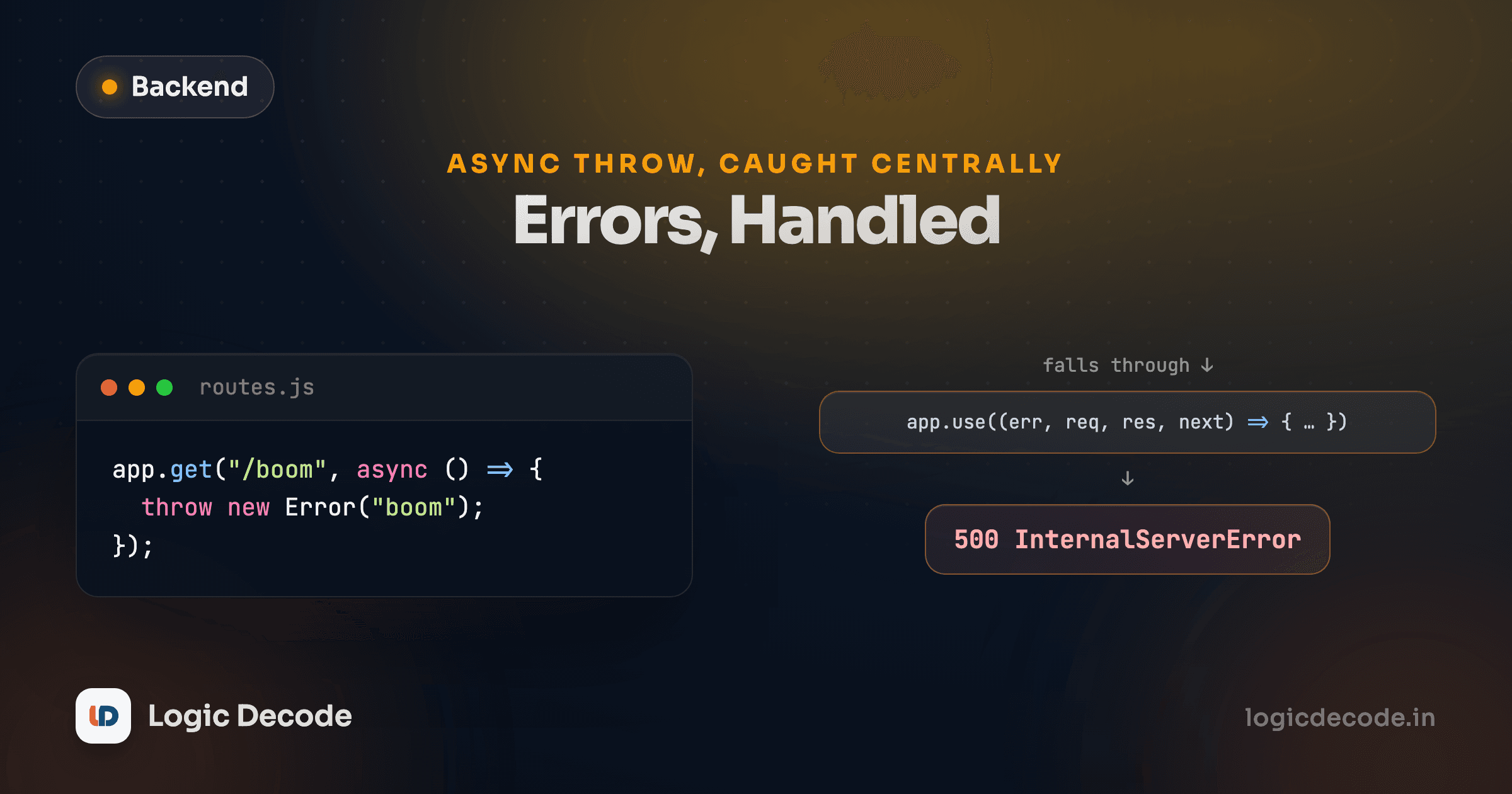
Express 5 fixes this at the framework level. It awaits the promise your async handler returns, and if that promise rejects, for any reason, an uncaught throw, a failed await, Express automatically forwards the error to your error-handling middleware. The throw err in the code above is completely safe: it doesn't need a next(err) call, it doesn't need a wrapper, Express catches it.
If you're reading an Express 4 tutorial
Older guides wrap every async route body in try { ... } catch (err) { next(err) }, or import a helper like express-async-handler to do it for them. That pattern still works in Express 5, it's just no longer necessary. Express 5 also requires Node 18 or later, so if you're on an old Node install, that's worth checking first.
Quick check
In Express 5, what happens if an async route handler throws an error and nothing calls next(err)?
Put it together and Express earns its keep in exactly the three places you'd expect: it turns "match this path and method" into a one-line app.get/app.post call, it turns "parse this request body" into express.json(), and now, with version 5, it turns "don't let an async crash take down the process" into the default behavior instead of something you write yourself. None of that is magic. It's the same work you did by hand in the last lesson, just centralized somewhere it can't be forgotten.
You've now seen every piece except how a request finds the right handler when the URL has a variable in it, like /links/42. That's next: route params, query strings and bodies. If you want the TypeScript refresher first, basic types covers everything used in credentials and newLink above.

Written by
Rhythm Bhiwani
Engineer and relentless builder, happiest reverse-engineering hard problems until they click.
Enjoyed this?
Tap the heart to leave some love.
Be the first to react
Comments
Join the conversation.
Loading comments…