TypeScript Basic Types, Explained
The core TypeScript types (string, number, boolean, arrays, any vs unknown), plus type annotations vs inference, with live runnable code.

A type is a promise about what a value is. Say a variable holds a number, and TypeScript holds you to it. Pass a string in by accident and the editor underlines it in red before you ever run the code. That's the whole pitch: catch the dumb mistakes while you type, not at 2am when a user hits them. This lesson walks through the handful of types you'll use constantly.
Annotations vs inference
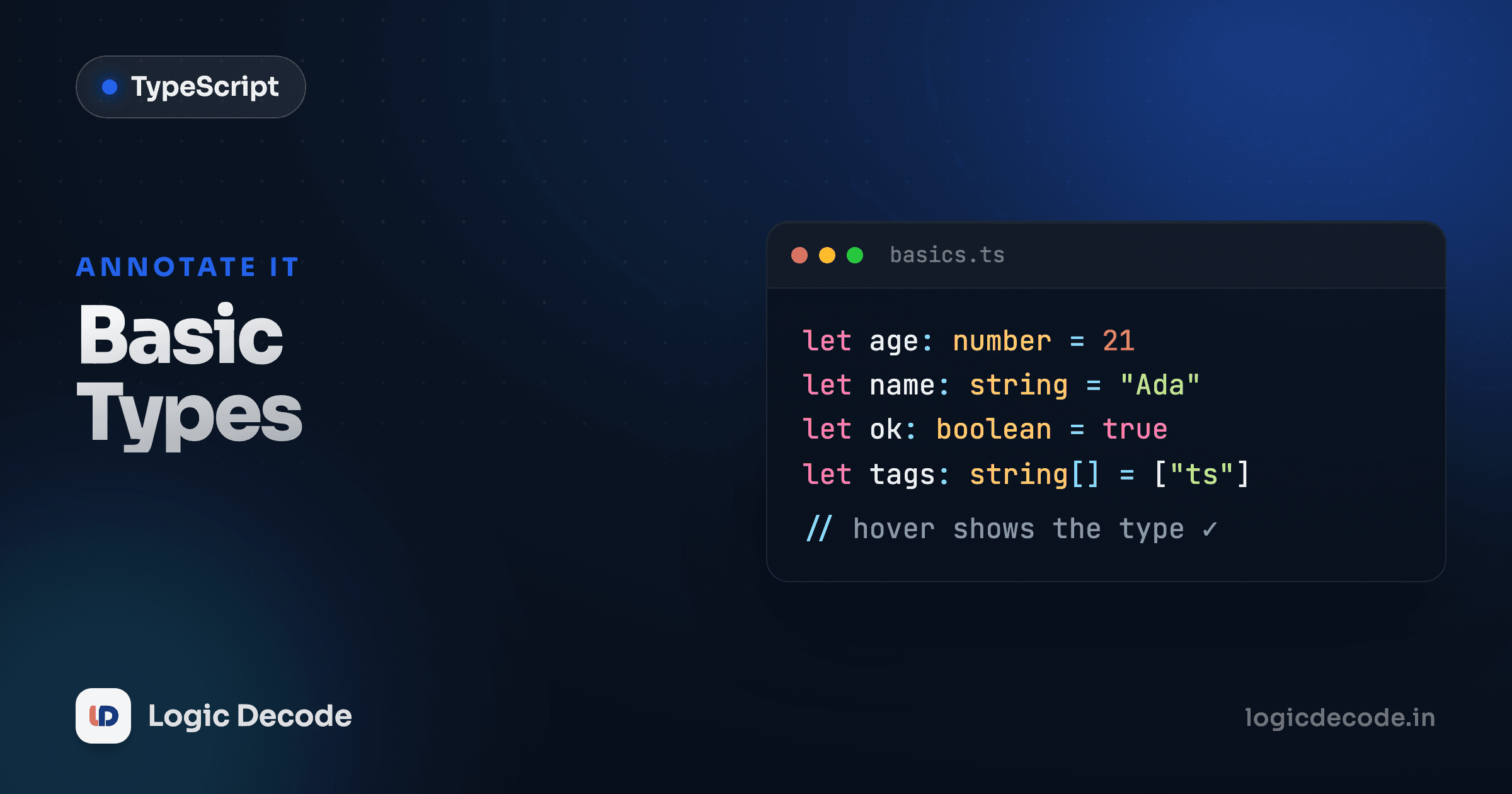
You can tell TypeScript a type out loud. That's an annotation, the bit after the colon:
But here's the thing most beginners miss: you usually don't have to. TypeScript watches what you assign and figures the type out itself. This is inference, and it's the better default.
Both versions give you the exact same safety. let score = 10 is already a number as far as TypeScript is concerned, so writing score = "ten" later is an error either way. The : number in the first example is just noise. Let TypeScript infer the obvious cases and save annotations for where they earn their keep: function parameters, empty containers, and values whose type isn't clear from the assignment.
When to annotate
Rule of thumb: if the value is right there on the line (= 10, = "hi", = true), skip the annotation. If TypeScript can't see the value, like a function's parameters or let result; with nothing assigned yet, spell out the type.
The primitives
Three types cover the bulk of everyday code: string, number, and boolean. There's no separate int or float. Every number is just number, whether it's 3, -7, or 3.14.
Now watch a type error get caught. This is the part that actually saves you:
TypeScript flags age = "thirty" with something like Type 'string' is not assignable to type 'number'. The squiggle shows up as you write the line, with no running and no waiting. In plain JavaScript this assignment is perfectly legal and then quietly breaks some math three functions later. That gap, between "wrote the bug" and "found the bug," is what types close.
Arrays
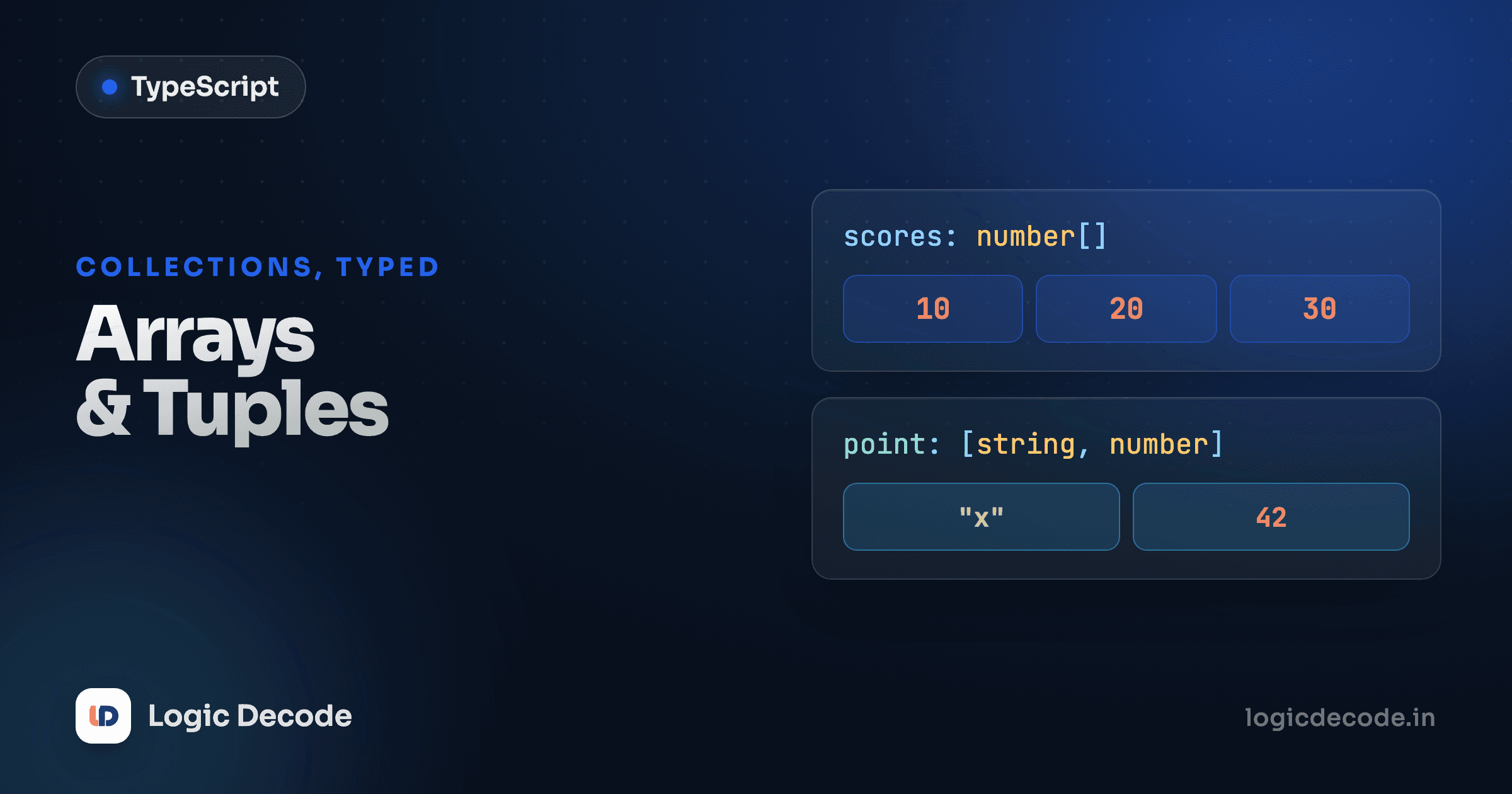
An array of numbers is number[]. An array of strings is string[]. The square brackets mean "a list of these."
There's a second way to write the same thing using Array<number>. It's identical in meaning, so pick whichever reads better to you. Most people default to number[] because it's shorter, and reach for Array<...> when the inner type gets long.
let scores: Array<number> = [88, 92, 79];   // same as number[]
let names: Array<string> = ["Aarav", "Diya"]; // same as string[]
The payoff: the array remembers what it holds. Try scores.push("oops") and TypeScript stops you, because a number[] only takes numbers.
Literal types
A type can be more specific than "any string." It can be one exact value. Combine a few of those with | (a union, covered properly in a later lesson) and you get a value that's locked to a short menu of options:
This is one of TypeScript's quiet superpowers. Instead of a loose string that could be anything (including a typo like "Left" or "souht"), you constrain a value to the only options that make sense. Status fields, sizes, modes, directions: anything with a fixed set of valid values is a great fit for literal types.
any vs unknown vs never
Sometimes you genuinely don't know a value's type, like data from an API or something parsed from JSON. TypeScript gives you two tools here, and the difference matters.
any is the escape hatch. It switches type-checking off for that value. You can do anything to it, and TypeScript won't complain, which means it also won't catch your bugs.
That second call, data.doesNotExist(), sails right past the type checker and throws at runtime. any is contagious too. It tends to spread through your code, quietly turning off safety everywhere it touches. Avoid it. When you reach for any, you've opted out of the entire reason you're using TypeScript.
unknown is the safe version of the same idea: "I don't know what this is yet." The difference is TypeScript won't let you use it until you've checked what it actually is.
Same flexibility coming in, real safety going out. Reach for unknown when you truly don't know a type, then narrow it down with a check like typeof. Use it instead of any almost every time.
Quick check
You're handed a value typed as unknown. What must you do before calling a string method on it?
There's a third, rarer one: never. It means "a value that can't exist," the type of a function that always throws or never returns. You won't write it by hand often, but you'll see it in error messages and in exhaustiveness checks later in the series. File it away for now.
null, undefined, and strict mode
null and undefined are JavaScript's two flavors of "nothing." TypeScript's most valuable single setting, strictNullChecks (on by default in strict mode, which every modern project uses), forces you to deal with them.
Without strict mode, null slips into a string and you get the infamous cannot read properties of null crash at runtime. With it on, TypeScript makes you handle the "what if it's missing?" case up front, exactly the situation that produces a huge share of real-world JS errors. Leave strict mode on. It's the difference between TypeScript catching null bugs and TypeScript shrugging at them.
Don't silence the checker
When TypeScript flags a possible null, the fix is a real check (if (x !== null)) or a default value, not slapping ! or as on it to make the red line go away. Those tell the compiler "trust me," and the compiler will, right up until it crashes.
Recap and what's next
The mental model: annotate when TypeScript can't see the value, otherwise let it infer. The primitives (string, number, boolean) cover most code. Arrays are number[] (or Array<number>), and literal types like "left" | "right" lock a value to a known menu. Prefer unknown over any so you keep the checks instead of throwing them away, know that never means "impossible," and keep strict mode on so null and undefined can't sneak past you.
This came after Why TypeScript?, where we made the case for adding types at all. For the official tour of these same types, the handbook's Everyday Types page is the canonical reference. Next we go from describing single values to describing the shape of whole objects with interfaces and type aliases, the tool you'll use to model real data.

Written by
Rhythm Bhiwani
Engineer and relentless builder, happiest reverse-engineering hard problems until they click.
Enjoyed this?
Tap the heart to leave some love.
Be the first to react
Comments
Join the conversation.
Loading comments…