TypeScript Interfaces vs Type Aliases
Describe object shapes in TypeScript with interfaces and type aliases: when to use which, plus optional and readonly fields, with examples.

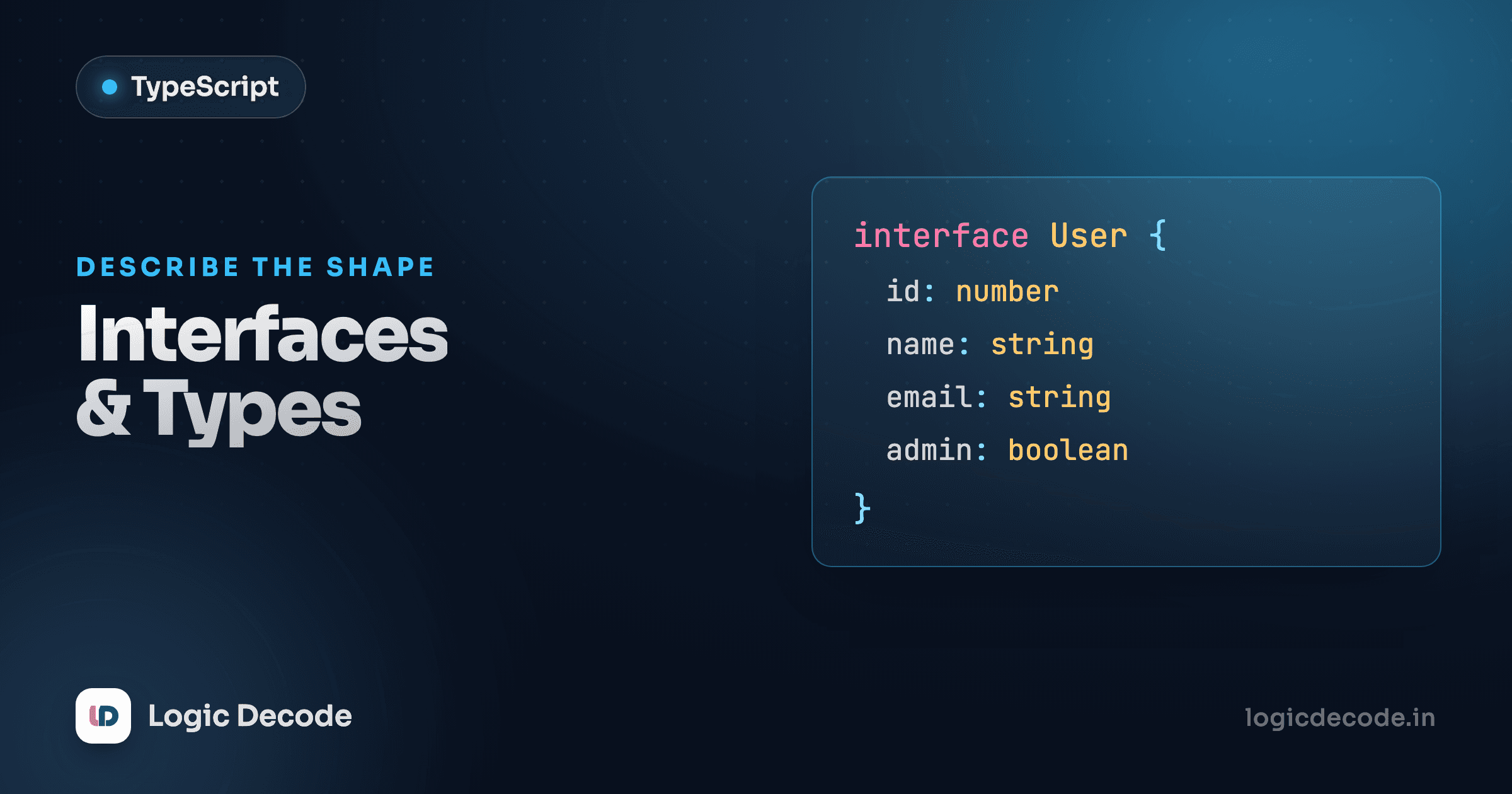
Basic types taught you to label single values: string, number, boolean. But real code passes around objects: a user, an order, a config. The moment you want to say "this thing has a name that's a string and an age that's a number," you need a way to name a shape. TypeScript gives you two: interface and type. They overlap a lot, people argue about which to use, and the honest answer is most of the time it doesn't matter. Here's what each does, where they differ, and a default that'll stop you dithering.
Describing a shape with interface
An interface is a named contract for an object. Write the fields, give each a type, and now any object claiming to be that shape has to honor it.
Delete the age line and run it again. TypeScript flags the object before it ever runs, because it no longer matches User. Add a field that isn't in the interface, same thing: an object literal can't have extra properties the shape didn't promise. That strictness is the point. The interface is the single place that says what a User is, and everything downstream gets checked against it.
Note User only exists at compile time. It's not in the JavaScript that ships, so there's no runtime cost, no object created. It's a description that the type-checker reads and then throws away.
Describing the same shape with type
A type alias does the same job with different keywords. You assign a shape to a name with =:
Functionally identical to the interface version. Same checking, same errors, same zero runtime footprint. If your only goal is naming an object shape, the two are interchangeable, and you could swap one for the other in either example without changing a thing.
So why have both? Because type can do things interface can't, and interface does one thing type can't. We'll get to that. First, two field modifiers you'll reach for constantly.
Optional and readonly fields
Not every field is always there. A user might not have set a nickname yet. Stick a ? after the field name and it becomes optional:
nickname?: string means the field is either a string or missing entirely. diya skips it and TypeScript is fine. The catch: when you read diya.nickname, its type is string | undefined, so TypeScript will make you check before you use it as a string. That nudge is the whole value. Optional fields force you to handle the "not there" case instead of crashing on it later.
The other modifier is readonly. Put it in front of a field and you can set it once, when the object is created, but never reassign it:
interface User {
  readonly id: number;
  name: string;
}

const sam: User = { id: 1, name: "Sam" };
sam.name = "Samuel";  // fine — name is mutable
sam.id = 2;           // Error: Cannot assign to 'id', it is read-only
Use it for things that genuinely shouldn't change after creation, like a database id or a created-at timestamp. It's a compile-time guard, so it won't stop a determined as any, but it catches the accidental reassignment that's far more common.
readonly isn't deep
readonly only freezes that one property slot. If the field holds an array or object, you can still push to the array or mutate the nested object. readonly just stops you from pointing the field at a new value. For a locked array, reach for readonly string[].
Combining shapes: extends vs &
Shapes build on each other. An AdminUser is a User plus a couple of extra fields. You don't repeat yourself, you extend. Interfaces use extends:
AdminUser inherits every field from User and adds its own. Leave out name and TypeScript complains, because the extends pulled it in.
Type aliases get the same result by intersecting with &, which means "has all the fields of both":
type User = {
  name: string;
  age: number;
};

type AdminUser = User & {
  role: "admin";
  canDelete: boolean;
};
User & { ... } is read as "a User and also these extra fields." For plain object shapes, interface extends and type & land in the same place. The difference shows up at the edges: & happily intersects unions and other non-object types, while extends is built specifically for the object-inheritance case.
Quick check
What does a field declared as `nickname?: string` mean?
The real difference: type does more, interface merges
Here's the part worth remembering. A type alias isn't limited to objects. It can name anything: a union, a primitive, a tuple, a function signature.
type Status = "active" | "paused" | "banned";  // union of literals
type ID = string | number;                      // either-or
type Point = [number, number];                  // a tuple
type Greet = (name: string) => string;          // a function type
None of those are object shapes, and interface can't express a single one of them. This is the big practical line: when you need a union, a primitive alias, or a tuple, you reach for type because it's the only tool that fits.
What can interface do that type can't? Declaration merging. Declare the same interface name twice and TypeScript glues them together:
interface Window {
  title: string;
}
interface Window {
  version: number;
}
// Window now has BOTH title and version
You almost never want this in your own code, but it's how libraries let you augment their types. It's the reason ambient types like the browser's Window are interfaces. Try that with two type Window = ... declarations and you get a "duplicate identifier" error instead.
A default that ends the argument
You can build most apps using only one of these and never feel the lack. But a rule of thumb saves you from re-deciding every time:
interfacefor object shapes: yourUser,Product, component props, API responses. It reads cleanly,extendsis purpose-built for it, and it's the convention most TypeScript codebases and the official handbook lean on for objects.typefor everything else: unions, primitives, tuples, function types, and any place you're aliasing something that isn't a plain object.
That's it. Object? interface. Not an object? type. You'll find teams that go all-in on type for consistency and that's fine too. Pick one rule, write it down, move on. The worst choice is changing your mind file to file.
Typing a function's object parameter
The payoff for all this: functions that take an object can demand exactly the shape they need. Define the shape once, annotate the parameter, and every call gets checked.
order: Order says the function only accepts something matching the Order shape. Call it with a missing item or a quantity that's a string and TypeScript stops you at the call site, so you find the bug while typing, not when a customer hits it. The optional gift lets callers skip it, and inside the function TypeScript knows it might be undefined, so the order.gift ? check is exactly the kind of guard those ? fields earn you.
Recap and what's next
Interfaces and type aliases both name shapes so TypeScript can check your objects: interface User { ... } and type User = { ... } do the same job for plain objects. Add ? for optional fields and readonly for fields that shouldn't change after creation. Build bigger shapes with interface extends or type &. The split that actually matters: type can also name unions, primitives, tuples, and function types (which interface can't), while interface supports declaration merging that libraries rely on. A safe default is interface for object shapes, type for everything else.
Next we let TypeScript do the work for you. In Functions and inference, you'll see how often you can drop the annotations entirely and still get full type safety, because TypeScript figures out the types on its own.

Written by
Rhythm Bhiwani
Engineer and relentless builder, happiest reverse-engineering hard problems until they click.
Enjoyed this?
Tap the heart to leave some love.
Be the first to react
Comments
Join the conversation.
Loading comments…