Migrate a JavaScript Project to TypeScript
A practical capstone: convert a small JavaScript project to TypeScript step by step, covering tsconfig, types, and fixing errors, hands-on.

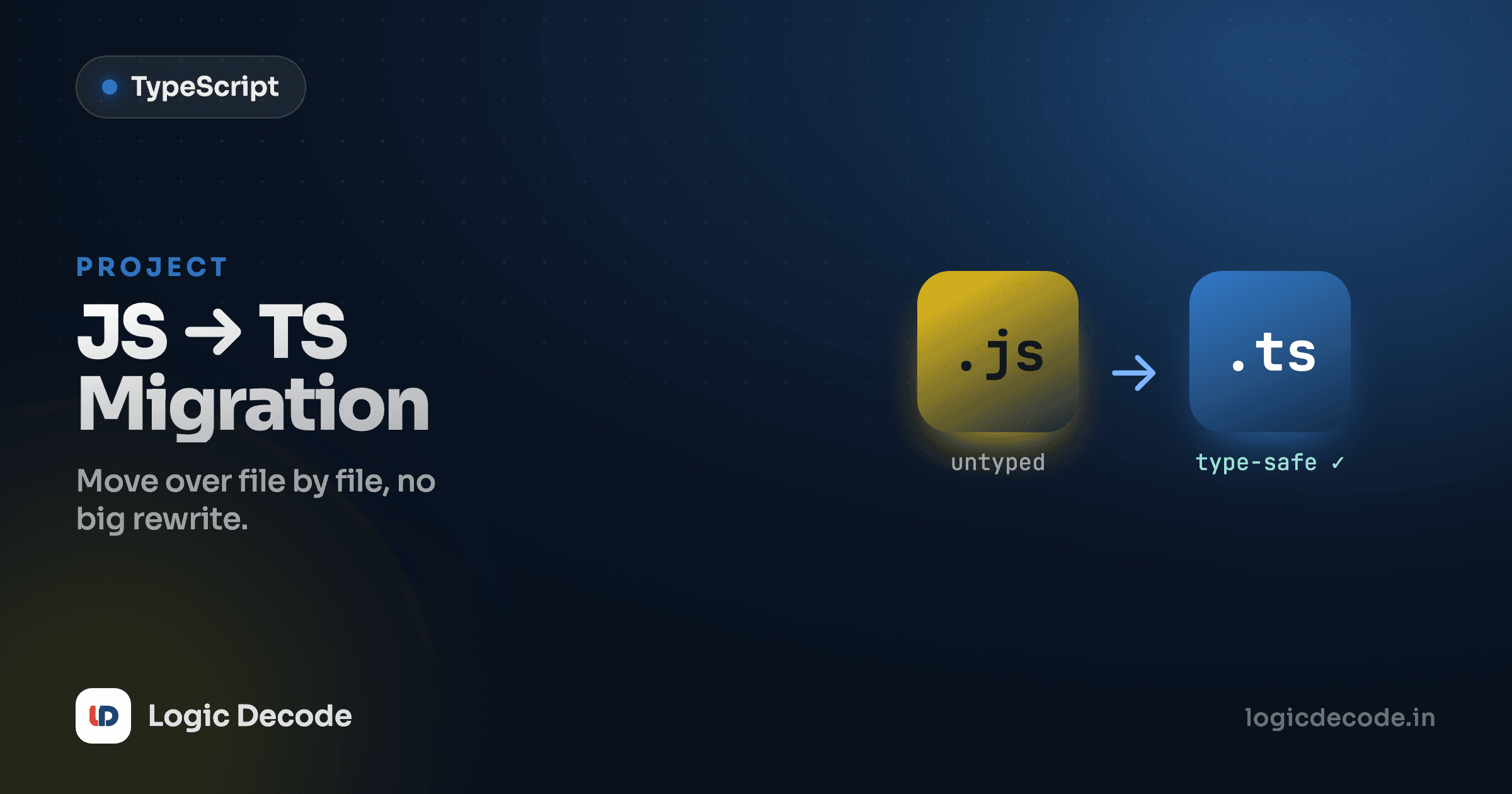
You've got a small JavaScript file that works. Now you want the safety net you've spent this whole series learning about. The good news: you don't rewrite anything. Migrating to TypeScript is a sequence of small, boring steps: install a tool, add a config, rename a file, fix the errors it surfaces. We'll do it on a real example, a shopping-cart total module, and you'll watch TypeScript find two genuine bugs that were sitting there the whole time.
This is the last lesson of TypeScript, Practically, so it pulls the series together. Everything you learned (the basic types, interfaces, and functions and inference) earns its keep here.
The JavaScript we're starting with
Here's the module. It builds a cart, sums it up, applies a discount code, and prints a receipt. Plain JavaScript, no types, and it runs.
function makeItem(name, price, qty) {
  return { name, price, qty };
}

function lineTotal(item) {
  return item.price * item.qty;
}

function cartTotal(items) {
  let total = 0;
  for (const item of items) {
    total += lineTotal(item);
  }
  return total;
}

function applyDiscount(total, code) {
  const codes = { SAVE10: 0.1, HALF: 0.5 };
  const rate = codes[code];
  return total - total * rate;
}

const cart = [
  makeItem("Notebook", 4.5, 3),
  makeItem("Pen", 1.25, 10),
];

const subtotal = cartTotal(cart);
console.log("Total:", applyDiscount(subtotal, "SAVE10"));
Read it and it looks fine. It runs without throwing. That's exactly the problem with untyped code. "Doesn't throw" and "is correct" are not the same thing, and JavaScript will happily ship the gap between them.
Step 1: Add TypeScript
TypeScript is a dev dependency. It runs during development and the build, never in production. Install it and scaffold a config:
npm install -D typescript
npx tsc --init
The first line drops typescript into your project. The second generates a tsconfig.json, the file that tells the compiler how to behave. tsc is the TypeScript compiler itself. npx just runs the local copy you installed without a global install.
Step 2: A minimal tsconfig.json
tsc --init produces a tsconfig.json full of commented-out options. You can ignore almost all of them. Here's a lean version that covers what actually matters for a small project:
{
  "compilerOptions": {
    "target": "ES2022",
    "module": "ESNext",
    "strict": true,
    "outDir": "dist",
    "rootDir": "src"
  }
}
Three settings carry the weight. target is which version of JavaScript you compile down to. ES2022 is a safe modern default that every current browser and Node version runs. outDir is where the compiled .js files land, so your generated output doesn't sit tangled up with your source. And strict is the one that matters most: it switches on the full set of safety checks, including strictNullChecks from the basic types lesson. Turn it on now, on day one. Turning it on later, after you've written piles of code that assumed it was off, is a miserable afternoon.
strict is non-negotiable
Every reason to use TypeScript lives inside strict. With it off, null slips into a string, function parameters silently become any, and you've paid for a safety net with most of the netting cut out. New project? strict: true, always.
Step 3: Rename .js to .ts and let inference work
This is the part that surprises people. Rename cart.js to cart.ts and... most of it just compiles. Valid JavaScript is valid TypeScript, and TypeScript infers a lot on its own. let total = 0 is already a number, lineTotal already returns number * number. You don't annotate what TypeScript can already see, a habit we leaned on hard in functions and inference.
But rename it and the compiler lights up a few lines in red. That's not the migration breaking. That's the migration working. Each squiggle is a question JavaScript never made you answer.
Step 4: Fix the errors TypeScript surfaces
Run npx tsc (or just look at the underlines in your editor) and you get errors like these:
Parameter 'name' implicitly has an 'any' type.(onmakeItem,lineTotal,cartTotal,applyDiscount). Understrict, a parameter with no type isn't allowed to silently becomeany.Element implicitly has an 'any' type because expression of type 'string' can't be used to index type...(oncodes[code]inapplyDiscount).
Let's fix them in order. First, the parameters. The compiler is telling you it can't infer what gets passed in to a function. It only sees the body, not the callers. So spell the inputs out:
function lineTotal(item: { price: number; qty: number }): number {
  return item.price * item.qty;
}
That inline { price: number; qty: number } works, but it gets repetitive once three functions all take the same shape. This is exactly what an interface is for: name the shape once, reuse it everywhere.
Step 5: Type the object with an interface
Define the item shape once at the top, then point every function at it:
interface CartItem {
  name: string;
  price: number;
  qty: number;
}

function makeItem(name: string, price: number, qty: number): CartItem {
  return { name, price, qty };
}

function lineTotal(item: CartItem): number {
  return item.price * item.qty;
}

function cartTotal(items: CartItem[]): number {
  let total = 0;
  for (const item of items) {
    total += lineTotal(item);
  }
  return total;
}
Now the shape of a cart item lives in one place. Change it (add a sku, make qty optional) and every function that touches an item updates its expectations with it. That's types as documentation that can't go stale.
Step 6: The bug TypeScript was hiding
Back to applyDiscount. The error on codes[code] isn't pedantry. It's pointing at a real defect. code is any string, but codes only has SAVE10 and HALF. Pass "SAVE20" (a typo, or a code that doesn't exist yet) and codes[code] is undefined. Then total - total * undefined is NaN, and your receipt reads Total: NaN. JavaScript ran it without a peep.
Type the lookup honestly and the fix follows naturally. rate might be missing, so handle the missing case:
function applyDiscount(total: number, code: string): number {
  const codes: Record<string, number> = { SAVE10: 0.1, HALF: 0.5 };
  const rate = codes[code] ?? 0;
  return total - total * rate;
}
Record<string, number> says "an object whose keys are strings and values are numbers." With strict on, TypeScript treats codes[code] as possibly undefined, so it won't let you do math on it until you handle that. ?? 0 falls back to zero (no discount) for an unknown code. The NaN bug is gone, caught not by a customer but by a red underline.
Replace any, don't reach for it
The lazy fix for every error above is : any. It makes the red lines vanish and throws away the entire point of the migration. When you're tempted, ask what the value actually is and name that: CartItem, number, Record<string, number>. An hour of honest types beats a week of NaN mysteries.
The typed result, running
Here's the finished module, same logic, now type-checked end to end. Edit it: try changing "SAVE10" to a bogus "SAVE99" and watch the total stay sensible instead of going NaN.
Same behavior on the happy path. The difference is the unhappy paths (a string price, a missing item field, a typo'd discount code) are now caught while you type instead of in production.
Incremental adoption: you don't do it all at once
That example was one file. A real codebase is hundreds, and you do not stop everything to convert them in a weekend. TypeScript is built for a gradual move. Add allowJs to your config and .js and .ts files live side by side, importing each other freely:
{
  "compilerOptions": {
    "target": "ES2022",
    "strict": true,
    "allowJs": true
  }
}
Now convert one file at a time — start with the ones that hold core logic and get edited the most, since that's where types pay back fastest. A util that hasn't changed in two years can stay .js indefinitely. The official migrating from JavaScript guide walks through doing this on a larger project, including handling third-party libraries that don't ship their own types.
Quick check
During a gradual migration, which file should you convert to TypeScript first?
You finished the series
Look at the arc. You started by asking why TypeScript was worth the trouble at all, learned the basic types that annotate single values, modeled real data shapes with interfaces and type aliases, and got functions and inference down so you annotate only what the compiler can't already see. This capstone tied it together: a config, a rename, and a handful of honest types turned a JavaScript file that seemed fine into one the compiler vouches for, finding a NaN bug nobody had noticed.
None of this replaces the JavaScript underneath. TypeScript is JavaScript with a checker bolted on, which is exactly why the whole JavaScript for Beginners toolkit still applies: variables, functions, arrays, objects, all of it. You added a layer. You didn't start over.
So point it at something real. Take a script you actually use (a small tool, a side project, that one messy utils.js) and run it through these six steps this week. Install, config, rename, fix the squiggles, name the shapes, replace the anys. The first migration feels like a chore. By the third, working without types feels like driving with your eyes closed. Thanks for coding along. The whole TypeScript, Practically series is here whenever you want to revisit a lesson.

Written by
Rhythm Bhiwani
Engineer and relentless builder, happiest reverse-engineering hard problems until they click.
Enjoyed this?
Tap the heart to leave some love.
Be the first to react
Comments
Join the conversation.
Loading comments…