Why Learn JavaScript in 2026 (and Where It Runs)
What JavaScript is, where it runs (browser and server), and why it's the language of the web, with live code you run in the very first minute.

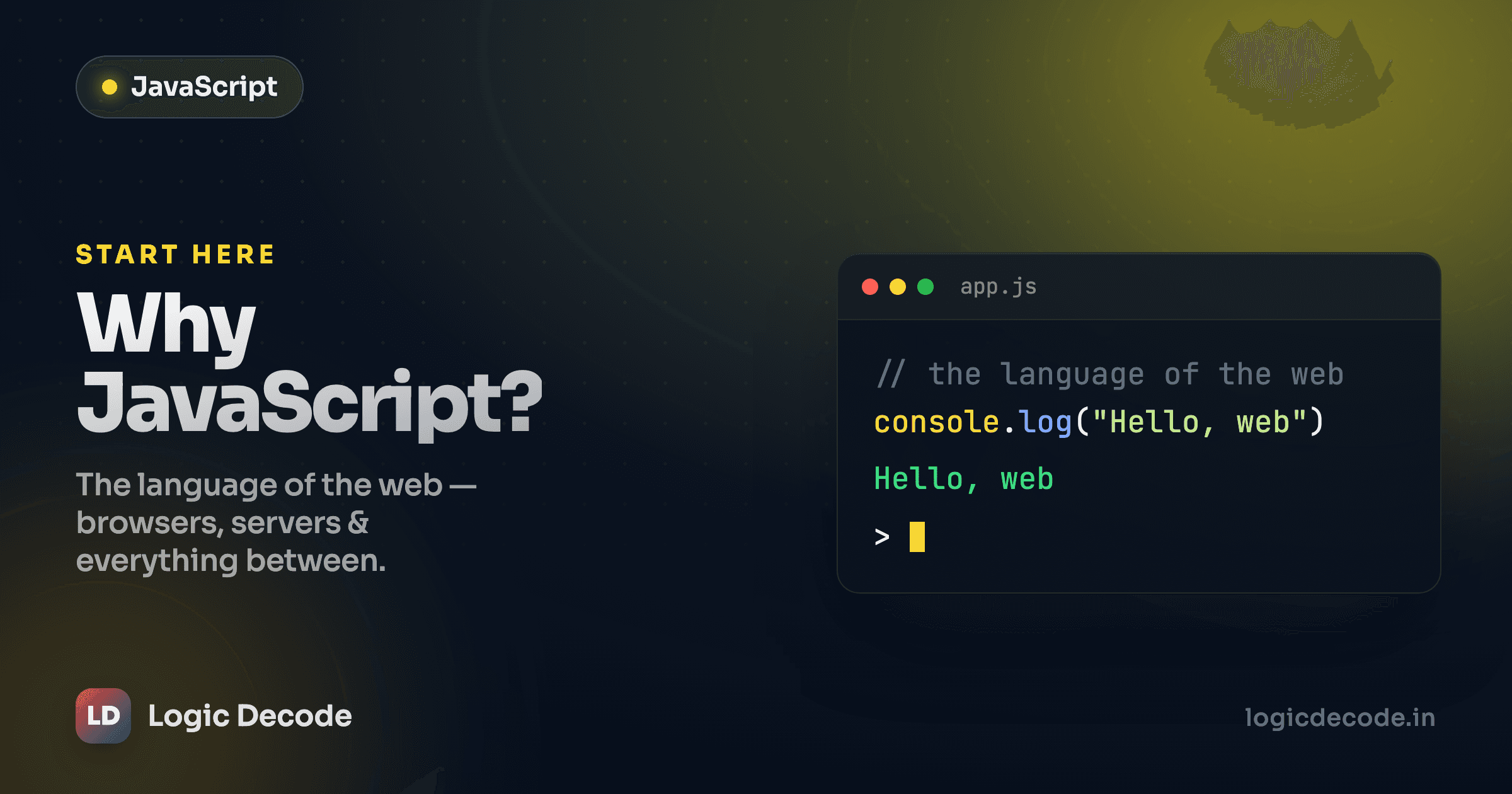
Open any website right now and pop the developer console. That little prompt where you can type code and hit enter? That's JavaScript, and it's already running on the page you're reading. No installer, no setup, no "configure your environment first." The language is sitting inside the browser you opened this in, waiting. That head start is most of why this series exists, and you'll cash it in before you finish this first lesson.
What JavaScript actually is
JavaScript is a programming language. You write instructions, the computer runs them, things happen. Same deal as Python or any other language. The twist is where it grew up: the web browser. Back in the mid-90s, web pages were static documents, just text and images that sat there. JavaScript was bolted on so a page could react: respond to a click, check a form before you submit it, change what's on screen without reloading.
It outgrew that job a long time ago. Today JavaScript runs the interactive guts of basically every site and app you touch: Gmail, Figma, YouTube, your bank's dashboard. When a page updates without a full reload, when a dropdown opens, when a map drags under your finger, JavaScript is doing it.
Here's the thing worth saying out loud early: a lot of the noise around JavaScript is frameworks and tooling, like React, Vue, build steps, and bundlers. Ignore all of that for now. Underneath every one of them is plain JavaScript, the same handful of ideas: values, variables, functions, loops, objects. Learn those first and the frameworks become "oh, it's just JavaScript with extra rules." Skip them and you'll forever be copy-pasting code you can't debug.
Run your first line, right now
Enough description. Here's a real, running JavaScript program. The editor below is live: the code runs in your browser, and you can change it.
That's it. That's a JavaScript program. console.log(...) prints to the console. It's the print() of the JavaScript world, the first tool you'll use a thousand times. const name = "Sam" stores a value under a name so you can reuse it. The + glues text together (and adds numbers, which trips people up later, but we'll get to that).
Go change "Sam" to your own name and re-run it. Swap 2009 for your birth year. The point of this whole series is that you never just read the code. You poke it, break it, fix it. That loop is how the syntax actually sticks. You learned more in those ten seconds of editing than from the paragraph above it.
The console is your friend
console.log() is how you peek at what your code is doing. When something behaves weirdly later, logging a value to see what it actually contains is the first move every working developer makes. Get comfortable with it now.
Where JavaScript runs (it's not just browsers anymore)
This is the part that surprises people coming from other languages. JavaScript escaped the browser.
In the browser. Every browser (Chrome, Safari, Firefox, Edge) ships with a JavaScript engine built in. That's why the Playground above needed zero setup: your browser already speaks the language. This is JavaScript's original home and still its biggest one. Anything that happens on a web page without a reload is JavaScript running on your machine.
On the server, with Node.js. In 2009 someone took Chrome's JavaScript engine and let it run outside the browser, as a normal program on a computer. That's Node.js. Suddenly you could write the back end of your app (the part that talks to databases, handles logins, serves the page) in the same language as the front end. One language for the whole stack. That's a genuinely big deal, and it's a large reason JavaScript exploded.
And beyond. It doesn't stop there. Mobile apps (React Native), desktop apps (VS Code itself is built on web tech), tiny hardware devices, even some database query layers run JavaScript. You learn one language and an absurd range of things opens up.
Quick check
Which of these can run JavaScript?
Why bother, especially if you already know Python?
Fair question. Python's a fantastic first language, and if you've read Why Learn Python you already know the case for it. So why add JavaScript?
Because they own different territory. Python rules data, automation, scripting, machine learning, the back end. JavaScript owns the thing the user actually sees and clicks. If you want to build anything that lives in a browser (a website, a web app, a dashboard, a game), there is no real alternative. The browser runs JavaScript and only JavaScript. That's not a popularity contest. It's the one language baked into the platform.
And the two play together beautifully. A common setup: Python crunches the data on the server, JavaScript paints it onto the screen. Knowing both means you can build the whole thing yourself instead of stopping at "and then someone else does the front end."
If you already think in Python, the good news is most of programming transfers. Variables, loops, conditionals, functions: same concepts, slightly different spelling. You're not starting from zero. You're learning a dialect. Where the languages diverge in surprising ways, I'll call it out so the Python habits in your head don't quietly bite you.
How this series works
Sixteen short lessons, one idea each, in order. Every single one has a live editor like the one above, so you'll be running and editing real code in your browser the whole way through. There is nothing to install. No Node.js, no setup, no terminal, not yet. We get you fluent in the language itself first. The tooling comes later, once it'll actually make sense.
Let me set honest expectations, because the internet oversells this. You won't be "a JavaScript developer" in a weekend, and anyone promising that is selling something. What you will have by the end of this series is a real working grasp of the language: you'll read code and understand it, write small programs from scratch, and have the foundation that React, Node, and everything else is built on. From there the ecosystem stops being intimidating. That's a realistic, genuinely useful place to get to, and these sixteen lessons get you there if you do the exercises instead of just skimming them.
One more thing: if you want the canonical reference for any of this, the MDN JavaScript docs are the gold standard, written by the people who build browsers, free, and far better than most paid courses. Bookmark them now.
What's next
You ran JavaScript in your browser, you know it lives in the browser and on the server (and well beyond), and you know why it's the one unavoidable language of the web. That's the whole "why" sorted.
Now the "how" begins. The first real building block is storing data, and JavaScript gives you a few ways to do it, with a couple of gotchas that confuse newcomers for years. Next up: JavaScript variables: let and const.

Written by
Rhythm Bhiwani
Engineer and relentless builder, happiest reverse-engineering hard problems until they click.
Enjoyed this?
Tap the heart to leave some love.
Be the first to react
Comments
Join the conversation.
Loading comments…