TypeScript Generics, Finally Explained
Generics in TypeScript without the headache: reusable, type-safe functions and types, from <T> to constraints, with examples.

You write a first function that grabs the first item out of an array. It works on numbers. Then you need it for strings, then for user objects, and now you're either copy-pasting it three times or you've typed the argument as any[] and thrown away every type you cared about. Generics are how you write that function once and keep the types.
The problem: any throws away what you know
Say you want a function that returns the first element of an array. Here's the lazy version.
function first(arr: any[]): any {
  return arr[0];
}

const name = first(["Maya", "Aarav"]); // name: any
name.toUpperCase(); // fine
name.toFixed(2);    // ALSO fine — but it's a string, this crashes at runtime
The function works, but any is a black hole. The moment a value becomes any, TypeScript stops checking it. name is really a string, yet you can call .toFixed() on it and the compiler shrugs. You've turned off the one thing TypeScript is for.
The information you threw away is simple: the type that goes in is the type that comes out. An array of strings gives back a string. An array of numbers gives back a number. You know that relationship. Generics let you write it down.
Your first generic: <T>
A generic is a type variable, a placeholder for a type that gets filled in when the function is called, the same way a regular parameter is a placeholder for a value.
function first<T>(arr: T[]): T {
  return arr[0];
}

const name = first(["Maya", "Aarav"]); // name: string
const age = first([30, 41, 19]);       // age: number
Read <T> as "this function works for some type T, and I'll tell you how T flows through." The argument is T[] (an array of T), the return is T. So when you pass string[], T becomes string, and the return type is string. Pass number[] and T is number.
Notice you never wrote first<string>(...). TypeScript looked at the argument and figured out T for you. That's inference doing the work. You can be explicit with first<string>(["a"]) when you need to, but most of the time you don't.
T is just a conventional name (for "Type"). You'll also see U, K, V, or full words like <Item>. Use whatever reads clearly.
Generic vs any, in one line
any says "I don't know and I don't care." A generic says "I don't know yet, but whatever it is, hold onto it." One discards type info. The other carries it through.
See it run
Open the console and watch the types hold up. Change the array contents and the inferred type changes with them.
top came back fully typed as { id: number; name: string } even though first knows nothing about users. The type rode along. Try changing .name to .nmae and the editor flags it, because top isn't any.
Generic types and interfaces
Generics aren't just for functions. You can make a type generic too, so it works over many shapes without you redefining it.
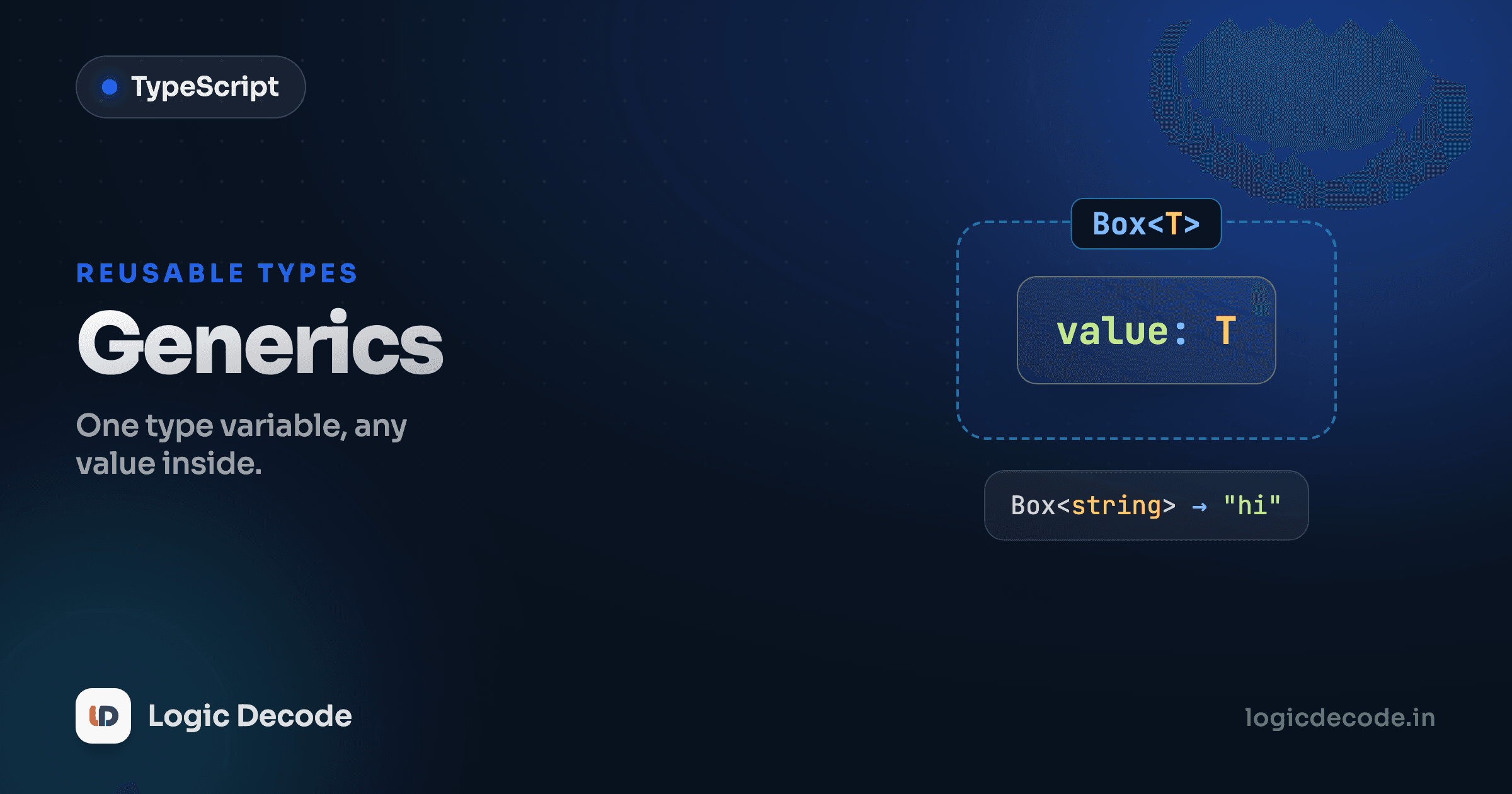
A classic example is a Box<T>, a container that holds one value of some type:
interface Box<T> {
  value: T;
}

const stringBox: Box<string> = { value: "hello" };
const numberBox: Box<number> = { value: 42 };

stringBox.value.toUpperCase(); // ok, value is string
numberBox.value.toFixed(1);    // ok, value is number
Box<T> is one definition that produces a whole family of types. Box<string> has a value: string. Box<number> has a value: number. You wrote the structure once and parameterized the part that varies.
Where this earns its keep is API responses. Every fetch comes back wrapped the same way (a status, maybe an error) but the actual data is different on each endpoint. Model that wrapper once:
type Result<T> =
  | { ok: true; data: T }
  | { ok: false; error: string };

type User = { id: number; name: string };

function getUser(): Result<User> {
  return { ok: true, data: { id: 1, name: "Sam" } };
}

const res = getUser();
if (res.ok) {
  console.log(res.data.name); // res.data is User here
} else {
  console.log(res.error);     // res.error is string here
}
Result<User> is "a success carrying a User, or a failure carrying an error string." Swap in Result<Post> or Result<number[]> and the whole shape adapts. If that if (res.ok) narrowing looks familiar, it's the discriminated union trick from Unions and narrowing. Generics and unions compose cleanly.
Constraints: T extends ...
Sometimes a fully open T is too open. Picture a function that pulls the id off whatever you pass it. With a bare <T>, TypeScript can't let you touch .id, because T might be a number or a boolean, things with no id.
You fix that by constraining T: you require it to have at least a certain shape.
function getId<T extends { id: number }>(item: T): number {
  return item.id;
}

getId({ id: 7, name: "Diya" }); // 7 — extra fields are fine
getId({ id: 99 });              // 99
getId({ name: "no id here" });  // Error: missing 'id'
T extends { id: number } means "T can be any type, as long as it has an id that's a number." Inside the function you can safely read item.id. Pass something without an id and you get a compile error before the code ever runs. You kept the flexibility (any object with an id works) while regaining safety (you can actually use .id).
Quick check
Why use `function getId<T extends { id: number }>(item: T)` instead of `function getId(item: { id: number })`?
You've already been using generics
Here's the part that makes it click: you didn't start today. You've been calling generics since your first day of TypeScript.
const names: Array<string> = ["Maya", "Sam"]; // Array<T>
const ages: number[] = [30, 41];              // same thing, shorthand

const ready: Promise<boolean> = fetch("/ping").then(() => true); // Promise<T>
Array<string> is literally the generic Array<T> with T set to string, and string[] is just sugar for it. A Promise<boolean> is a promise that resolves to a boolean. When you get to React, useState<number>(0) is the same idea: a generic hook told to hold a number. Every one of these is <T> doing exactly what first<T> does, carrying a type through a reusable container.
So generics aren't an exotic feature you're adopting. They're the machinery under the standard library you've used all along. Now you can build your own.
Recap and what's next
Generics let you write one function or type that works across many types without losing type information the way any does. The pieces: declare a type variable with <T>, let TypeScript infer it from the arguments, parameterize types and interfaces (Box<T>, Result<T>) so one definition spans a family of shapes, and constrain with T extends ... when you need to guarantee the type has certain members. And you've already leaned on Array<T>, Promise<T>, and friends without thinking of them as generic.
For the full reference (default type parameters, generic classes, the lot) the official TypeScript handbook on generics is the place to go.
Next we put all of this to work in a real app: TypeScript with React, where typed props, typed state, and generic hooks come together.

Written by
Rhythm Bhiwani
Engineer and relentless builder, happiest reverse-engineering hard problems until they click.
Enjoyed this?
Tap the heart to leave some love.
Be the first to react
Comments
Join the conversation.
Loading comments…