Using TypeScript with React, Practically
Type React the practical way: props, state, events, and children, the patterns you'll actually use, with a live TypeScript + React editor.

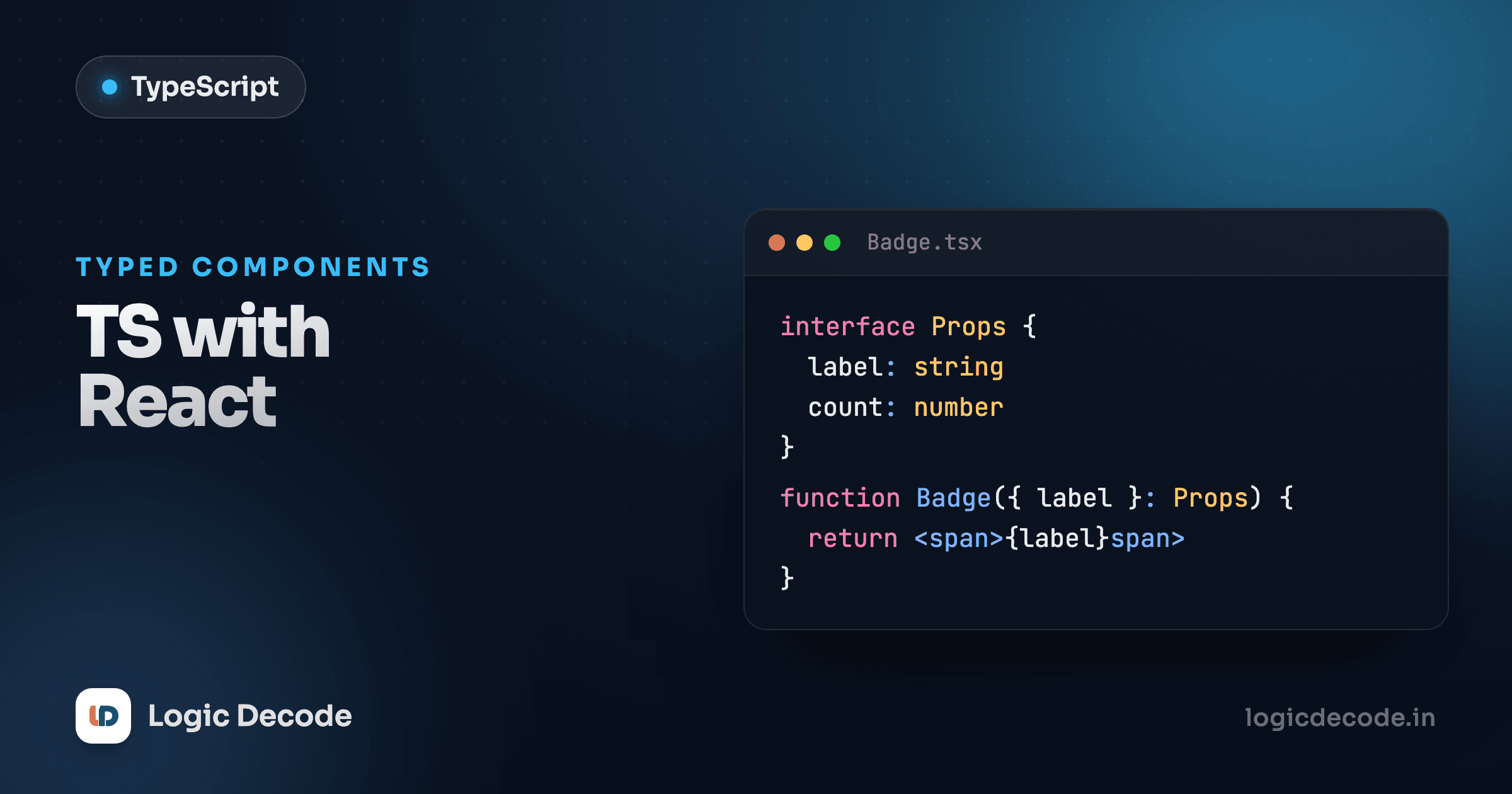
The first time you pass the wrong prop to a component, TypeScript catches it before the page even loads. No silent undefined rendering as a blank box, no console hunt at 11pm. You wrote <Greeting nam="Sam" /> instead of name, and the red squiggle is right there in the editor. That's the whole pitch for typing React. The mistakes you'd normally find by clicking around, you find while typing. Here's the small set of patterns that gets you 90% of the way.
Typing props with an interface
Props are just an object your component receives. Describe that object's shape, and every place you use the component gets checked against it. Define the type, then destructure the props in the parameter list.
GreetingProps says this component needs a name string and optionally an excited boolean (the ? marks it optional). The { name, excited = false }: GreetingProps part destructures those props and annotates the whole object in one go. Try changing name="Maya" to name={42} in the editor: red squiggle, because name must be a string. Delete the name prop entirely and TypeScript tells you it's required. That's the payoff. The contract is enforced at every call site, not discovered at runtime.
interface and type are interchangeable here. type GreetingProps = { name: string } works exactly the same. Most React teams use interface for props out of habit. Pick one and stay consistent.
Typing children
When a component wraps other content, that content arrives as the children prop. Almost anything can be a child (text, an element, a number, a list of elements, even nothing), so React gives you one type that covers all of it: React.ReactNode.
children: ReactNode is the one to memorize. It accepts JSX, strings, numbers, arrays of those, null, and undefined, the full set of things React can render. Don't reach for JSX.Element for children. That's narrower and rejects plain text or multiple elements, which breaks the moment someone passes two paragraphs.
Where do types live?
Small, one-off prop types go right above the component in the same file, which is where you'll read them. Once a type is shared across files (an User, an API response), move it to a types.ts and import it. Don't build a types folder on day one. Let it grow when the duplication actually appears.
Typing state
useState infers the type from whatever you pass as the initial value, so most of the time you write nothing extra. useState("") is a string, useState(0) is a number, useState(false) is a boolean. TypeScript already knows.
You only annotate when the initial value doesn't tell the full story. The classic case is state that starts empty but will hold something later. useState(null) infers the type as null and forever, which is useless. Pass the type explicitly with useState<Type>().
count needs nothing, since useState(0) is plainly a number. user needs useState<User | null>(null), because without it TypeScript would lock the type to null and reject setUser({ name, age }). The bonus: that User | null forces you to handle the null case (user ? ... : ...) before reading user.name, which is exactly the bug you want caught.
Quick check
When do you need to write useState<Type>() instead of letting it infer?
Typing event handlers
This is where people get stuck, because the event type isn't obvious. When you write the handler inline in JSX, TypeScript infers the event for you. The (e) => ... already knows what e is. You only spell out the type when you pull the handler into a named function.
React.ChangeEvent<HTMLInputElement> is the type for an input's onChange. The <HTMLInputElement> part is what makes e.target.value a known string instead of a guess. For clicks it's React.MouseEvent<HTMLButtonElement>. The pattern is React.<EventName>Event<TheElement>. And the shortcut: if you write the handler inline as onChange={(e) => setText(e.target.value)}, you don't type the event at all, since React's own types fill it in. Name the function only when you need to reuse it or the JSX gets crowded.
Typing a function prop
Passing a callback down to a child is everyday React. The prop is a function, so you type it like one: arguments in, return type out. A handler that takes no args and returns nothing is () => void.
onIncrement: (by: number) => void says the parent must pass a function that accepts a number and returns nothing meaningful. Inside Counter, calling onIncrement("oops") would be flagged for the wrong argument type. And the parent's inline (by) => ... gets by typed as a number for free, because the prop's type flows down to it. That's the win you keep getting: type the boundary once, and both sides stay honest.
What you've got now
You can type the parts of React you touch every day: props with an interface (destructured in the parameter list), children with React.ReactNode, state with inference by default and useState<Type>() when the initial value is too narrow, events with React.ChangeEvent<HTMLInputElement> and friends, and function props as (args) => void. That's the practical core. Everything fancier builds on these.
If you want to go deeper on a specific corner, the official React TypeScript docs and typescriptlang.org are the reference worth bookmarking. This lesson assumed you know the React side already. If controlled inputs or props feel shaky, revisit React components and props first.
You met the type tools we leaned on here back in generics (that's what powers useState<T>). Next up is utility types, the built-in helpers like Partial, Pick, and Omit that let you reshape the types you already have instead of writing new ones by hand.

Written by
Rhythm Bhiwani
Engineer and relentless builder, happiest reverse-engineering hard problems until they click.
Enjoyed this?
Tap the heart to leave some love.
Be the first to react
Comments
Join the conversation.
Loading comments…