Build a Simple AI Agent in Python
Build a simple AI agent in Python: the think-act-observe loop, tool use, and memory, so the model can take steps, not just answer once.

"Agent" is the most overhyped word in AI right now. Strip the marketing and it's something you can already almost build: a while loop around the tool calling you learned last lesson. The model gets a question, decides whether to use a tool, you run the tool and hand back the result, and it goes again, until it has enough to answer. That loop is the entire idea. Let's build one in about sixty lines.
What an agent actually is
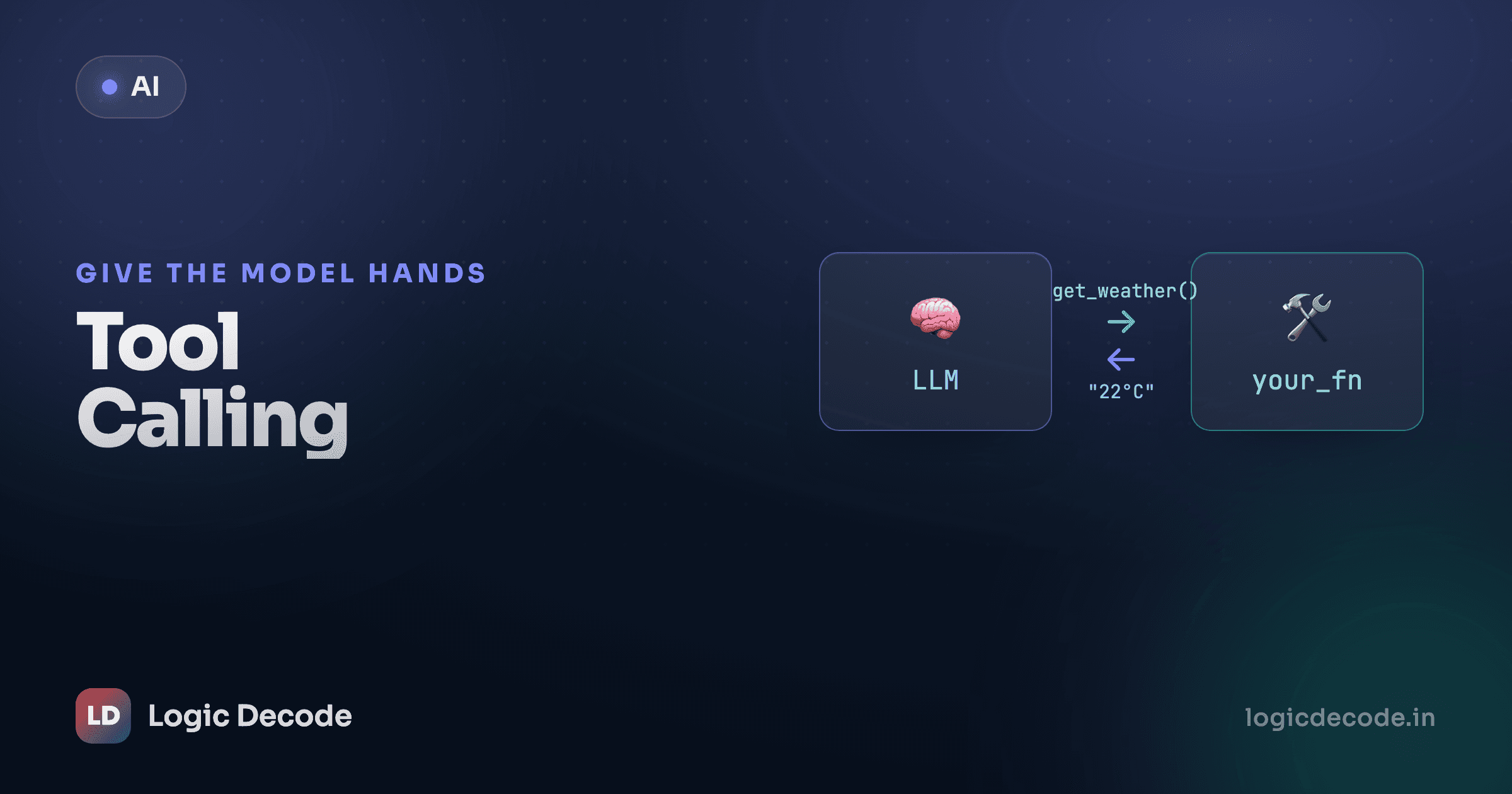
Tool calling, on its own, is one turn. You ask, the model requests a function, you run it, you feed the result back, the model writes a final reply. Done.
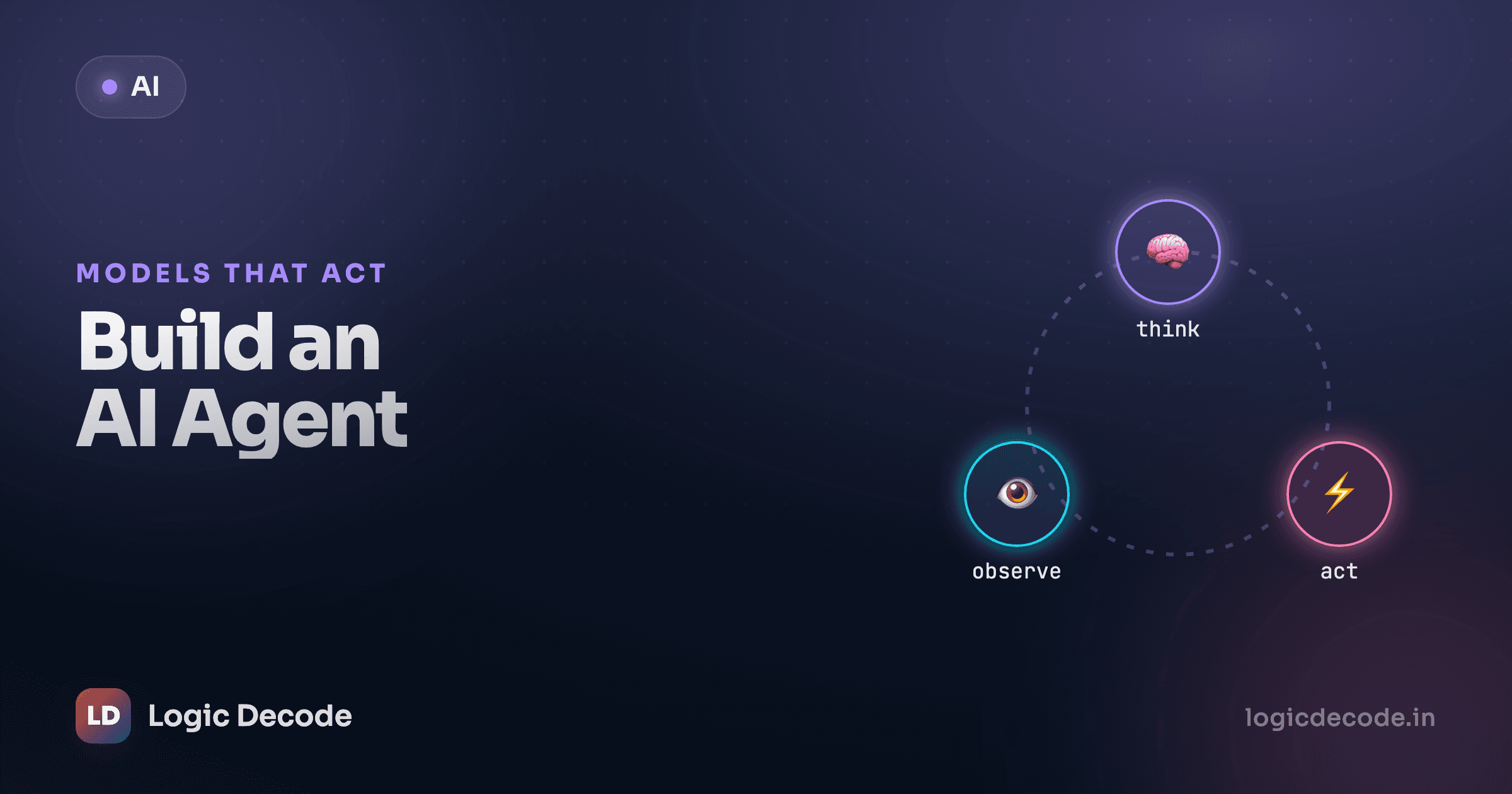
An agent is that same exchange, but on repeat. The model can call a tool, see the result, decide it needs another tool, call that, see that result, and only then answer. It chains steps instead of taking one. Three words name the cycle:
- Think: the model reads the conversation so far and decides what to do next: call a tool, or give the final answer.
- Act: if it wants a tool, it tells you which one and with what arguments. You run it.
- Observe: you append the tool's result to the conversation. Now the model can see what happened.
Then it loops back to Think. The "intelligence" is just the model choosing the next action each time around, using everything it's seen so far. This think-act-observe pattern has a name in the research. It's the core idea behind the ReAct paper, which showed that letting a model interleave reasoning and tool use beats either one alone.
Notice the two ways out of the loop: the model stops asking for tools (it's ready to answer), or you hit a step cap and pull the plug. Both matter. We'll come back to why the cap is non-negotiable.
Memory is just the messages list
Here's the part that sounds magical and isn't. The agent's "memory" is the same messages list you've used since your first API call. It just grows as the loop runs.
Every turn, you append to it: the model's request to call a tool, then the tool's result, then the next request, then the next result. The model has no memory of its own between calls. Each request is stateless. What makes it feel like it remembers is that you resend the whole growing list every time. The list is the scratchpad. Keep good notes in it and the model stays coherent. Lose track of it and the agent forgets what it just did.
Two tools to work with
Let's give our agent something to do. We'll wire up two small tools: a calculator and a fake lookup table. Both are plain Python, exactly the kind of functions you already write. No keys, no network, so you can run this part right here:
Two things to notice. Each tool takes simple arguments and returns a string, which is what we'll hand back to the model, so it has to be text. And both fail gracefully: a bad expression or an unknown item returns an error string instead of throwing. That matters, because the model will pass imperfect arguments, and a crash mid-loop kills the whole run. (eval here is fenced behind a character whitelist for the demo. In real code you'd reach for a proper expression parser, never raw eval on model output.)
Describe the tools for the model
The model can't see your Python. It only knows what's in the JSON schema you send, the same tool-calling format from last lesson. Each tool gets a name, a description, and its parameters. The description is the model's only clue about when to use the tool, so write it like a hint to a new teammate:
TOOLS = [
    {
        "type": "function",
        "function": {
            "name": "calculate",
            "description": "Evaluate a basic arithmetic expression, e.g. '12 * 9 + 3'.",
            "parameters": {
                "type": "object",
                "properties": {
                    "expression": {"type": "string", "description": "The arithmetic to evaluate."}
                },
                "required": ["expression"],
            },
        },
    },
    {
        "type": "function",
        "function": {
            "name": "lookup_price",
            "description": "Look up the price in dollars of a product by name.",
            "parameters": {
                "type": "object",
                "properties": {
                    "item": {"type": "string", "description": "The product name, e.g. 'monitor'."}
                },
                "required": ["item"],
            },
        },
    },
]

# Map the names the model uses back to the real functions.
TOOL_FUNCTIONS = {"calculate": calculate, "lookup_price": lookup_price}
That TOOL_FUNCTIONS dict is the bridge: the model replies with a tool name as a string, and we look up the real function to run. Keep the descriptions tight and the tool list short. A model staring at twenty vaguely-described tools picks the wrong one constantly. Two sharp ones, it nails.
The loop
Now the agent itself. This is the whole thing: the think-act-observe cycle, wrapped in a step cap. This part hits a live model, so it needs keys. Run it locally with the .env setup from lesson 2.
import json
import os
from openai import OpenAI

client = OpenAI(base_url=os.environ["LLM_BASE_URL"], api_key=os.environ["LLM_API_KEY"])
MODEL = os.environ.get("LLM_MODEL", "gpt-4o-mini")

def run_agent(question, max_steps=5):
    messages = [
        {"role": "system", "content": "You are a helpful assistant. Use the tools when they help."},
        {"role": "user", "content": question},
    ]

    for step in range(max_steps):
        resp = client.chat.completions.create(
            model=MODEL,
            messages=messages,
            tools=TOOLS,
        )
        msg = resp.choices[0].message
        messages.append(msg)  # remember what the model said

        # No tool calls -> the model is ready to answer. We're done.
        if not msg.tool_calls:
            return msg.content

        # Otherwise, run each requested tool and feed the results back.
        for call in msg.tool_calls:
            name = call.function.name
            args = json.loads(call.function.arguments)
            print(f"  [step {step}] calling {name}({args})")
            result = TOOL_FUNCTIONS[name](**args)
            messages.append({
                "role": "tool",
                "tool_call_id": call.id,
                "content": result,
            })

    # Fell out of the loop without a final answer -> we hit the cap.
    return "Stopped: reached the step limit without finishing."
Walk it line by line and it's the diagram in code. We send the conversation plus tools. We pull resp.choices[0].message and append it. That's the observe-your-own-thinking step that keeps memory intact. If there are no tool_calls, the model wrote a real answer and we return it. If there are, we run each one, then append a {"role": "tool", "tool_call_id": ...} message per call, matching the id so the model knows which result answers which request. Then for step in range(max_steps) loops us straight back to Think.
The two highlighted lines are the exits: line 28 returns the final answer, line 46 is the safety net when the model never settles.
One real multi-step run
Ask it something that needs both tools and some chaining: "What do a monitor and two keyboards cost together?" Watch what happens.
> run_agent("What do a monitor and two keyboards cost together?")

  [step 0] calling lookup_price({'item': 'monitor'})
  [step 0] calling lookup_price({'item': 'keyboard'})
  [step 1] calling calculate({'expression': '230 + 49 * 2'})
'A monitor and two keyboards cost $328 together.'
Three tool calls across two trips through the loop, then a final answer. Step 0: the model can't do the math without the prices, so it looks up both (some models batch these in one turn, some take two, either works). Observe: we hand back 230 and 49. Step 1: now it has the numbers, so it asks the calculator for 230 + 49 * 2. Observe: 328. Next time around it has everything it needs, makes no tool call, and writes the sentence. That chaining (look things up, then compute on the results) is what a single tool-calling turn can't do and an agent can.
Quick check
In the agent loop, what makes it stop and return a final answer?
Always cap the loop
The step cap isn't a nicety. It's the difference between a tool and a footgun.
An uncapped agent can run forever and bill you for it
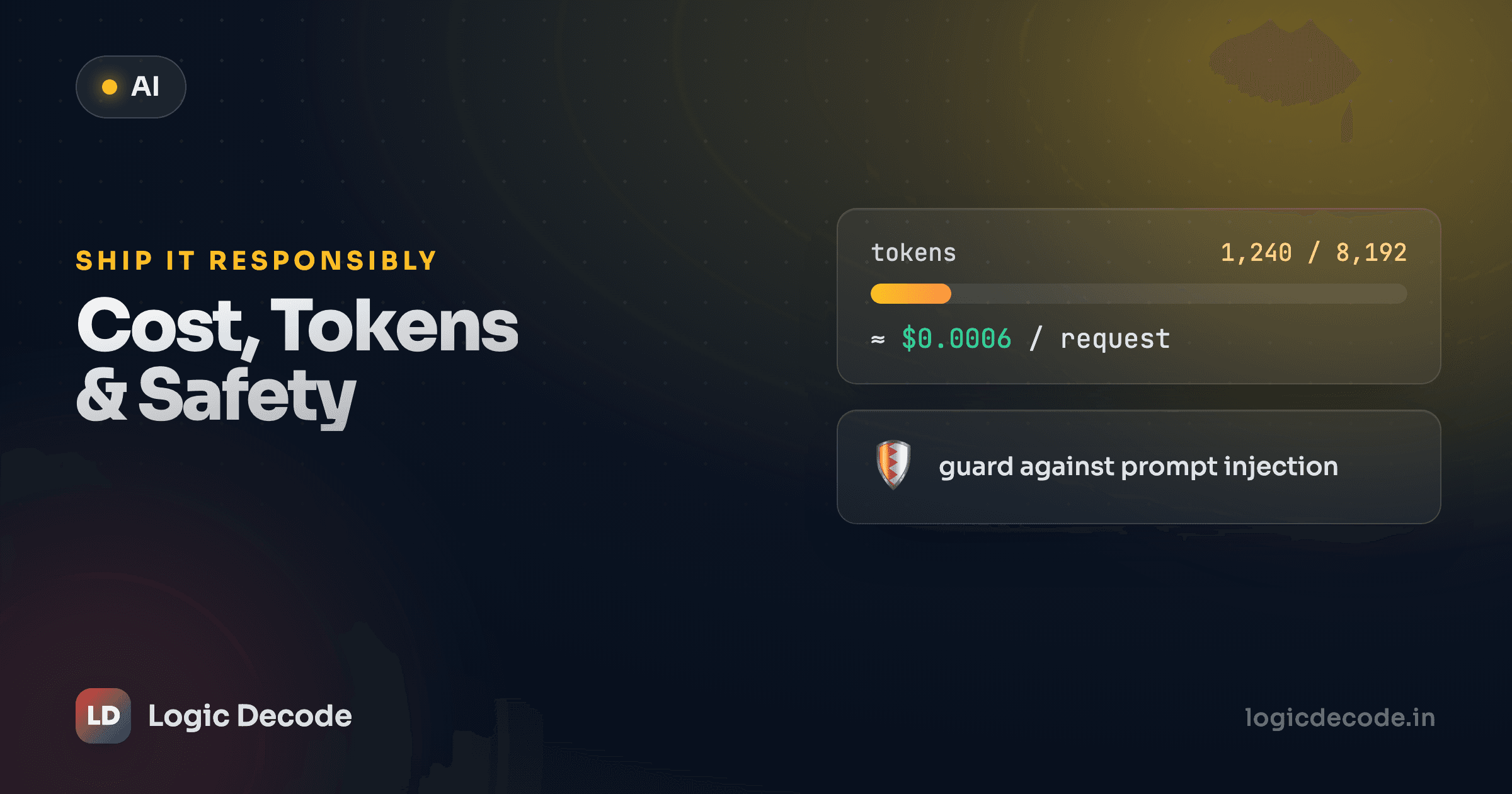
Without max_steps, a confused model can loop indefinitely: call a tool, get a result it doesn't like, call the same tool again, and again. Every iteration is a fresh API call you pay for, and the messages list grows each time, so each call is more expensive than the last. People have woken up to surprise bills from exactly this. The cap is your circuit breaker: it guarantees the loop ends. Start at 5 or so, log every step so you can see what it's doing, and only raise it once you trust the agent on real tasks. Lesson 11 on cost, tokens and safety digs into the bill side.
Where agents fall down
Build a few of these and the rough edges show up fast. Worth knowing before you ship one:
- They're flaky. Same question, same tools, different path, sometimes a worse one. They're probabilistic, like everything else here. Don't expect determinism.
- They pick the wrong tool. Vague descriptions or too many tools, and the model grabs the wrong one or skips one it needed. Few tools, sharp descriptions. That's most of the battle.
- They loop. They'll re-call a tool that already failed, hoping for a different answer. Your cap catches it, and good error strings (like our tools return) help the model self-correct instead of flailing.
- They're hard to debug blind. Which is why every example here prints each step. Log the tool name and arguments on every call. When an agent does something baffling, that trace is the only way you'll see why.
None of this means agents don't work. It means you treat them like an eager intern: give them a few well-labelled tools, watch what they do, and put a hard limit on how long they can run unsupervised.
Recap and what's next
An agent is a loop around tool calling: the model thinks (decides on a tool or a final answer), acts (you run the requested tool), and observes (you append the result to messages), repeating until it stops asking for tools or hits a step cap. Memory is nothing fancier than that growing messages list. Resend it every turn and the model stays coherent. The whole thing is the protocol from last lesson plus a while loop plus a hard limit. Keep your tools few and well-described, log every step, and always cap the iterations.
You can now make a model take actions instead of just answering. The next thing you'll feel is the bill. Looping agents and big contexts add up. Next: tokens, cost, latency and safety, where we make all of this cheap and predictable enough to run for real.

Written by
Rhythm Bhiwani
Engineer and relentless builder, happiest reverse-engineering hard problems until they click.
Enjoyed this?
Tap the heart to leave some love.
Be the first to react
Comments
Join the conversation.
Loading comments…