CORS: why the browser blocked your request
Why the browser, not the server, blocks cross-origin requests by default, what a preflight request checks, and how to actually fix a CORS error.

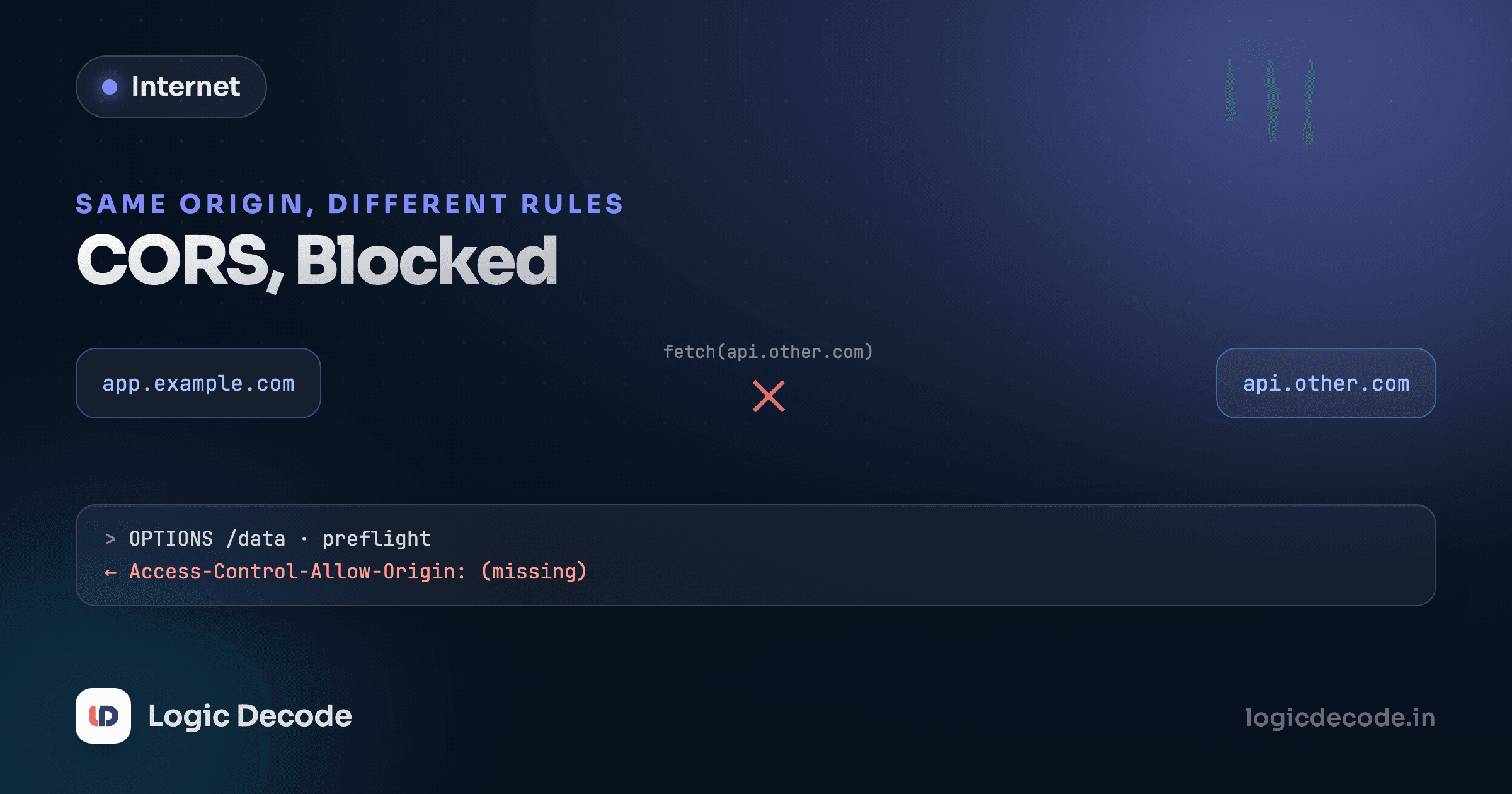
Aarav is building a frontend at localhost:3000 that calls an API at api.example.com. curl hits that same API and gets data back instantly. His browser's fetch call to the exact same URL fails with a red error in the console mentioning "CORS policy." The API works. The URL is right. The request never even reaches a bug in his code, because it never actually gets used. The browser refused to hand back the response at all.
This trips up nearly every developer once, and the fix usually gets copy-pasted from Stack Overflow without anyone quite understanding why it worked. Here's why it happens, and what's actually being checked.
What "origin" means, precisely
CORS, Cross-Origin Resource Sharing, is a rule enforced by the browser, not the server and not the network. An origin is the combination of scheme, host, and port. https://app.example.com and https://api.example.com are different origins even though they share a parent domain, because the host differs. http://localhost:3000 and http://localhost:8080 are different origins too, because the port differs. Change any one of the three and it's a different origin.
By default, browsers enforce the same-origin policy: JavaScript running on one origin cannot read the response of a request it made to a different origin, unless that other origin explicitly allows it. Note precisely what this blocks. The request usually still goes out over the network, and the server can still process it. What gets blocked is the browser handing the response back to your JavaScript. This is why a CORS error in dev tools can be genuinely confusing: server logs show the request arrived and got a 200, while the browser insists it failed.
Why the browser does this at all
This isn't the browser being overcautious for no reason. Cookies, covered in the previous lesson, get attached to requests automatically by the browser based on domain, not based on which page's JavaScript initiated the request. Without the same-origin policy, any malicious website you happen to visit could fire a request to your-bank.com from your browser, your browser would happily attach your still-valid banking session cookie to that request, and if the response could be read by that malicious page's JavaScript, your account data would be theirs. The same-origin policy exists specifically to stop unrelated sites from reading responses meant for a site you're logged into elsewhere.
Simple requests vs. preflighted requests
Not every cross-origin request behaves the same way. A "simple" request (a plain GET, or a POST with an ordinary content type like form data) goes out immediately, and the browser only checks the response afterward to decide whether your JavaScript gets to see it.
A request that uses a custom header, a method like PUT or DELETE, or a Content-Type of application/json, triggers something extra first: a preflight. Before sending the real request, the browser sends an OPTIONS request asking the server, in effect, "if I were to send this, would you allow it?" Only if the server says yes does the browser send the actual request.
If that preflight response doesn't include an Access-Control-Allow-Origin header that matches the calling origin (or a wildcard *), the browser never even sends the real request. That's the exact failure Aarav hit: his fetch call used Content-Type: application/json, which triggered a preflight, and the API hadn't been configured to answer it, so the browser stopped there.
Quick check
A frontend at app.example.com sends a fetch request with Content-Type: application/json to api.example.com. The API works fine when called with curl. Why does it fail in the browser?
Fixing it, on the server, not the client
CORS is fixed on the server, by having it send the right headers, because only the server that owns the data can decide who's allowed to read it. The core header is Access-Control-Allow-Origin, naming which origins may read the response:
Access-Control-Allow-Origin: https://app.example.com
Access-Control-Allow-Methods: GET, POST, DELETE
Access-Control-Allow-Headers: Content-Type, Authorization
Access-Control-Allow-Origin: * allows any origin, fine for a fully public API with no cookies involved, but it can't be combined with credentialed requests (ones that send cookies or auth headers), since that would defeat the whole point of scoping who gets to read authenticated responses. For anything involving login state, the server needs to echo back the specific calling origin, not a wildcard, and add Access-Control-Allow-Credentials: true.
Don't do this to make an error disappear
Setting a wildcard Access-Control-Allow-Origin: * on an API that also reads cookies or auth tokens is a real security hole, not a workaround. It tells every browser on the internet that any website's JavaScript is welcome to read this API's authenticated responses. Fix CORS by allowing the specific origins that actually need access, not by opening the door to everyone.
The takeaway
CORS confuses people because the error shows up in the client's console, pointing at the client's code, when the actual fix lives entirely on the server. Once you know the browser is checking a header the server controls, "add the header" stops being a magic incantation and starts being a specific, deliberate decision about which origins get to read what.
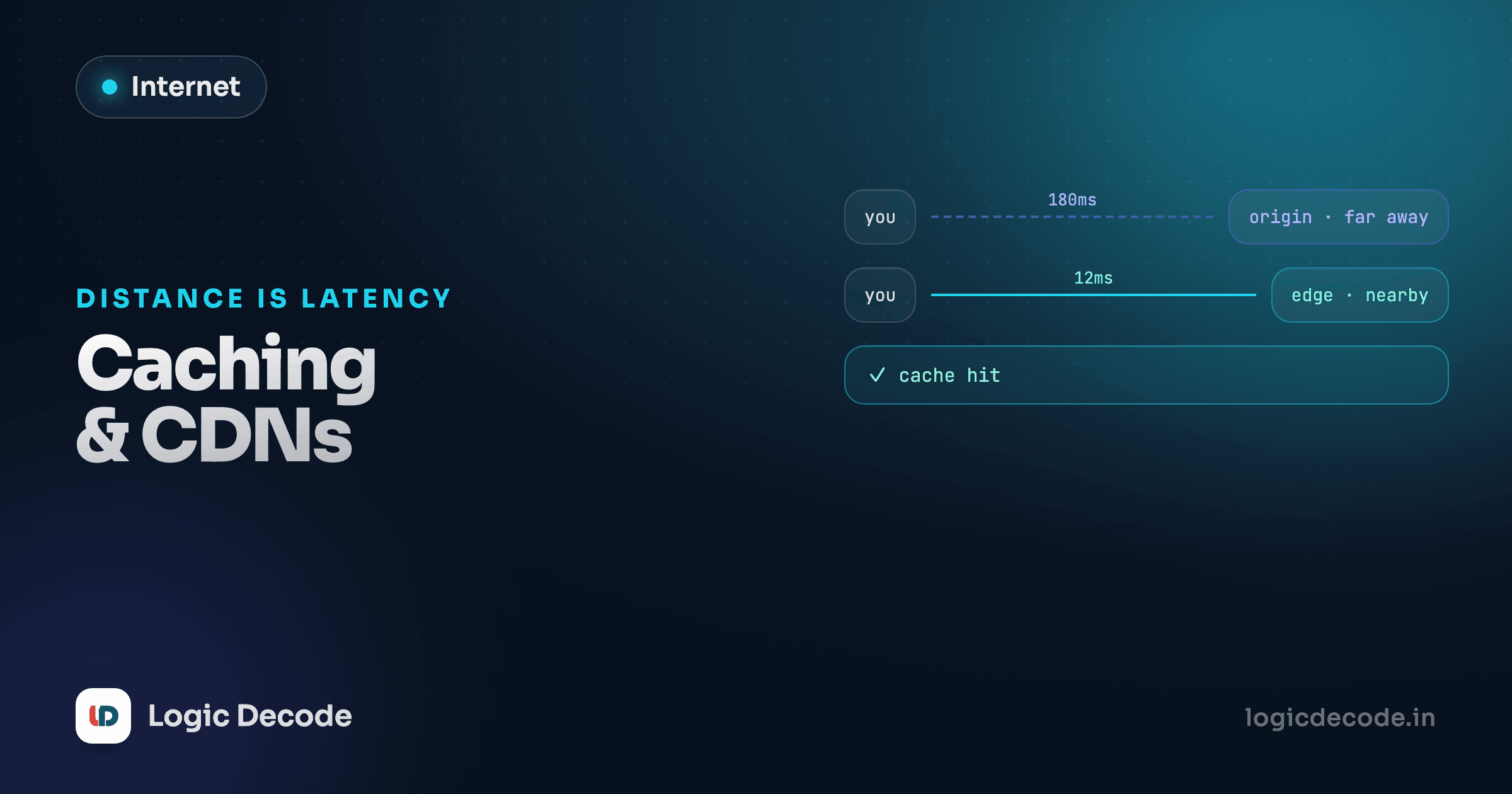
There's one more piece of the puzzle left: even once a response is allowed through, fetching it repeatedly is wasteful if nothing's changed. On to Caching and CDNs: why the second load is instant.

Written by
Rhythm Bhiwani
Engineer and relentless builder, happiest reverse-engineering hard problems until they click.
Enjoyed this?
Tap the heart to leave some love.
Be the first to react
Comments
Join the conversation.
Loading comments…