Project: trace a real request end to end
Use dig, curl -v, and openssl s_client to trace a real HTTPS request through every layer this series covered: DNS, TCP, TLS, and the HTTP exchange.

Eleven lessons in, you've read about DNS lookups, TCP handshakes, TLS negotiation, and the HTTP exchange one piece at a time. This one skips the theory. Open a terminal, run three commands against a real domain, and you'll see every layer from this series happen for real, in order, on your own machine. If you haven't used a terminal much, this command-line series covers the basics first, especially pipes and redirection, which shows up below.
We'll trace a request to logicdecode.in. Swap in any domain you like, the commands work the same everywhere.
Step 1: resolve the name with dig
Before anything else, the domain needs to become an IP address, exactly what lesson 3 covered.
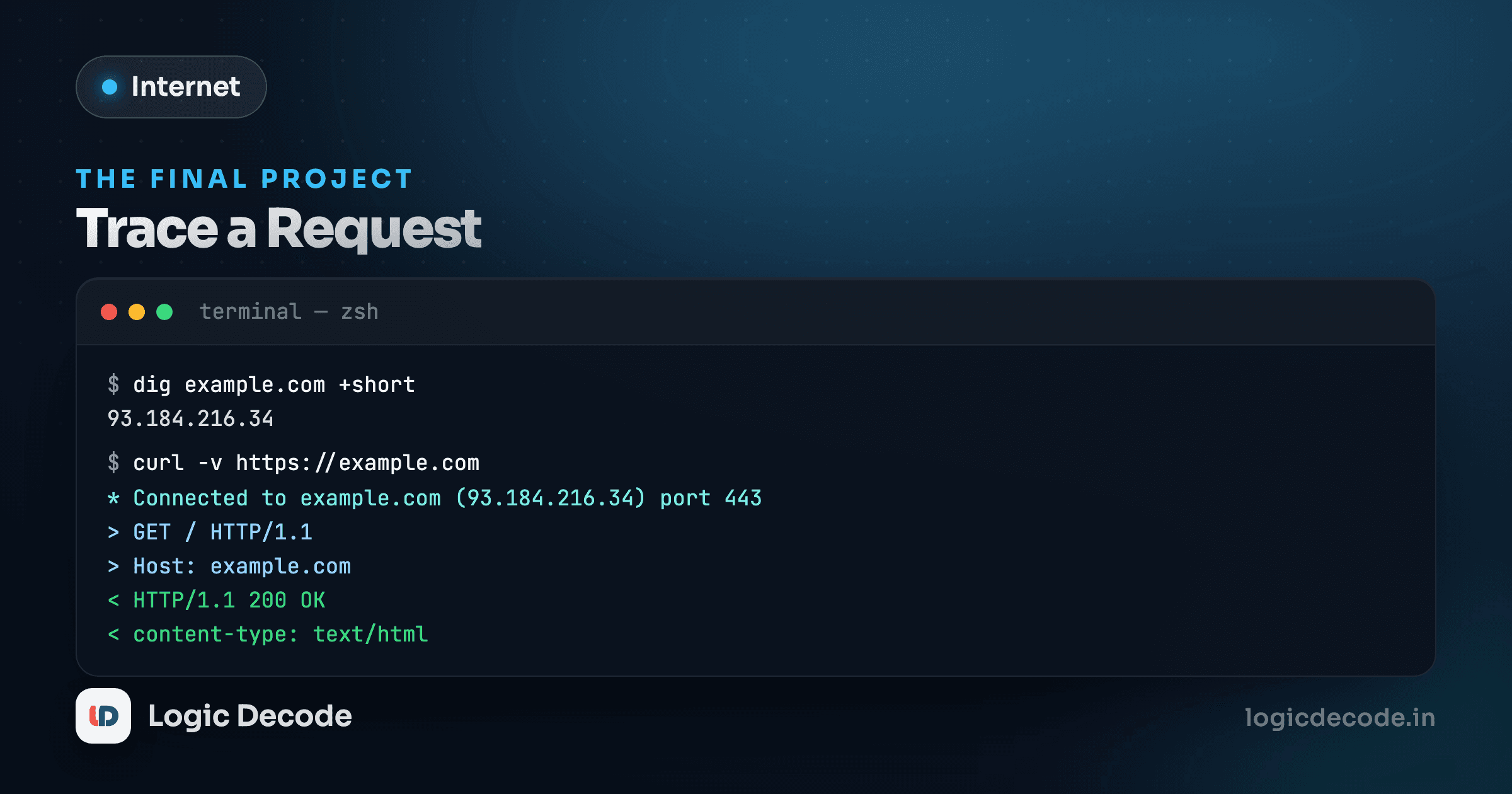
dig logicdecode.inThe output has more in it than the short version you might have seen before. The part that matters is the ANSWER SECTION:
;; ANSWER SECTION:
logicdecode.in.    300    IN    A    198.51.100.42
Read it left to right: the domain, the TTL in seconds (300 here, five minutes, so this answer gets cached and reused for that long), the record class (IN for internet, effectively always this), the record type (A, an IPv4 address), and finally the address itself. That TTL is the exact mechanism from lesson 3: any resolver that already asked in the last five minutes serves this answer straight from cache instead of repeating the lookup.
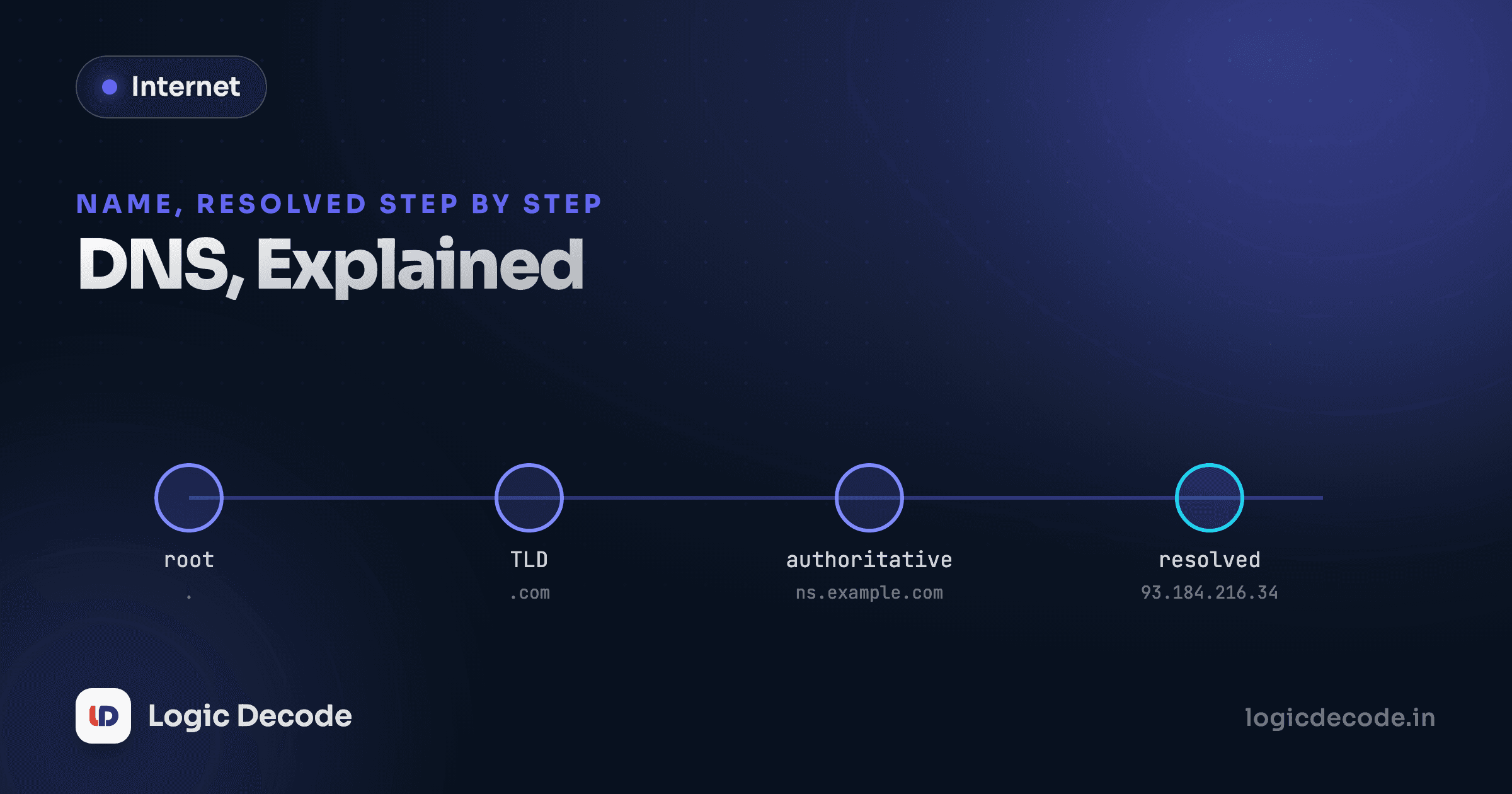
Want to see the whole resolution chain, root servers included, instead of just the final answer?
dig +trace logicdecode.inThis walks the same referral chain the <DnsResolver> visualizer in lesson 3 animated: root, then the .in registry, then the authoritative nameserver for logicdecode.in, each one handing the question further along until the last one actually answers it.
Step 2: inspect the TLS handshake with openssl
Now that you have an address, connect to it directly and watch the TLS negotiation from lesson 7 happen for real, not simulated:
openssl s_client -connect logicdecode.in:443 -servername logicdecode.in-servername sets the SNI value, the same hostname field lesson 7 pointed out travels in cleartext even under TLS 1.3. Scroll through the output and you'll find a full certificate dump: the issuer (which certificate authority signed it), the subject (which domain it's valid for), and its expiration date. Near the top, look for a line like:
New, TLSv1.3, Cipher is TLS_AES_128_GCM_SHA256That's the negotiated protocol version and cipher suite, decided in exactly the handshake you stepped through interactively two lessons ago. The command leaves you in an open connection when it finishes. Type Q and hit enter to close it.
Step 3: send a real HTTP request with curl -v
With the TLS layer confirmed, send an actual HTTP request and watch every layer stack on top of each other in one command:
curl -v https://logicdecode.inThe -v flag (verbose) prints far more than the page content. Read the output in order and you'll see this series play out top to bottom:
*   Trying 198.51.100.42:443...
* Connected to logicdecode.in (198.51.100.42) port 443
* ALPN: curl offers h2,http/1.1
* TLSv1.3 (OUT), TLS handshake, Client hello (1):
* TLSv1.3 (IN), TLS handshake, Server hello (2):
...
* SSL connection using TLSv1.3 / TLS_AES_128_GCM_SHA256
* ALPN: server accepted h2
> GET / HTTP/2
> Host: logicdecode.in
> user-agent: curl/8.4.0
> accept: */*
>
< HTTP/2 200
< content-type: text/html; charset=utf-8
< cache-control: public, max-age=0, must-revalidate
...
<!DOCTYPE html>
Match each line back to a lesson. Trying ... Connected is the TCP handshake from lesson 4 completing. The TLS handshake lines are lesson 7. ALPN: server accepted h2 is the browser and server agreeing to speak HTTP/2, lesson 8, right there in the negotiation. The lines starting with > are the request curl sent, the ones starting with < are the response headers, including cache-control, lesson 11, telling any cache how long this response is good for. Everything after the blank line is the actual HTML body, lesson 5's response contract, arriving last.
Filter the noise with a pipe
curl -v https://logicdecode.in 2>&1 | grep -E "^[<>]" keeps only the request and response headers and drops the TLS handshake chatter. If pipes and redirection are new to you, that lesson covers exactly this pattern.
When the output doesn't match what you expect
Run these commands against enough sites and you'll hit cases that don't look like the example above, and each mismatch actually teaches you something rather than being a dead end.
If dig returns no ANSWER SECTION at all, the domain either doesn't exist or your resolver can't reach the authoritative nameserver, worth a dig +trace to see exactly where the chain stalls. If openssl s_client reports a certificate verify error, look at the two fields you'd check first: is the certificate's subject the domain you actually asked for, and has it expired? Either one triggers the same browser warning lesson 7 described, just without the graphical padlock to hide behind. And if curl -v negotiates HTTP/1.1 instead of HTTP/2 in the ALPN line, that server (or something proxying in front of it) hasn't turned on HTTP/2 support, which is a real, visible difference in how that site is deployed, not a mistake in your command.
None of these are failures of the tools. They're the same protocol layers from this series behaving exactly as designed, just surfacing a detail specific to whatever site you pointed them at.
Put it together: one request, seven layers
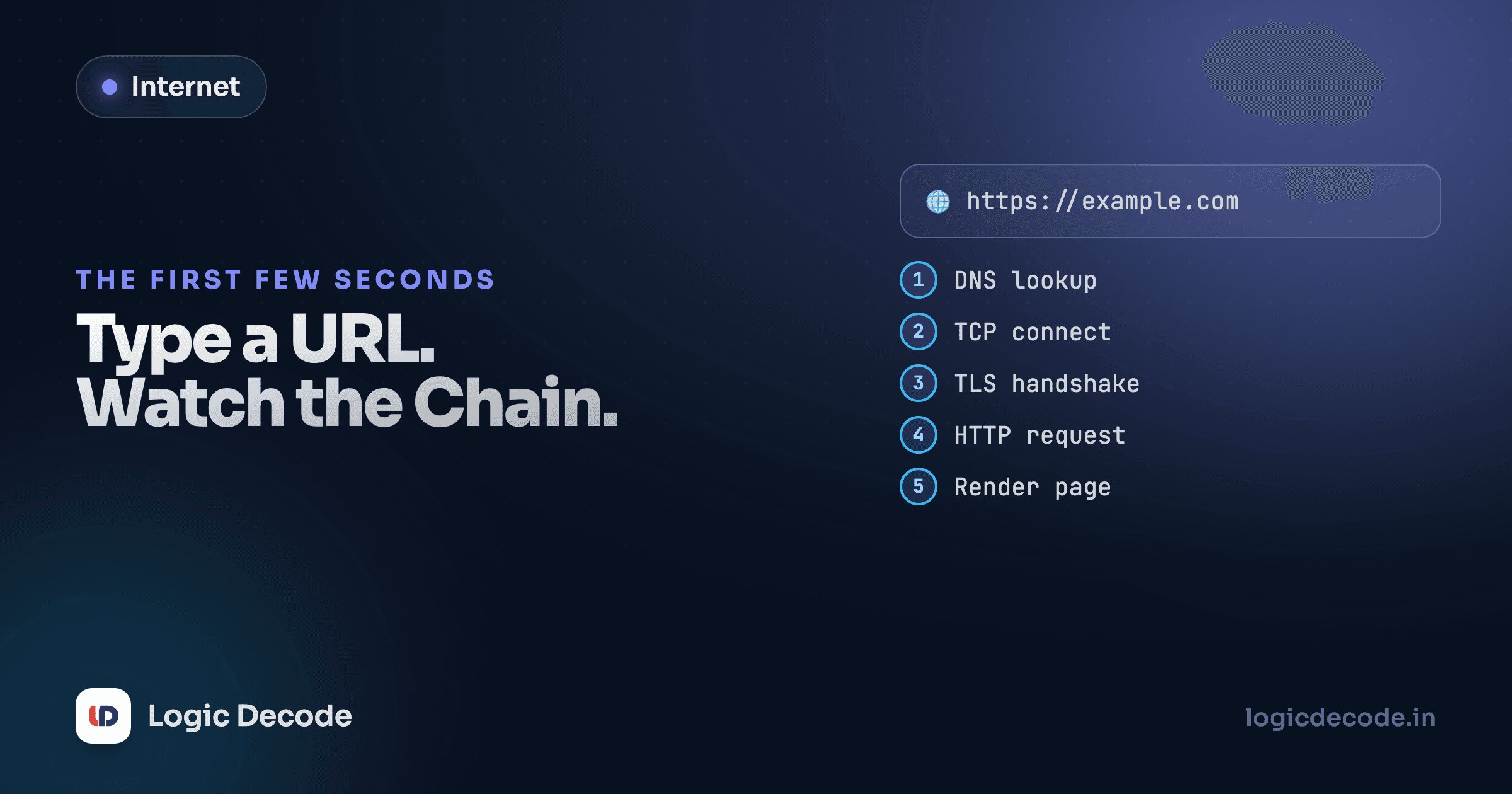
Run all three commands back to back against the same domain and you've personally triggered, in order: a DNS lookup (with its own resolver chain), a TCP handshake, a TLS handshake, an HTTP/2 negotiation over ALPN, a real request, and a real response carrying cache headers that decide what happens on your next visit. Every lesson in this series is sitting somewhere in that output, in the exact order this series taught it.
dig logicdecode.in +short
openssl s_client -connect logicdecode.in:443 -servername logicdecode.in </dev/null 2>/dev/null | grep "Protocol\|Cipher"
curl -v https://logicdecode.in 2>&1 | grep -E "^[<>]|Connected|TLSv1.3"
Try it against a few different sites. A site behind a CDN will often resolve to a different IP depending on where you're connecting from. A site still on TLS 1.2, or HTTP/1.1 instead of HTTP/2, will show a visibly different handshake and negotiation. Now that you can read this output, differences like that stop being noise and start telling you something real about how a given site is built and deployed.
That's the whole map from URL bar to rendered page, traced with tools that ship on nearly every machine. From here, the next series in this track picks up exactly where this one leaves off: what a server actually does once a request like this reaches it. On to Why build a backend, or revisit the full How the Internet Works series from the start.

Written by
Rhythm Bhiwani
Engineer and relentless builder, happiest reverse-engineering hard problems until they click.
Enjoyed this?
Tap the heart to leave some love.
Be the first to react
Comments
Join the conversation.
Loading comments…