DNS: how names become addresses
How DNS resolves a domain name to an IP address, step by step: stub resolvers, recursive resolvers, root servers, and why caching makes the second lookup free.

Type blog.logicdecode.in into a browser and somewhere in the first few milliseconds, that string of letters has to become a number a router can actually use. That translation is DNS, the Domain Name System, and it's arguably the closest thing the internet has to a phone book. Except this phone book has no single copy. It's split across millions of servers, and every lookup involves asking several of them in sequence.
The last lesson covered why routers need a numeric IP address and can't do anything with a domain name. This one covers where that address actually comes from.
The chain of servers
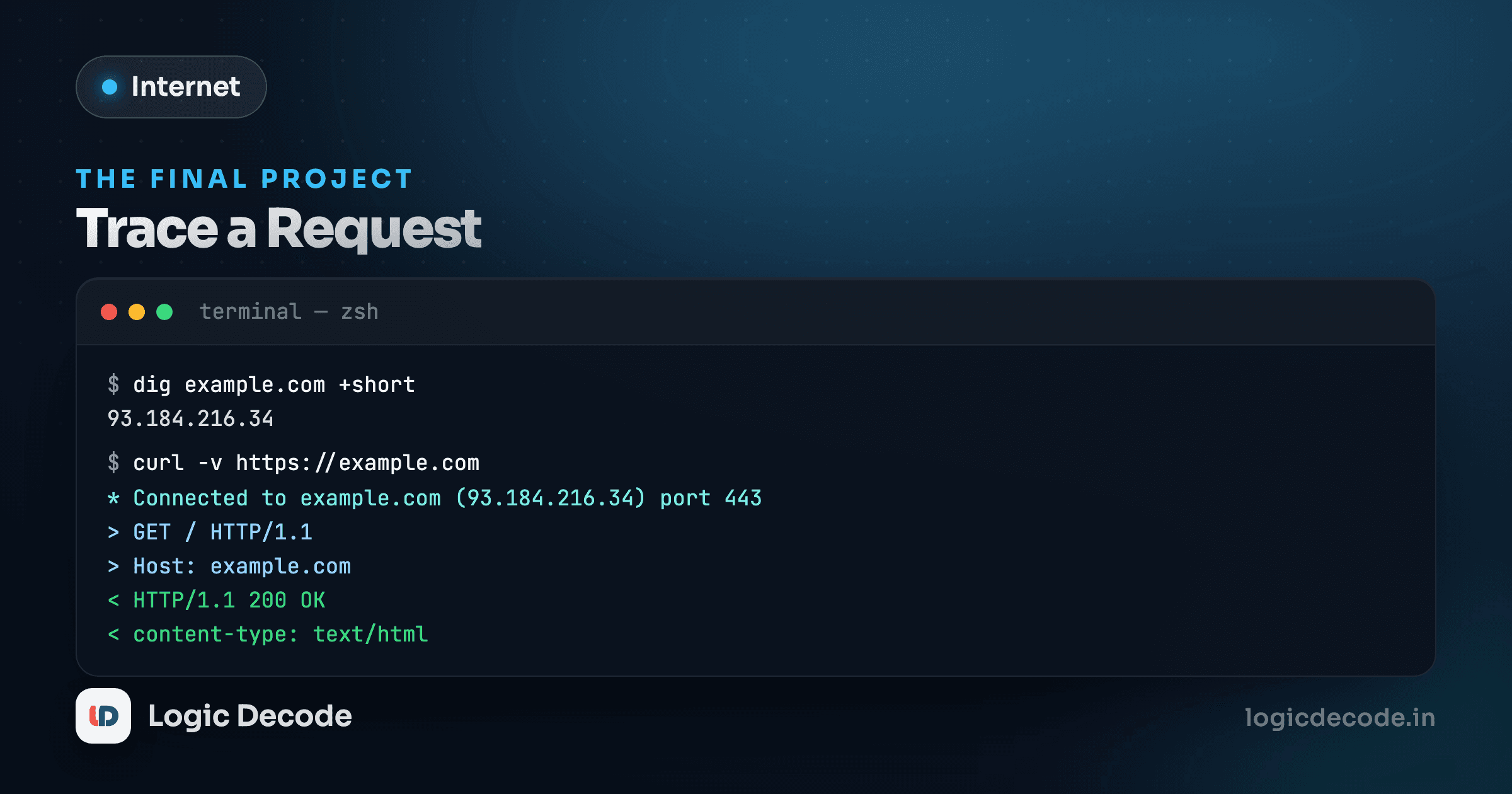
Nobody runs a DNS lookup by hand day to day, but when you do, it looks anticlimactic:
dig blog.logicdecode.in +short
# 192.0.2.10
One command, one answer, done in milliseconds. What that command hides is a small relay race across several different servers, each of which only knows a narrow slice of the answer. Here's the full lookup for a name that hasn't been looked up before:
The browser asks the operating system, which asks the resolver it was configured with.
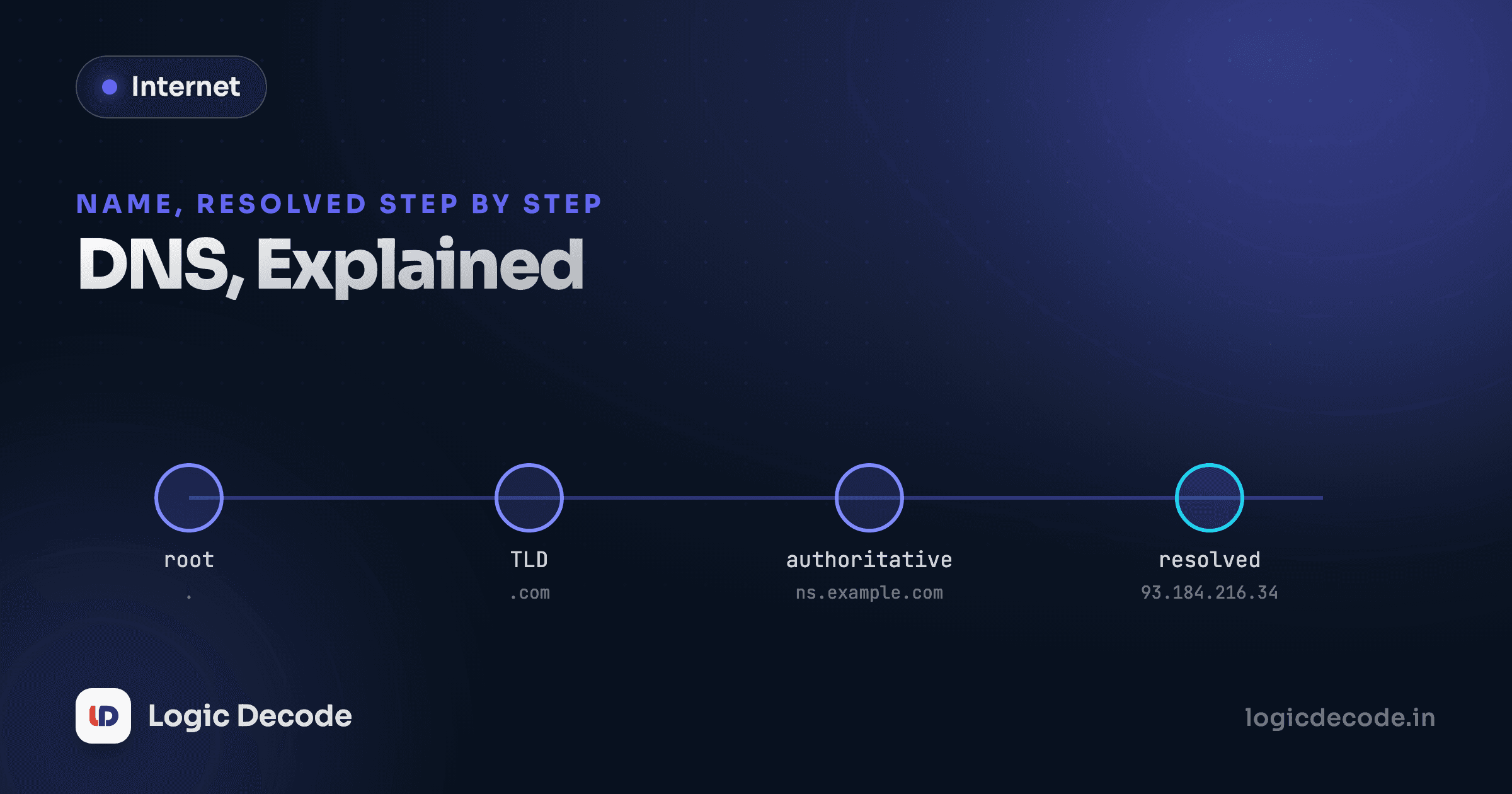
Step through it and you'll see five distinct machines involved, each handing the question along:
- Your browser asks the operating system's stub resolver, a small piece of software built into every device that doesn't know any DNS records itself. Its whole job is to forward the question somewhere smarter.
- The stub resolver asks a recursive resolver, usually run by your ISP or a public one like
1.1.1.1or8.8.8.8. This is the workhorse: it doesn't know the answer either, but it knows how to find it and it's willing to do the legwork. - The recursive resolver asks a root nameserver. There are only 13 root server addresses worldwide (though each is backed by hundreds of physical machines). The root doesn't know where
logicdecode.inlives, but it knows who manages.inand points the resolver there. - The recursive resolver asks the
.innameserver, the registry that manages every.indomain. It doesn't know the specific record either, but it knows which nameserverslogicdecode.inuses, and refers the resolver there. - The recursive resolver asks the authoritative nameserver for
logicdecode.in. This one finally has the actual record and returns the real IP address.
This is simplified, on purpose
The visualizer above shows the forward leg of the lookup, resolver to root to TLD to authoritative server. In reality, each of those answers also has to travel back through the same resolver before it reaches your browser. It's less a straight line and more a resolver bouncing questions outward and carrying answers back at every hop. The shape you see here is the useful mental model, not a packet-level trace.
That splitting of blog.logicdecode.in into ".in" then "logicdecode.in" is also a simplification. Real-world domains like blog.co.uk don't split cleanly on the last dot, because .co.uk is itself a shared suffix, not a single registry. Resolvers actually consult something called the Public Suffix List to know where a "real" registered domain boundary sits. For a domain like this one, the naive split happens to give the right answer, but it isn't the whole story.
Why caching makes the second lookup free
That five-hop chain sounds slow, and it would be, if it happened on every single request. It doesn't, because every answer along the way comes with a TTL (time to live), a number of seconds the resolver is allowed to reuse that answer without asking again.
The browser asks the operating system.
Here, the stub resolver already has the answer sitting locally and returns it in a single step, no network round trip at all. This is why the first visit to a new site can feel a beat slower than every visit after it: the first lookup pays for the whole chain, and every lookup within the TTL window rides on that cached answer for free.
TTLs are a real trade-off site owners tune deliberately. A long TTL (hours or days) means faster repeat lookups for everyone, but it also means that if you ever need to change a DNS record, like moving to a new server, that change takes longer to propagate, because resolvers everywhere are still serving the old cached answer. A short TTL (minutes) makes changes propagate fast but means more lookups hit the full chain. Sites planning a migration often shorten the TTL days in advance specifically to make the eventual cutover fast.
The record types you'll actually see
DNS doesn't just map names to IPv4 addresses. A handful of record types cover almost everything you'll encounter:
- A record: maps a name to an IPv4 address (
192.0.2.10). The most common type. - AAAA record: same idea, for an IPv6 address.
- CNAME record: an alias, pointing one name at another name instead of an address directly.
www.logicdecode.inmight be a CNAME pointing atlogicdecode.in. - MX record: tells the internet which mail servers handle email for a domain.
- TXT record: arbitrary text, commonly used to prove domain ownership or configure email security (SPF, DKIM records live here).
- NS record: names the authoritative nameservers for a domain, the ones step 5 above eventually reaches.
You can query any of these directly:
dig logicdecode.in MX +short
dig logicdecode.in TXT +short
Quick check
A site's DNS record has a TTL of 24 hours. The site owner changes the IP address right now. Roughly how long could it take before every visitor worldwide sees the new address?
Why this matters beyond the trivia
Once this chain clicks, a whole category of bugs stops being mysterious. "I updated my DNS record and the site is still showing the old server" is almost always a TTL still counting down somewhere in the cache chain, not a broken update. "The site works on my phone but not my laptop" can mean the two devices are using different DNS resolvers, one of which has a stale cached answer the other doesn't.
It also sets up the next lesson cleanly. DNS's whole job ends the moment your browser has an IP address. What happens next, actually opening a connection to that address and keeping it reliable, is TCP's job. On to TCP vs UDP: reliable or fast, pick one.

Written by
Rhythm Bhiwani
Engineer and relentless builder, happiest reverse-engineering hard problems until they click.
Enjoyed this?
Tap the heart to leave some love.
Be the first to react
Comments
Join the conversation.
Loading comments…