HTTP: the request and response contract
The anatomy of an HTTP request and response: methods, headers, bodies, and status codes. Inspect real request/response pairs interactively.

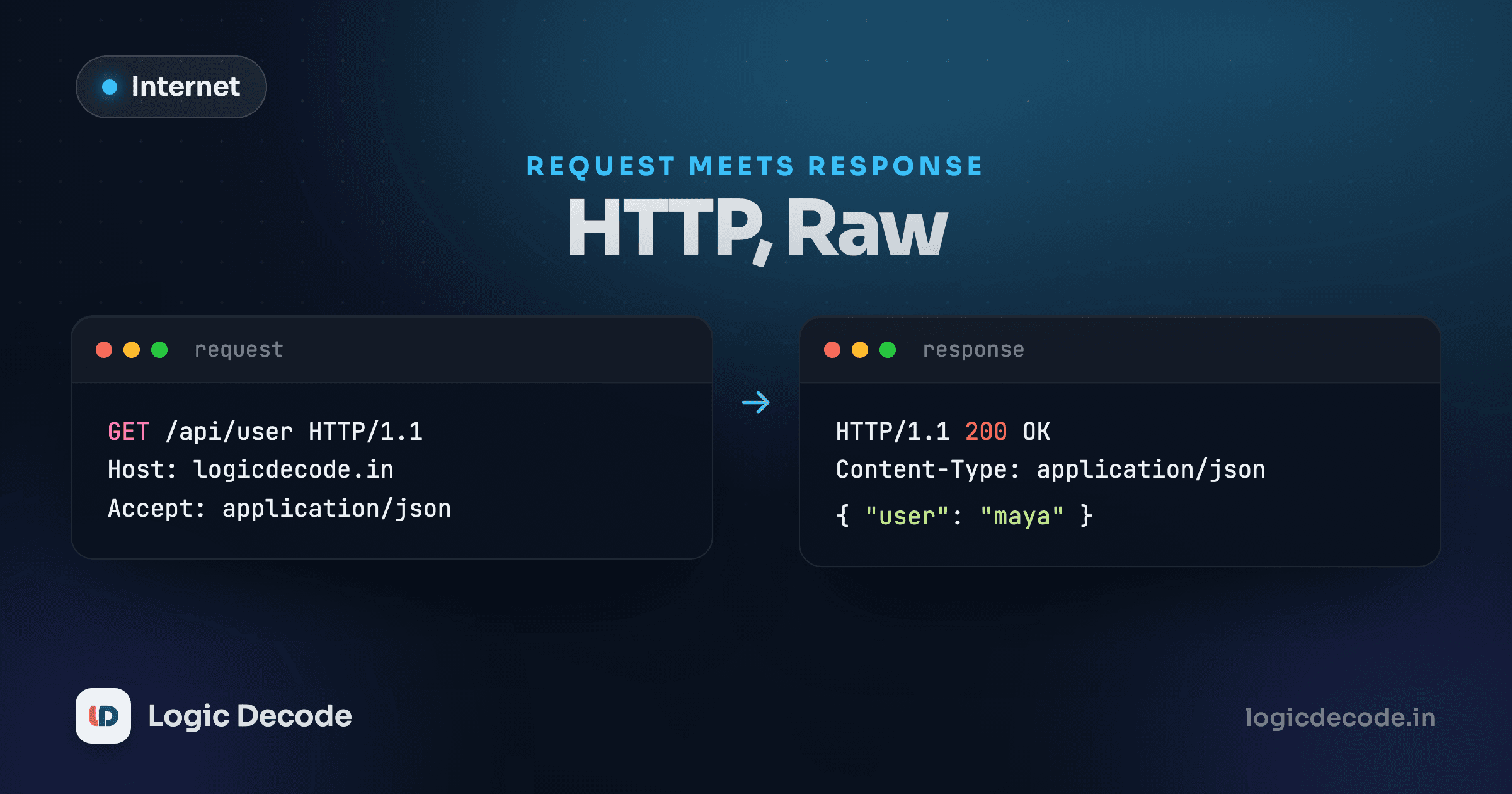
Every API call, every page load, every fetch request your JavaScript ever makes boils down to the same shape: a plain text message going out, and a plain text message coming back. That shape is HTTP, the HyperText Transfer Protocol, and once you can read one by eye, half of web debugging stops being guesswork.
By the previous lesson, a TCP connection is already open. HTTP is the conversation that happens once that pipe exists: your browser (or any client) sends a request, the server sends back a response, and that's the entire contract.
What a request actually looks like
Strip away every library and framework and an HTTP request is just text. Here's a real one, the kind your browser sends when it fetches a list of saved links from an API:
GET /links HTTP/1.1
Host: api.linkstash.dev
Authorization: Bearer 6f1a...
Accept: application/json
Four lines, three pieces:
- The request line.
GET /links HTTP/1.1says the method (GET), the path (/links), and the protocol version. This is the "what do you want" line. - Headers. Key-value pairs giving context: which host you meant (a single server can host multiple domains), an auth token proving who's asking, what format you'll accept back.
- A body, optional. A
GETrequest usually skips one entirely, there's nothing to send, you're just asking for something.
Methods say what you're trying to do
HTTP defines a small set of methods, and each one signals intent:
- GET: fetch something, don't change anything on the server.
- POST: create something new, or trigger an action that isn't a clean fit for the other verbs.
- DELETE: remove something.
- PUT / PATCH: replace or partially update something that already exists.
That's a convention, not a law the network enforces. Nothing stops a server from deleting data on a GET request. But every browser, cache, and proxy on the internet assumes GET is safe to repeat and safe to prefetch, so a server that breaks this convention will get surprised by its own infrastructure re-running "safe" requests it never expected to be destructive.
Try a POST that creates a new saved link, and the request looks a little different:
POST /links HTTP/1.1
Host: api.linkstash.dev
Authorization: Bearer 6f1a...
Content-Type: application/json
Content-Length: 42

{"url":"https://a.example","title":"A"}
Now there's a body, the JSON payload being created, and two headers describing it: Content-Type tells the server how to parse the body, Content-Length tells it exactly how many bytes to read.
What comes back
The server reads that request, does whatever it needs to do, and sends back a response in the same plain-text shape:
HTTP/1.1 201 Created
Content-Type: application/json
Content-Length: 89

{"id":2,"userId":1,"url":"https://a.example","title":"A","createdAt":"2026-08-24T09:00:00.000Z"}
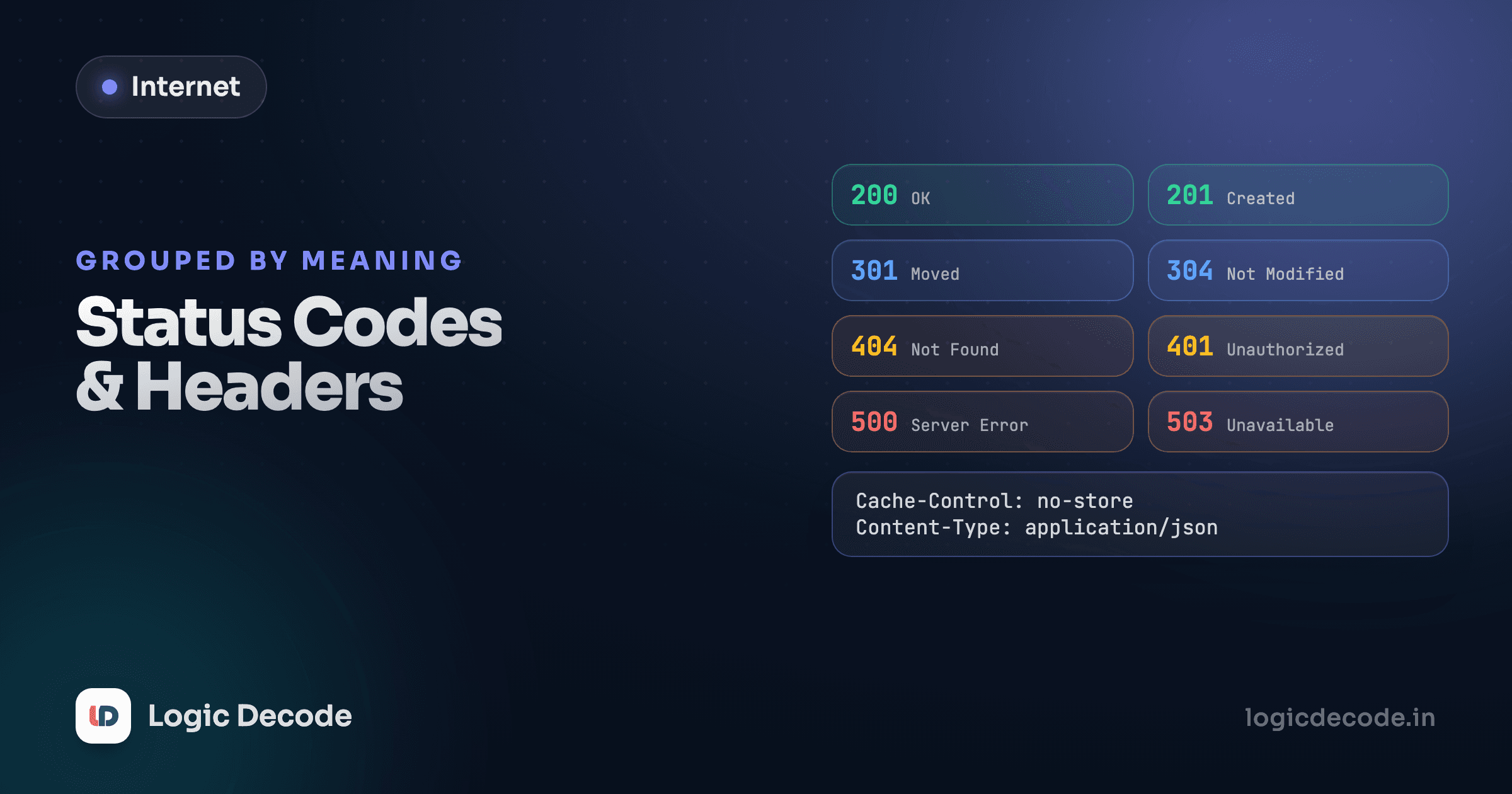
The status line leads with 201 Created, a status code telling you in three digits whether the request succeeded and roughly how. The next lesson covers the status codes worth memorizing. For now, notice the shape mirrors the request: a status line, headers, then a body.
Try a few real request/response pairs against a simulated version of this exact API below. Switch between them and watch what changes, especially what happens to the one missing its Authorization header:
Notice the second request gets a 401, same path and method as the first, the only difference is the missing Authorization header. And the fourth POST gets a 400, not because anything's wrong with the request's format, but because the server validated the body's contents and rejected it. Same shape of failure, completely different cause. Reading the status code and the body together, not just one or the other, is what tells them apart.
Quick check
Two requests to the same endpoint both fail. One returns 401, the other returns 400. What's the key difference in what went wrong?
Headers you'll see constantly
A handful of headers show up in nearly every request or response you'll ever inspect:
- Host: which domain the request is for, since one server often answers for many.
- Content-Type: the format of the body,
application/json,text/html,image/png. - Authorization: credentials proving who's making the request.
- Content-Length: the body's size in bytes, so the receiver knows when it's finished reading.
Open any website's developer tools, click the Network tab, reload the page, and click any request. You're looking at exactly this, request headers, response headers, status code, body, laid out for you instead of typed by hand. It's worth doing right now on a site you use daily. Most of what looks mysterious in a bug report turns out to be sitting right there.
curl shows you the raw exchange
curl -v https://logicdecode.in prints the request and response headers directly in your terminal, no browser dev tools required. Lesson 12 uses this heavily to trace a real request end to end.
HTTP's request/response shape hasn't fundamentally changed since the 1990s. What has changed, several times, is the status codes and headers developers actually reach for day to day, and that's next: Status codes and headers that actually matter.

Written by
Rhythm Bhiwani
Engineer and relentless builder, happiest reverse-engineering hard problems until they click.
Enjoyed this?
Tap the heart to leave some love.
Be the first to react
Comments
Join the conversation.
Loading comments…