.gitignore and Git Best Practices
Keep your repo clean: how .gitignore works and its patterns, what you should never commit (secrets, node_modules), and how to write commits your team will thank you for.

Run git status in a fresh Node project and you'll see something horrifying: 40,000 files staged, almost all of them inside node_modules/. You did not write those files. You never want to commit them. Git doesn't know that until you tell it, with a .gitignore file. This lesson is the one that keeps your repo lean, your secrets out of history, and your commit log readable instead of a wall of noise.
What .gitignore actually does
A .gitignore is a plain text file at the root of your repo listing the paths Git should pretend it can't see. Files matched by it never show up in git status, never get staged by git add ., never end up in a commit. That's it. It's a filter on what Git tracks.
Make one and watch the noise vanish:
echo "node_modules/" > .gitignore
git status
Before that line, git status listed every file under node_modules/. After it, those files are gone from the output and you can actually see your own changes. The .gitignore file itself, though, does get committed, and that's the point. Everyone who clones the repo inherits the same ignore rules.
The pattern syntax
The rules are glob patterns, one per line, matched against paths relative to the .gitignore's location. The ones you'll use constantly:
# A comment — lines starting with # are ignored

*.log              # any file ending in .log, anywhere
node_modules/      # a directory (trailing slash) and everything in it
build/             # ditto — ignore the whole build output folder
.env               # one specific file
secrets/*.key      # all .key files inside secrets/
!keep.log          # negation — DON'T ignore keep.log even though *.log would
Four things carry most of the weight. * matches anything except a slash, so *.log catches error.log and debug.log but not logs/error.log. A trailing slash like build/ means "this is a directory, ignore the folder and its contents." A leading # makes a comment. And ! is negation: it re-includes something an earlier pattern excluded, which is how you say "ignore every .log except this one." The full rule set, including ** for matching across directories, lives in the official gitignore docs.
Don't hand-write the whole thing
For most projects you don't need to author a .gitignore from scratch. Go to gitignore.io (or github.com/github/gitignore), type your stack (node, python, macos, visualstudiocode) and it generates a battle-tested file covering the junk each tool drops. Start there, then add your project-specific entries.
What belongs in there
The rule of thumb: ignore anything that's generated, downloaded, machine-specific, or secret. Things you can recreate from source, or things that should never leave your machine.
A solid starter .gitignore for a typical JavaScript + Python repo on a Mac:
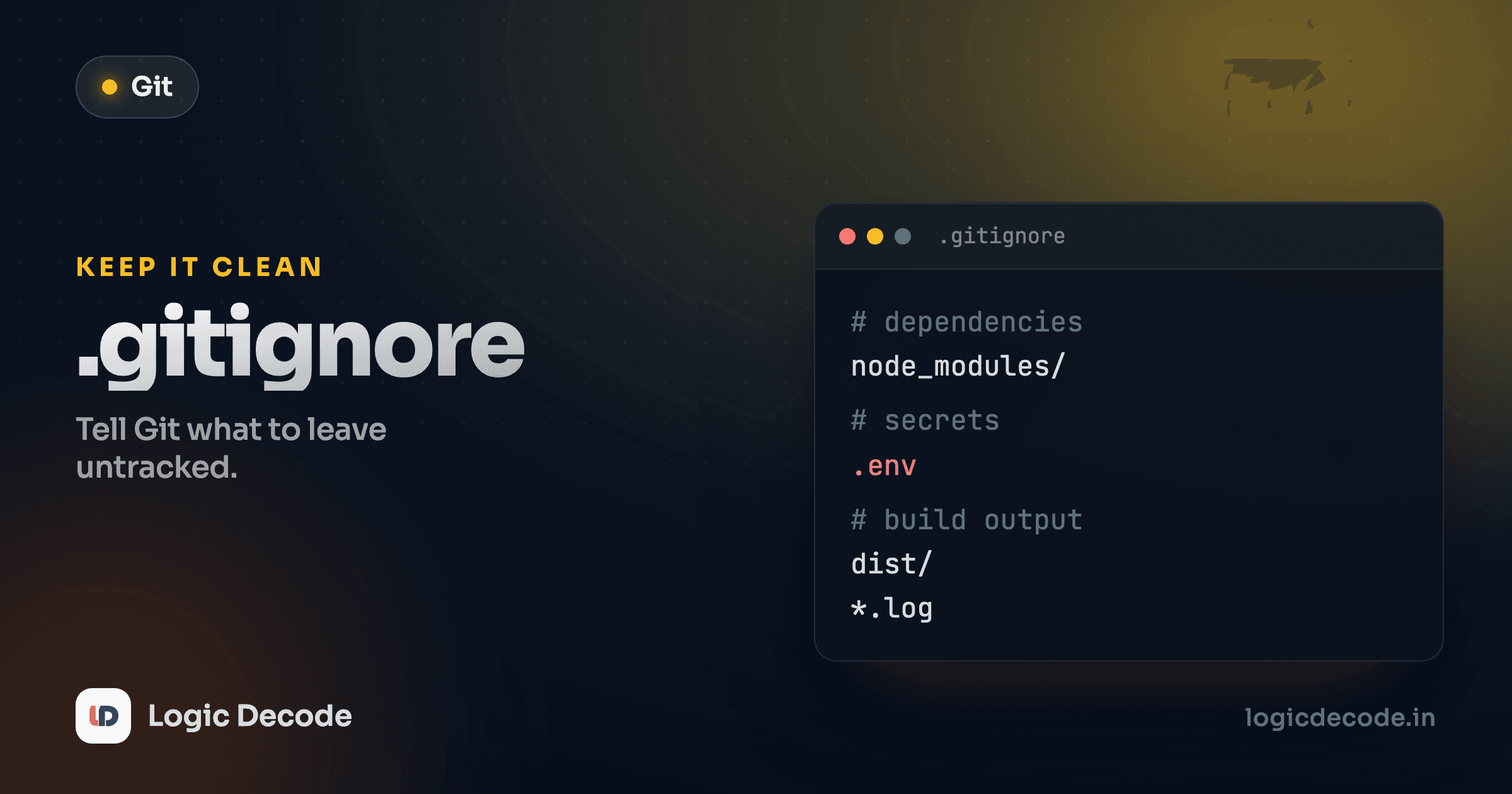
# Dependencies (re-installable from the lockfile)
node_modules/
venv/
__pycache__/
*.pyc

# Build output (regenerated by your build step)
dist/
build/
.next/

# Secrets and local config (NEVER commit these)
.env
.env.local
*.key
*.pem

# OS and editor cruft
.DS_Store
Thumbs.db
.idea/
.vscode/
node_modules/ and venv/ come back instantly from package-lock.json or requirements.txt, so there's no reason to store them. __pycache__/ and *.pyc are Python's compiled bytecode, pure machine output. .DS_Store is the invisible metadata file macOS sprinkles into every folder. Commit one and every Mac user on your team gets merge noise forever. And .env, where your secrets live, never goes in. More on that in a second.
The trap: .gitignore doesn't untrack what's already committed
This one bites everyone exactly once. .gitignore only affects untracked files. If a file is already committed, adding it to .gitignore does nothing. Git keeps tracking it and reporting its changes, because the ignore list is consulted only for files Git isn't already watching.
So you committed node_modules/ last week, realize your mistake, add it to .gitignore, and... it's still there. You have to explicitly stop tracking it:
git rm -r --cached node_modules/
git commit -m "Stop tracking node_modules; it's now gitignored"
git rm --cached removes the file from Git's index (so it's no longer tracked) but leaves it on your disk untouched. Drop --cached and it'd delete the actual files, which you don't want for things you still need locally. After this commit, the .gitignore rule finally takes over and the file stays ignored from here on.
Quick check
You committed config.env by mistake, then added it to .gitignore. Why does git status still show changes to it?
Never commit secrets, and what to do if you already did
Your API keys, database passwords, and access tokens belong in environment variables (a .env file) that is .gitignored, never in code or in a committed file. This is the single most common way real teams leak credentials, and the consequences range from "spam emails from your hijacked SendGrid account" to "stranger mining crypto on your $40,000 cloud bill."
A commit is forever — even after you delete it
Here's the part people get wrong. If you commit a secret and then delete it in a later commit, the secret is still in your Git history. Anyone with the repo can run git log -p and read it. Force-pushing a "fix" doesn't help if it was ever pushed to GitHub. It may be cached, forked, or already scraped by a bot (bots watch public pushes for exactly this).
So if a real secret ever lands in a commit, the only safe fix is: rotate the secret. Revoke the leaked key and generate a new one, immediately. Treat the old value as permanently compromised. Cleaning history (with git filter-repo or the BFG tool) is worth doing too, but rotation is the step that actually protects you.
The defense is cheap: add .env to .gitignore on day one, commit a .env.example with the keys but no values so teammates know what to fill in, and you'll never have this problem.
Commit messages your team will thank you for
A clean .gitignore keeps the repo tidy. Good commits keep its history useful. A history of update, fix, asdf, final fix for real this time is useless when you're trying to find when a bug crept in six months later.
Three habits do most of the work.
Make commits small and focused. One logical change per commit. Fixed a bug and renamed a variable and added a feature? That's three commits. Small commits are easy to review, easy to revert one at a time, and easy to understand later. A 600-file commit titled "stuff" is a black box nobody can reason about.
Write the subject in present-tense imperative. Phrase it as a command, completing the sentence "If applied, this commit will ___":
git commit -m "Add password reset endpoint"
git commit -m "Fix off-by-one in pagination"
Not Added..., not fixes stuff, not changes. This isn't pedantry. Git itself uses this tense for its own auto-generated messages (Merge branch..., Revert...), so yours read consistently alongside them. Keep the subject under ~50 characters.
Explain why, not what, in the body. The diff already shows what changed. What it can't show is your reasoning. For anything non-obvious, add a body after a blank line:
Cap retry attempts at 3

The payment provider rate-limits us after 5 rapid calls and
starts returning 429s, which our old infinite-retry loop turned
into a thundering-herd outage. Three is enough to ride out a
transient blip without tripping their limiter.
Six months from now, "why is it capped at 3?" has an answer sitting right there in git log. That future reader is often you, so be kind to them.
Atomic commits make the rest of Git easy
Everything you learned earlier in this series gets easier with small, focused commits. Reverting is surgical instead of all-or-nothing. git bisect can pinpoint the exact commit that introduced a bug. And cherry-picking one change onto another branch actually works. Sloppy giant commits poison all three.
Recap and what's next
.gitignore filters what Git tracks: globs like *.log, directories with a trailing /, comments with #, and re-inclusion with !. Ignore anything generated, downloaded, or machine-specific, and never commit secrets, because history keeps them. If one slips in, rotate it rather than just deleting it. Remember the trap that .gitignore won't untrack already-committed files. That's git rm --cached. And keep commits small, write subjects in present-tense imperative, and use the body to explain why.
This wraps up the mechanics. We came from Rebase vs merge. Next we put the whole series together in A real feature-branch workflow, where you take a change from a fresh branch all the way to a merged pull request.

Written by
Rhythm Bhiwani
Engineer and relentless builder, happiest reverse-engineering hard problems until they click.
Enjoyed this?
Tap the heart to leave some love.
Be the first to react
Comments
Join the conversation.
Loading comments…