AI Coding Agents Are the Default Workflow Now
In 2026, 95% of engineers use AI weekly and over half do most of their work with agents. What actually changed, and how to build a hybrid stack.

Sometime in the last year, "do you use AI to code?" stopped being a question worth asking. The interesting one now is "how many agents do you have running, and who's reviewing them?"
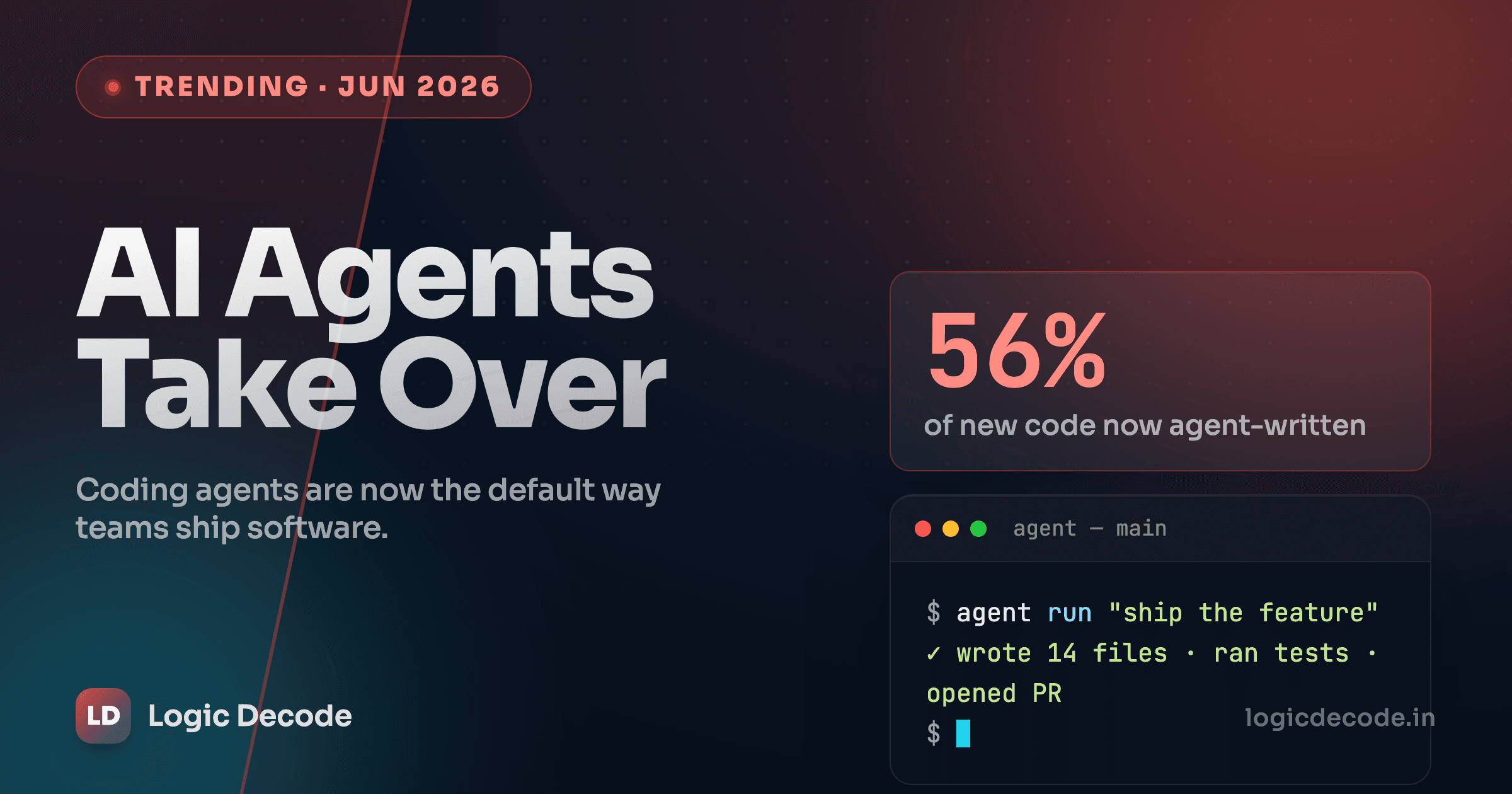
The numbers back this up harder than I expected. In The Pragmatic Engineer's 2026 AI tooling survey of 906 engineers, 95% use AI tools at least weekly and only 2.1% don't touch them at all. More striking: 56% say they do 70% or more of their work with AI. That's not autocomplete. That's the agent writing most of the diff while you steer.
So the defaults flipped. The question is what that actually changed about building software, and whether "use the one best tool" is still good advice. (Spoiler: it isn't.)
What actually changed: the unit of work got bigger
The old assistant model was token-level. You typed, it suggested the rest of the line, you hit Tab. Helpful, but you were still the one assembling the program one keystroke at a time.
Agents moved the unit of work up the stack. You describe an outcome ("add rate limiting to the upload endpoint, with tests") and the agent reads the relevant files, edits several of them, runs the test suite, reads the failures, and tries again. You went from author to reviewer of a junior who never sleeps and occasionally hallucinates an API that doesn't exist.
That shift shows up in the tooling preferences. Same survey: 70% of engineers run between two and four tools at once. Only 15% use a single tool. The "pick your one editor and master it" era is over, and people who built their workflow around a single tool are quietly the minority now.
The three shapes of an agent
Not all agents are the same animal, and the confusion comes from lumping them together. There are three distinct shapes, and the smart move is knowing which one fits which job.
| Shape | What it is | Examples | Best for |
|---|---|---|---|
| Terminal-native | An agent that lives in your shell and owns the full edit-test-commit loop | Claude Code, OpenAI Codex CLI | Deep refactors, anything that needs broad codebase context |
| IDE-anchored | AI built into the editor, inline with your cursor | Cursor, GitHub Copilot | Daily coding where you stay in the file and want fast feedback |
| Cloud task-runner | Async agents you assign work to, running on someone else's machine | Codex (cloud), background agents | Batched, parallelizable tasks you review later, no local setup |
The preference data maps cleanly onto these shapes. Claude Code is the most-loved tool at 46%, well ahead of Cursor at 19% and GitHub Copilot at 9%. But "most loved" and "most used at work" aren't the same axis. Copilot still sits at roughly 40% workplace usage, because enterprises default to whatever ships with their GitHub seats. And Codex, despite a later start, already runs at about 60% of Cursor's usage. It grew fast because async cloud agents fit a need the IDE tools didn't.
None of these is strictly better. They're different shapes for different problems, and that's exactly why the single-tool question is the wrong one.
The multi-agent turn: from one agent to a team
The biggest 2026 change wasn't a smarter single agent. It was making agents work in parallel.
When Anthropic shipped Claude Opus 4.6 on February 5, it came with a 1M-token context window, four effort levels you can dial from low to max, and a research-preview feature called Agent Teams. The idea: a lead Claude Code session spins up several independent teammate agents, each with its own full context window, and they coordinate over a shared task list and a peer-to-peer messaging channel. Not a parent barking at silent subagents, but teammates that can disagree with each other.
Here's the loop in practice:
It's genuinely useful when a task splits into independent chunks: one agent on the migration, one on the tests, one on the docs. It's also gated behind an environment variable for a reason: coordination has overhead, and three agents confidently editing the same file is a merge conflict generator with a personality. For a small bug, one focused agent still wins. Knowing when to call a team versus a single agent is becoming a real skill, the way knowing when to reach for a thread pool is.
If you want to understand the primitives underneath all this (tool calls, context, the agent loop), our build an LLM agent series walks through them from scratch.
The honest part: what this costs
Here's where most takes go quiet. The productivity is real, and so is the bill.
Start with review. Stack Overflow's 2026 developer survey found trust in AI accuracy dropped to 29%, down from 40%. The top frustration, hitting 45% of respondents, is code that looks right but is subtly wrong, and 66% say they now spend more time fixing "almost-right" AI output. That's the tax. The agent gets you to 90% in two minutes, and you spend twenty finding the 10% that's quietly broken.
Then there's the maintainability drift. Analyses from GitClear report code churn (lines rewritten or deleted within two weeks of being committed) climbing sharply since agents went mainstream, alongside a jump in copy-pasted duplication. Fast to write, expensive to live with. An agent has no instinct for "we already have a helper for this."
And skill atrophy is the slow one. If you let the agent write every loop, your own ability to write a clean loop rusts. That matters most exactly when the agent fails: a gnarly concurrency bug, an unfamiliar codebase, a domain the model has thin training data on. The engineers who'll be valuable in 2027 are the ones who can still drive without the autopilot. The atrophy doesn't announce itself. You just notice one day that you can't debug something the agent couldn't either.
The reviewer is the bottleneck now
Agents made writing code cheap. They did nothing to make reviewing it cheap. If your team's throughput is capped anywhere, it's at review, and merging agent output you didn't actually read is how subtle bugs ship at scale.
Quick check
Per the 2026 surveys, what's the most common complaint about AI-generated code?
So build a stack, not a favorite
The mistake is treating this like a console war, picking Claude Code or Cursor or Codex and defending it. The data already shows most people don't: two-to-four tools is the norm. Here's the division of labor I'd actually run.
Use an IDE-anchored agent for the inner loop, the code you're actively thinking about, where you want inline feedback and full control. Cursor or Copilot earn their keep here.
Use a terminal-native agent for the work that needs the whole map: multi-file refactors, "why is this slow," tracing a bug across modules. This is where the big context window pays off, and where Claude Code's loop shines.
Use a cloud task-runner for the batch, the dozen small, independent, boring changes. Fire them off, go do real work, review the PRs when they land. Codex is built for exactly this.
And reach for an agent team only when the work genuinely parallelizes and the coordination cost is worth it. Most days it isn't. That's fine.
The constant across all three: you read the diff. Every time. Treat agent output the way you'd treat a pull request from a fast, confident contributor who's wrong about 1 in 10 things and never tells you which one. If your version control habits are shaky, that review discipline falls apart fast. Our Git and GitHub series covers the branching and review workflow that makes this sane at team scale.
The default workflow changed. The job didn't. We've always been paid to ship correct software, not to type it. Agents just moved the bottleneck from typing to judgment. Pick the tool that fits the task, run a few of them, and never merge something you haven't read. The engineers who win in this era aren't the ones with the fastest agents. They're the ones who still know when the agent is wrong.

Written by
Rhythm Bhiwani
Engineer and relentless builder, happiest reverse-engineering hard problems until they click.
Enjoyed this?
Tap the heart to leave some love.
Be the first to react
Comments
Join the conversation.
Loading comments…