Control LLM Output: Temperature, Tokens, Streaming
Control LLM output in Python: temperature, top_p, max_tokens, stop sequences, and streaming responses token by token, with an interactive demo.

Run the same prompt twice and you'll often get two different answers. That's not a bug. It's the model rolling dice on every word. The good news: you get to load the dice. A handful of parameters on create() decide whether the model plays it safe or gets weird, how long it's allowed to ramble, where it stops, and whether the answer lands all at once or streams in word by word like someone typing.
This lesson is the dials. By the end you'll know which one to reach for when, and you'll have a response that prints token by token instead of making your user stare at a blank screen.
Temperature: how much the model gambles
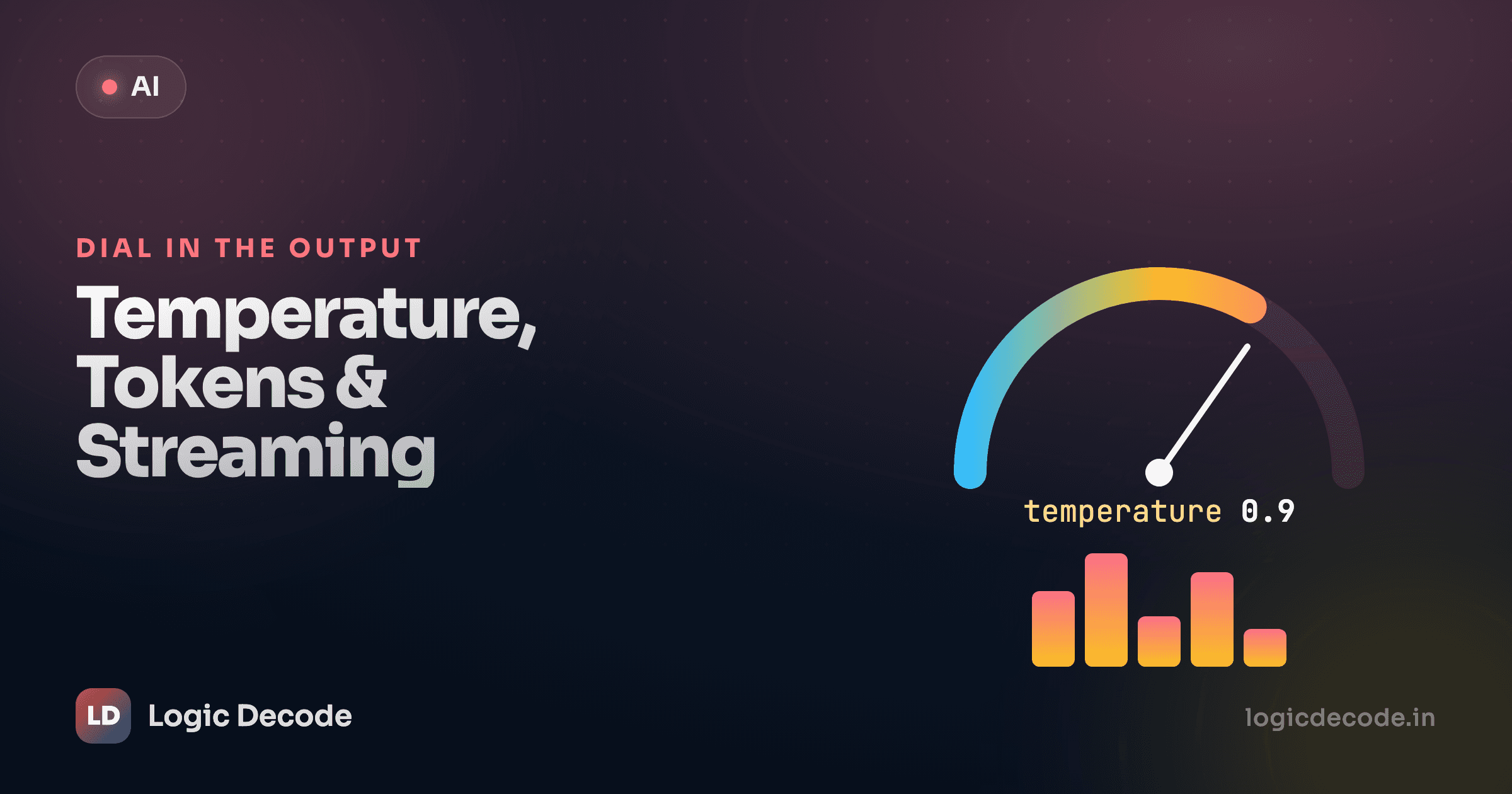
Every time an LLM picks the next token, it's choosing from a ranked list of candidates, each with a probability. "The sky is ___" might be blue at 70%, clear at 12%, falling at 0.3%, and a long tail of unlikely words after that. Temperature reshapes that distribution before the model samples from it.
Low temperature sharpens the peaks: the high-probability tokens get even more likely, the rest get squashed toward zero, so the model almost always takes the safe, obvious choice. High temperature flattens everything out, giving the long-tail words a real shot, which is where you get surprise, variety, and sometimes nonsense.
Slide the temperature below and watch the same set of candidate tokens get reweighted. Then hit Sample a few times at each setting and see how often the pick changes.
Sampling
The weather today is ___
Low temp picks the top token almost every time. Crank it up and the long shots start winning.
You set it as a number, usually between 0 and 2, in the create() call:
resp = client.chat.completions.create(
    model=MODEL,
    messages=[
        {"role": "user", "content": "Name a color."}
    ],
    temperature=0.2,
)
print(resp.choices[0].message.content)
That client and MODEL are the exact ones from your first API call, nothing new to wire up, just one extra argument.
Which temperature for what
This is the part worth memorizing, because it's the difference between an app that works and one that drifts:
- Low (0–0.3): anything with a correct answer. Pulling fields out of text, classifying a support ticket, generating code, summarizing a document, answering from facts you gave it. You want the same input to give the same shape of output, every time.
- Mid (0.4–0.7): a reasonable default for chat and general assistants. Coherent, but not robotic.
- High (0.8–1.2+): brainstorming, marketing copy, names, jokes, anything where you want ten different takes. Push past 1.2 and quality usually falls off a cliff.
A concrete failure I see constantly: someone builds a "pull the invoice total out of this email" feature, leaves temperature at the chatty default, and one call in twenty hallucinates a number that isn't there. Drop it to 0 and the problem mostly evaporates. Match the dial to the job.
Temperature 0 is not a guarantee
Setting temperature=0 makes the model take the single most likely token at each step (greedy decoding), which is about as deterministic as you can ask for. But it's not a promise of identical output across runs. Floating-point quirks across GPUs, batching, and provider-side changes mean two "temperature 0" calls can still differ. Treat it as "very consistent," not "byte-for-byte reproducible." If you truly need stability, also check whether your provider offers a seed parameter.
top_p, the other knob (and why you pick one)
There's a second way to constrain the sampling: top_p, also called nucleus sampling. Instead of reshaping the whole distribution like temperature does, it just throws away the unlikely tail. top_p=0.1 means "only consider the most probable tokens that together add up to 10% of the probability mass, and ignore the rest."
# nucleus sampling: keep only the top tokens that sum to 90% probability
resp = client.chat.completions.create(
    model=MODEL,
    messages=[{"role": "user", "content": "Name a color."}],
    top_p=0.9,
)
Here's the practical advice almost nobody states plainly: tune one of them, not both. They're two ways to control the same randomness, and turning both at once makes the effect hard to reason about. Pick temperature (it's the more intuitive one), leave top_p at its default, and you'll be fine for the vast majority of apps.
Quick check
You're building a feature that extracts the due date from a customer email. Which setting fits best?
max_tokens: capping the answer's length
max_tokens sets a ceiling on how many tokens the model is allowed to generate in its reply. Read that twice, because the common mistake is thinking it limits your prompt. It doesn't. Your prompt length is its own thing. max_tokens is purely about the response.
resp = client.chat.completions.create(
    model=MODEL,
    messages=[
        {"role": "user", "content": "Explain recursion."}
    ],
    max_tokens=60,   # cut the answer off after ~60 tokens
)
print(resp.choices[0].message.content)
print(resp.choices[0].finish_reason)   # "length" if it hit the cap
Two reasons to use it. First, cost and latency control. A runaway model that decides to write you an essay costs more and takes longer, and a cap puts a hard lid on both. Second, safety against truncation surprises: check finish_reason. If it comes back "length", the model didn't finish its thought, it ran out of room. You'll want that cap high enough to fit a complete answer, or your JSON will arrive with a missing closing brace and your parser will choke.
A rough rule for sizing it: a token is about 4 characters of English, so ~75 words is roughly 100 tokens. Want a one-paragraph answer? A few hundred tokens is plenty. We get into the token-counting weeds (and what it does to your bill) in lesson 11.
stop: ending the generation on cue
Sometimes you don't want a length limit, you want the model to stop the instant it produces a specific string. That's stop. You hand it a string (or a short list of them), and the moment the model is about to emit one, generation halts, and the stop string itself is not included in the output.
resp = client.chat.completions.create(
    model=MODEL,
    messages=[
        {"role": "user", "content": "List three fruits, one per line."}
    ],
    stop=["\n\n", "4."],   # stop at a blank line or a fourth item
    temperature=0,
)
print(resp.choices[0].message.content)
This shines when you're generating something with a predictable boundary. Stop at </answer>, or at the next Q: so the model doesn't helpfully invent its own follow-up question. It's a precision tool: reach for it when you know exactly what the end looks like.
Streaming: don't make people wait for the whole thing
Here's the experience problem. A normal call blocks until the entire response is generated, then hands you the full string at once. For a long answer that's several seconds of a frozen, empty screen, and the user assumes it's broken.
Streaming fixes the perceived speed. The model generates token by token regardless. Streaming just lets you read each token as it's produced instead of waiting for the last one. The total time is basically the same, but the first words show up almost immediately, so it feels fast. It's why every chat UI you've used types the answer out in front of you.
You turn it on with stream=True. Instead of a finished response object, you get an iterator of chunks, and you pull the text out of each one as it arrives:
stream = client.chat.completions.create(
    model=MODEL,
    messages=[
        {"role": "user", "content": "Write a haiku about Python."}
    ],
    stream=True,
)

for chunk in stream:
    print(chunk.choices[0].delta.content or "", end="", flush=True)
print()   # final newline once the stream ends
Run that and you'll watch the haiku appear word by word in your terminal instead of all at once. Three details make it work:
- It's
delta, notmessage. A streamed chunk carrieschoices[0].delta.content, the new piece of text in this chunk, not the whole message so far. You're getting diffs, and you assemble them yourself. - The
or ""matters. Some chunks (the first, the last, role-only ones) havedelta.contentset toNone, andprint(None)would dump the literal wordNoneinto your output.chunk.choices[0].delta.content or ""turns those into empty strings. end=""stopsprintfrom adding a newline after every tiny chunk, andflush=Trueforces each piece to the screen immediately instead of sitting in a buffer. Without it, the "live typing" effect can stall.
If you need the full text and the live display, collect as you go:
pieces = []
stream = client.chat.completions.create(
    model=MODEL,
    messages=[{"role": "user", "content": "Write a haiku about Python."}],
    stream=True,
)
for chunk in stream:
    delta = chunk.choices[0].delta.content or ""
    print(delta, end="", flush=True)
    pieces.append(delta)

full_text = "".join(pieces)
That pattern (print the delta, also stash it) is what's running under the hood of basically every assistant UI. The official openai-python README documents the streaming interface (including the async version) if you want to go deeper.
Streaming trades one thing away
With a non-streamed call you get the whole response object, including handy fields like finish_reason and token usage, in one place. Streaming gives you speed but scatters that metadata across the chunks (and the final one), so it's slightly more code to handle errors and totals. For a quick script, non-streaming is simpler. For anything a human watches in real time, stream it.
The dials, in one place
Four parameters, all passed straight into client.chat.completions.create():
temperaturereshapes the randomness: low for correct answers, high for creative ones. Tune this ortop_p, not both.max_tokenscaps the response length. Checkfinish_reason == "length"to catch a cut-off answer.stopends generation at a known marker, and drops the marker from the output.stream=Truedelivers the answer token by token viadelta, so it feels instant.
You can now make a model deterministic for extraction, playful for brainstorming, bounded in length, and responsive in a UI, all without touching the model itself.
There's one job these dials don't solve: getting output in a shape your code can rely on. A low temperature makes the text consistent, but it's still text. Next we make the model hand back clean, validated JSON you can load straight into a Python object, in structured JSON output.

Written by
Rhythm Bhiwani
Engineer and relentless builder, happiest reverse-engineering hard problems until they click.
Enjoyed this?
Tap the heart to leave some love.
Be the first to react
Comments
Join the conversation.
Loading comments…