CSS Grid: Two-Dimensional Layout, Explained
Build real layouts with CSS Grid: columns, rows, gaps, and placement, with an interactive grid playground to experiment live.

Flexbox handles a row or a column. Grid handles rows and columns at the same time. The moment your layout has both (a header across the top, a sidebar down the left, cards in a tidy matrix) you stop fighting Flexbox and reach for Grid. Three lines of CSS and the whole arrangement falls into place.
Grid vs Flexbox: when to use which
Both put boxes where you want them. The split is dimensions.
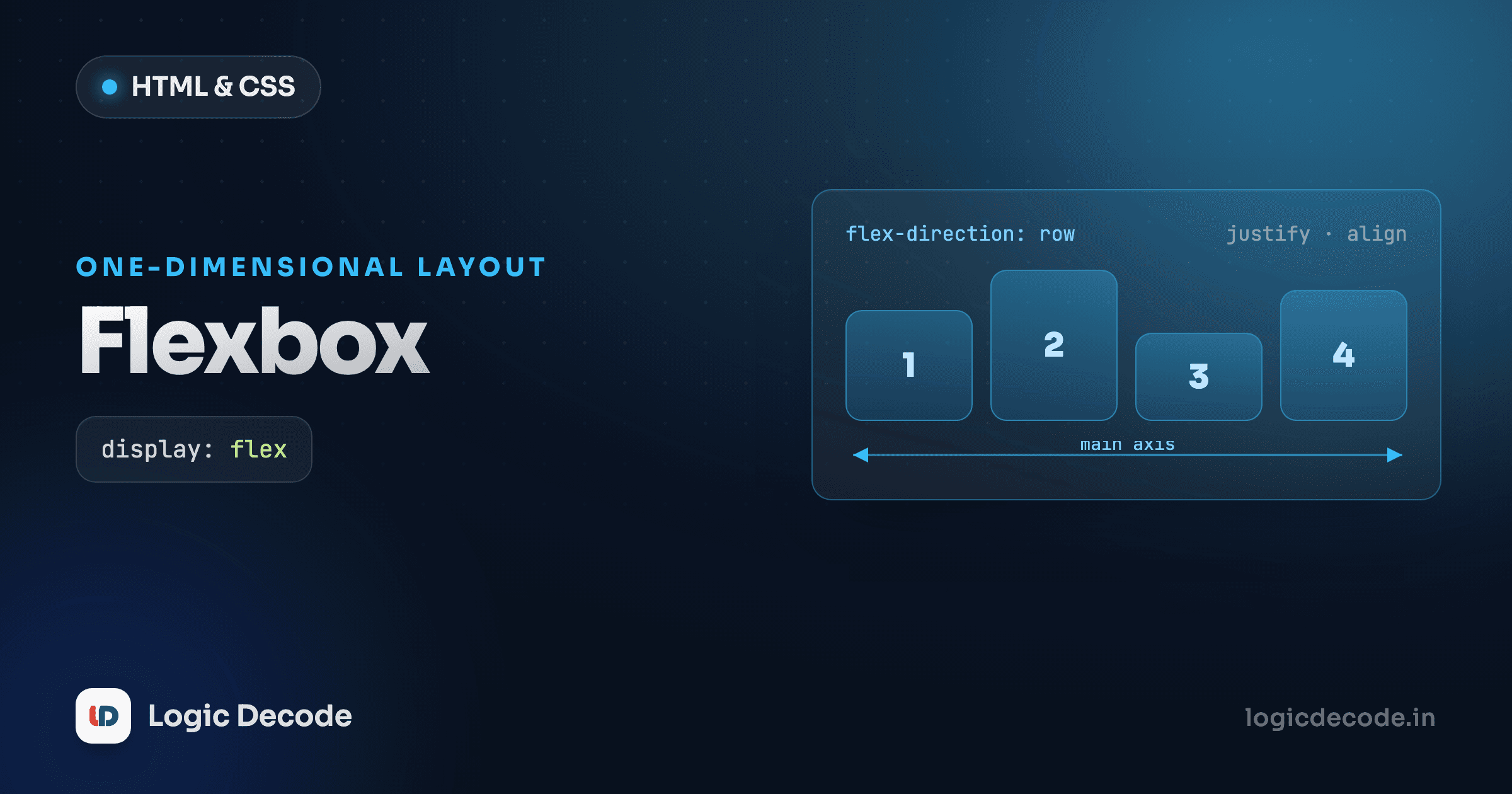
Flexbox is one-dimensional: it lays items out along a single axis, a row or a column, and you mostly think about that one line. A nav bar, a row of buttons, a stack of form fields, that's Flexbox territory, and you saw it in CSS Flexbox.
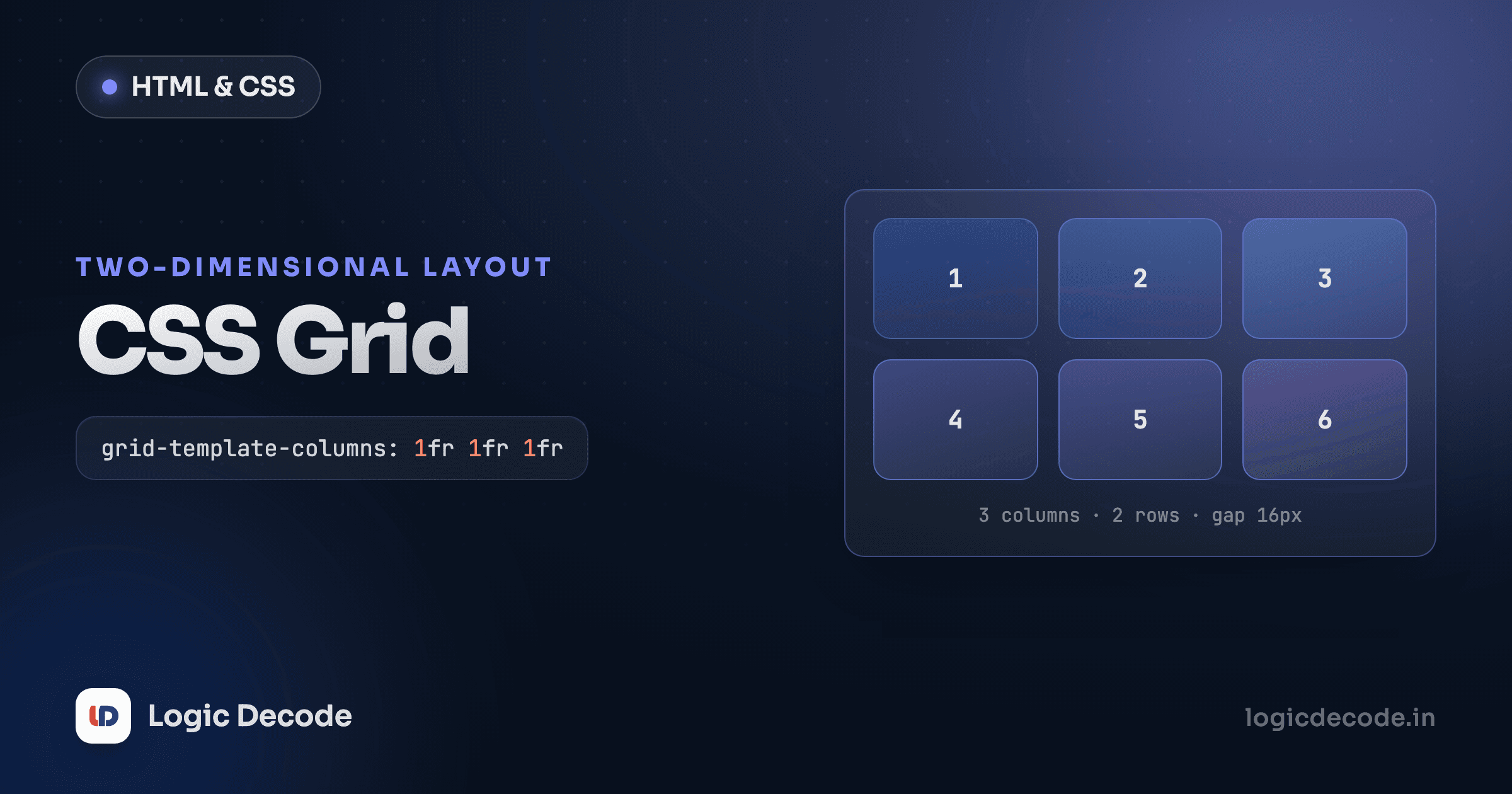
Grid is two-dimensional: you define columns and rows up front, and items drop into that structure. A page shell, a photo gallery, a dashboard of cards, anything where things need to align both across and down, is a Grid job.
A quick gut check: if you're describing the layout as "a row of…" or "a column of…", use Flexbox. If you're saying "a grid of…" or "this part here, that part there," use Grid. They also mix happily. A Grid page with a Flexbox nav inside one of its areas is completely normal.
display: grid and your first columns
Turning an element into a grid is one declaration. The interesting part is grid-template-columns, which says how many columns there are and how wide each one is.
.grid {
  display: grid;
  grid-template-columns: 100px 200px 100px;
}
That's three columns: 100px, 200px, 100px. Every direct child of .grid flows into the next slot, wrapping to a new row when it runs out of columns. You never told the children where to go. The container's track definition did it.
Fixed pixels are rarely what you want, though. Enter the fr unit, which means "one fraction of the free space."
.grid {
  display: grid;
  grid-template-columns: 1fr 2fr 1fr;
}
Now the middle column is twice as wide as the outer two, and the whole thing flexes to fill the container. Resize the window and the proportions hold. fr is the unit you'll use most.
Listing 1fr 1fr 1fr 1fr for four equal columns gets old, so repeat() shortens it:
.grid {
  display: grid;
  grid-template-columns: repeat(4, 1fr);   /* four equal columns */
}
gap: the spacing that just works
Spacing between tracks used to mean margins and the off-by-one headaches that come with them. Grid has gap:
.grid {
  display: grid;
  grid-template-columns: repeat(3, 1fr);
  gap: 16px;             /* same gap between rows and columns */
}
gap only goes between cells, never around the outside edge, so no leftover margin on the first or last item to clean up. You can split it (gap: 24px 12px is row-gap column-gap), but a single value covers most cases.
This is the part worth touching rather than reading. Drag the sliders below to change the column count, the gap, and how items align inside their cells, and watch the boxes rearrange.
Grid playground
One property, two layouts
gap works in Flexbox too, not just Grid. If you've been adding margin-right to space out flex items, swap it for gap on the flex container and delete the margins. Cleaner, and no trailing-margin edge case.
A real page layout
Enough fragments. Here's a classic page shell (header, sidebar, main content, footer) built with Grid. Edit the CSS and watch it update live.
The whole layout is grid-template-columns: 200px 1fr, a fixed sidebar and a flexible main. The magic line is grid-column: 1 / -1, which tells the header and footer to span from the first column line all the way to the last. That -1 means "the final line," so it always reaches the end no matter how many columns you have.
Placing items with grid-column
By default each item takes one cell. To make an item stretch across more, you name the column lines it should span. Grid numbers the lines starting at 1, so a three-column grid has lines 1, 2, 3, 4.
.featured {
  grid-column: 1 / 3;     /* start at line 1, end at line 3 → spans 2 columns */
}

.also-wide {
  grid-column: span 2;    /* shorthand: just span 2 columns from wherever I land */
}
span 2 is the one you'll reach for most. It says "two columns wide" without caring about absolute line numbers, so it survives you adding or removing columns elsewhere. Rows work the same way with grid-row.
Quick check
In a 3-column grid, what does grid-column: 1 / -1 do to an item?
Responsive grids with no media queries
Here's the trick that makes Grid feel like a cheat code. You want a gallery that shows as many columns as fit, dropping to fewer on narrow screens, without writing a single breakpoint.
The combination is repeat() with auto-fit and minmax():
.gallery {
  display: grid;
  grid-template-columns: repeat(auto-fit, minmax(200px, 1fr));
  gap: 16px;
}
Read it inside out. minmax(200px, 1fr) means each column is at least 200px and at most one fraction of the leftover space. auto-fit then asks the browser to pack in as many of those columns as the container can hold, and stretch them to fill the row. On a wide screen you get five columns. Squeeze the window and it becomes four, then three, then one, automatically. No @media anywhere.
There are two siblings worth knowing. auto-fill does almost the same thing but keeps empty phantom columns when there's leftover room, so a half-empty row doesn't stretch its items to fill the gap. auto-fit collapses those empty tracks so existing items grow to use the space. For most galleries, auto-fit is what you want. Reach for auto-fill when you specifically need items to keep their minimum width instead of expanding.
Try it. Drag the preview's edge in and out and count the columns change on their own.
That place-items: center on each card is a bonus Grid trick: one line that centers content both horizontally and vertically. It's the shortest "center a thing" CSS there is.
auto-fit can over-stretch
With very few items, auto-fit stretches them to fill the whole row, which can look odd, like two giant cards spanning a wide screen. If that bugs you, cap the max with something like minmax(200px, 320px) instead of 1fr, or use auto-fill so empty tracks hold the layout together.
Where to go next
Grid is your two-dimensional layout tool: display: grid plus grid-template-columns defines the structure, fr and repeat() keep it proportional, gap spaces it cleanly, and grid-column: span n (or 1 / -1) places items across tracks. The one pattern to memorize is repeat(auto-fit, minmax(200px, 1fr)), a responsive grid with zero media queries. For the full mental model, the MDN basic concepts of grid layout is the reference to keep open.
Grid handles layout that adapts to its container. Next we make layouts adapt to the screen on purpose, with breakpoints you control: responsive design with media queries.

Written by
Rhythm Bhiwani
Engineer and relentless builder, happiest reverse-engineering hard problems until they click.
Enjoyed this?
Tap the heart to leave some love.
Be the first to react
Comments
Join the conversation.
Loading comments…