Embeddings and Semantic Search, Explained
Embeddings turn text into vectors so you can search by meaning. Learn cosine similarity and build semantic search in Python, with a live explorer.

Search the word "car" in a plain keyword search and "automobile" doesn't match. Same meaning, different letters, zero hits. That's the wall keyword search keeps running into. Embeddings knock it down: they turn text into numbers that capture meaning, so "car" and "automobile" land right next to each other even though they don't share a single character. By the end of this you'll have built a tiny semantic search engine in about fifteen lines of Python.
What an embedding actually is
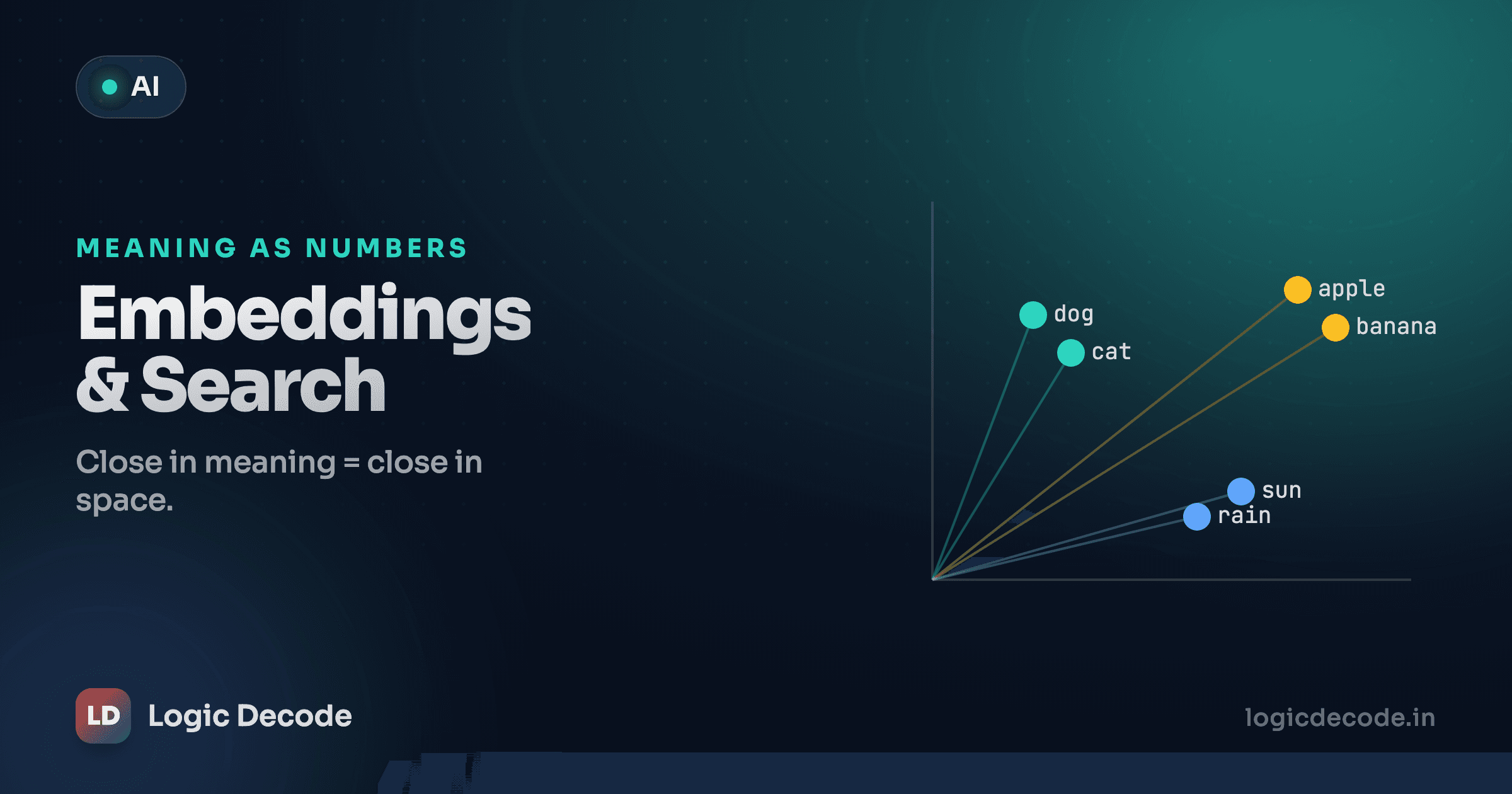
An embedding is a list of numbers (a vector) that a model produces for a piece of text. Same model, same dimensions every time. A small embedding model might give you 1536 numbers per input, a bigger one 3072. You never read those numbers by hand. What matters is the geometry: the model is trained so that text with similar meaning gets vectors pointing in similar directions.
So "I love this movie" and "this film was great" end up close together in that space, while "the wifi is broken" sits far away. Keyword search compares letters. Semantic search compares meaning, by comparing vectors. That single shift is what makes "find me documents about refunds" work even when not one of them contains the word "refund."
Play with it. Pick a phrase below and watch which other phrases the model thinks are closest. These are real precomputed vectors, ranked by similarity.
Semantic search
Pick a phrase — find what's closest in meaning
Closest to “a happy dog”:
Score is cosine similarity (1.00 = same direction, 0 = unrelated). Real embeddings have hundreds or thousands of dimensions; these are tiny and hand-made so the clusters are easy to see.
Notice it's not matching words. "How do I get my money back?" surfaces refund-and-billing phrases ahead of ones that happen to share words like "how" or "I". The model grouped them by what they mean.
Why numbers?
Computers can't compare "meaning" directly, but they're great at arithmetic. Turn every sentence into a fixed-length vector and "is this similar to that?" becomes a math question you can answer in microseconds, even across millions of documents.
Cosine similarity: measuring closeness
Two vectors are "close" if they point the same way. The standard tool for measuring that is cosine similarity, the cosine of the angle between two vectors. It runs from 1 (pointing the exact same direction, basically identical meaning) through 0 (perpendicular, unrelated) and can go negative (opposite). Higher means more similar.
Why cosine and not plain straight-line distance? Because embedding magnitude is mostly noise. A longer document can produce a longer vector without being any more relevant. Cosine ignores length and only cares about direction, which is where the meaning lives. Two vectors pointing the same way score 1 whether one is twice as long as the other.
The formula is just the dot product divided by the two lengths:
cosine(a, b) = (a · b) / (|a| * |b|)You don't need a math library for this. Here it is in plain Python on a few hand-made vectors. Run it and read the ranking:
The two car-ish vectors score near 1. The food and tax ones drop toward 0. That's the entire trick behind semantic search, and you just wrote the core of it without calling any API. The zip pairs up matching dimensions. If you want a refresher on that and the data structures here, see Python lists, tuples and sets.
Quick check
Two vectors have a cosine similarity of 0. What does that tell you?
Getting real embeddings from the API
Toy vectors make the math obvious, but real ones come from an embedding model. We reuse the same provider-agnostic client from earlier in the series (set up in your first LLM API call), plus one new env var for the embedding model:
import os
from openai import OpenAI

client = OpenAI(
    base_url=os.environ["LLM_BASE_URL"],
    api_key=os.environ["LLM_API_KEY"],
)
EMBED_MODEL = os.environ.get("LLM_EMBED_MODEL", "text-embedding-3-small")

resp = client.embeddings.create(
    model=EMBED_MODEL,
    input=["the cat sat on the mat", "a feline rested on the rug"],
)
vectors = [d.embedding for d in resp.data]

print(len(vectors))        # 2 — one per input string
print(len(vectors[0]))     # e.g. 1536 — the model's dimension count
print(vectors[0][:3])      # first few floats: [0.013, -0.026, 0.004, ...]
A few things worth knowing. You pass a list of strings as input, and you get back one embedding per string in the same order. Batching is both cheaper and faster than one call per text. Each d.embedding is a list[float]. And the model name stays in an env var on purpose: swap providers or sizes by changing LLM_EMBED_MODEL, not your code. (Embeddings are usually billed by token and tend to be cheap, but check your provider's current rates rather than trusting a number you read in a blog post.)
One model, start to finish
Embeddings from different models live in incompatible coordinate spaces. If you embed your documents with one model and your queries with another, the cosine scores are meaningless. Index and query with the exact same model, and re-embed everything if you ever switch.
Building a tiny semantic search
Now snap the two halves together. Embed a small set of documents once, embed the incoming query, then rank the documents by cosine similarity against it. That's the whole engine.
import os, math
from openai import OpenAI

client = OpenAI(base_url=os.environ["LLM_BASE_URL"], api_key=os.environ["LLM_API_KEY"])
EMBED_MODEL = os.environ.get("LLM_EMBED_MODEL", "text-embedding-3-small")

def cosine(a, b):
    dot = sum(x * y for x, y in zip(a, b))
    return dot / (math.sqrt(sum(x*x for x in a)) * math.sqrt(sum(y*y for y in b)))

def embed(texts):
    resp = client.embeddings.create(model=EMBED_MODEL, input=texts)
    return [d.embedding for d in resp.data]

documents = [
    "How to reset your password",
    "Our refund and return policy",
    "Setting up two-factor authentication",
    "When will my order arrive?",
]

# Embed every document once, up front.
doc_vectors = embed(documents)

def search(query, top_k=2):
    q = embed([query])[0]
    scored = [(cosine(q, dv), doc) for dv, doc in zip(doc_vectors, documents)]
    scored.sort(reverse=True)
    return scored[:top_k]

for score, doc in search("I want my money back"):
    print(f"{score:.3f}  {doc}")
Run that and "I want my money back" pulls up the refund policy first, even though the query and the document share zero meaningful keywords. That's the payoff. The phrasing doesn't have to match. The meaning does.
Two practical notes. Embed your documents once and reuse the vectors, because re-embedding the whole corpus on every search is slow and wasteful. And this linear scan is fine for a few hundred items. Past that, you reach for a vector database (or a library like FAISS) that does approximate nearest-neighbour search instead of comparing against every vector by hand. The mental model stays identical. It's the same cosine ranking, just faster.
This is the engine inside RAG
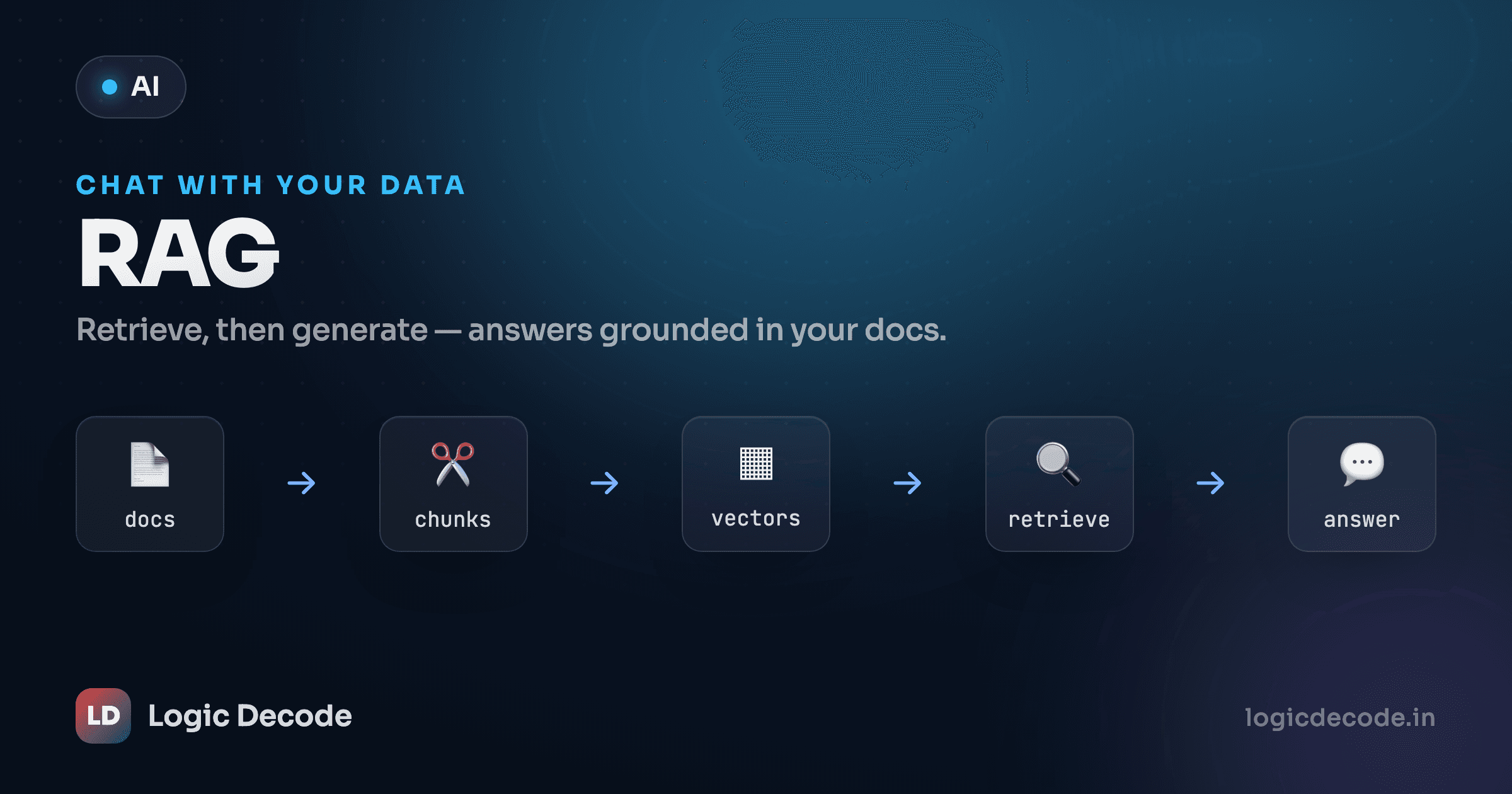
Semantic search isn't only for search bars. It's the retrieval step in RAG (retrieval-augmented generation): find the few chunks most relevant to a question, then hand them to the LLM as context so it answers from your documents instead of guessing. You just built the part that finds the right chunks.
Recap and what's next
Embeddings turn text into vectors that capture meaning, so similar ideas sit close together regardless of wording. Cosine similarity measures that closeness by the angle between vectors (1 is a near-match, 0 is unrelated) and it ignores vector length so document size doesn't skew results. Call client.embeddings.create with a list of strings, pull d.embedding for each, then rank by cosine. For the theory behind why this works at all, the Wikipedia entries on word embeddings and cosine similarity are solid starting points.
Last lesson we let the model run your code with tool calling. Next we plug this retrieval step into a full pipeline: RAG, chat with your own documents, where the model answers questions using the exact chunks your semantic search dug up.

Written by
Rhythm Bhiwani
Engineer and relentless builder, happiest reverse-engineering hard problems until they click.
Enjoyed this?
Tap the heart to leave some love.
Be the first to react
Comments
Join the conversation.
Loading comments…