JavaScript Callbacks and Promises, Explained
Understand asynchronous JavaScript: callbacks, the problem they cause, and how Promises fix it, with live, runnable examples to try.

Some things in JavaScript take time: loading an image, asking a server for data, waiting two seconds before showing a toast. The surprising part is that JavaScript doesn't stop and wait for them. It kicks off the slow thing, keeps running the rest of your code, and comes back to deal with the result later. That single fact explains callbacks, Promises, and a lot of confused bug reports, so let's see it happen.
JavaScript doesn't wait around
Run this. Guess the order the lines print before you do.
You probably expected first, second, third. You got first, third, second. setTimeout says "run this function after 1000 milliseconds," but it does not pause the program while it waits. JavaScript schedules that function for later and immediately moves on to console.log("third"). A whole second later, when nothing else is running, the scheduled function finally fires.
That's what "asynchronous" means: the slow work happens off to the side, and your code keeps going. JavaScript runs on a single thread (one thing at a time) so if it actually froze for that second, the whole page would lock up. No clicks, no scrolling, nothing. Instead it hands the timer off, stays responsive, and picks the result back up when it's ready. The mechanism that schedules this is the event loop, and the one-line version is: finish the current code first, then run whatever's been queued up. You don't have to manage it. You just have to expect it.
Here's the shape of it. Note that microtasks (promise callbacks) jump the line and run before regular tasks like timer callbacks:
Why "1 second" is really "at least 1 second"
setTimeout(fn, 1000) doesn't promise to run fn in exactly 1000ms. It promises to run it no sooner than that, once the current code has finished and the event loop gets to it. For our examples it's effectively a stopwatch, which is perfect for faking slow work like a network request.
Callbacks: hand off a function to run later
So how do you say "do this after the slow thing finishes"? You pass a function in, and the slow operation calls it back when it's done. That passed-in function is a callback. You already used one — the function you handed to setTimeout is a callback.
Here's a fake "fetch a user" that takes time, then calls you back with the result:
getUser starts the work, and a second later it runs the callback with the user object. Notice "this runs immediately" prints before "got user" — same pattern as before. The callback is the bridge: it lets you keep working with a result that doesn't exist yet at the moment you ask for it.
This works fine for one step. The trouble starts when one slow step depends on the previous one.
Callback hell
Say you need to fetch a user, then their orders, then the details of the first order. Each step needs the result of the one before it, so each waits for the last. With callbacks, that means nesting a callback inside a callback inside a callback:
getUser(7, function (user) {
  getOrders(user.id, function (orders) {
    getDetails(orders[0].id, function (details) {
      console.log("finally:", details);
      // ...and if this needed another step, we'd nest again
    });
  });
});
See the staircase drifting to the right? That's callback hell, the "pyramid of doom." It's not just ugly. Error handling gets duplicated at every level, the order you read it in isn't the order it runs, and adding a step means re-indenting everything below it. Three levels is annoying. Six is a maintenance nightmare. Developers hit this so hard and so often that the language got a built-in fix.
Quick check
In setTimeout(fn, 500), what is fn called?
Promises: a placeholder for a future value
A Promise is an object that stands in for a result you don't have yet. Think of a restaurant buzzer: you order, they hand you a buzzer (the Promise), and you go sit down. The buzzer isn't your food. It's a guarantee you'll be told when the food is ready, one way or another.
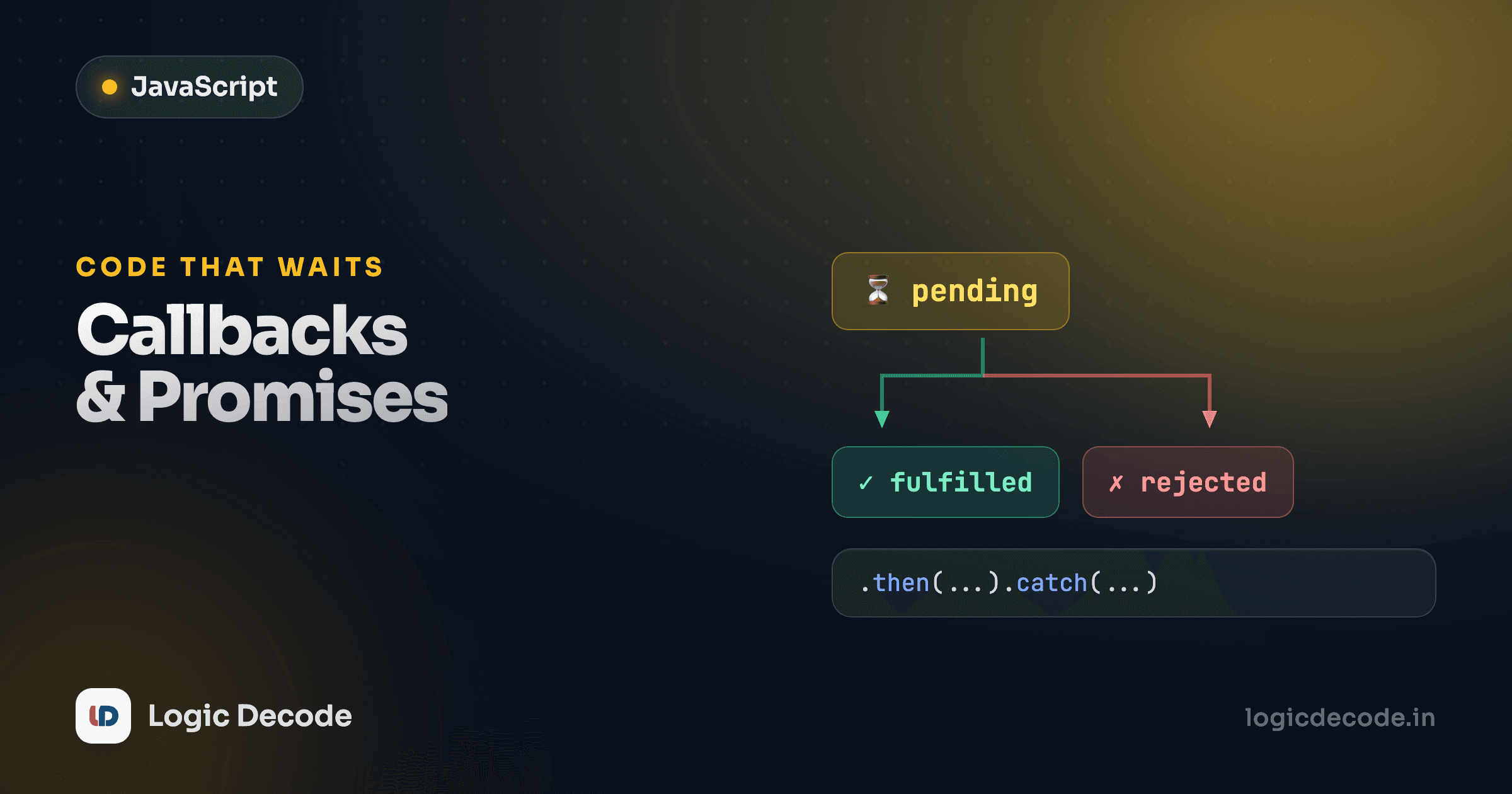
A Promise is always in one of three states:
- pending: still working, no result yet (the buzzer hasn't gone off)
- fulfilled: it worked, here's the value (food's ready)
- rejected: it failed, here's the error (kitchen's out of that dish)
It starts pending and settles into exactly one of the other two, once. You read the result with .then() for success and .catch() for failure. Run this:
getUser now returns a Promise instead of taking a callback. The .then() runs when the Promise fulfills, with whatever value got passed to resolve. Same async behavior ("waiting..." prints first) but the shape is different: the result flows downward through .then, not inward through nesting.
Creating a Promise
You make one with new Promise, handing it a function that gets two tools: resolve (call it on success) and reject (call it on failure). Whichever you call decides the Promise's fate.
Change checkout(0) to checkout(5) and rerun. Now it resolves and .then fires instead of .catch. One .catch at the bottom handles failure from anywhere in the chain. That's the second big win over callbacks. Error handling lives in one place instead of being copy-pasted into every nested level.
Chaining beats nesting
Here's the killer feature. If a .then returns another Promise, the next .then waits for it. So the staircase from before flattens into a straight, readable chain:
getUser(7)
  .then(function (user) {
    return getOrders(user.id);   // returns a Promise
  })
  .then(function (orders) {
    return getDetails(orders[0].id);
  })
  .then(function (details) {
    console.log("finally:", details);
  })
  .catch(function (err) {
    console.log("something broke:", err);
  });
Read it top to bottom and it runs top to bottom. Each step hands its result to the next. One .catch covers the whole sequence. Compare that to the pyramid: same work, no nesting, one place for errors. That's the entire reason Promises exist.
Return inside .then
The magic word is return. If you forget to return getOrders(...) inside a .then, the next .then gets undefined instead of waiting for the orders. When a chain mysteriously gives you undefined, a missing return is the first thing to check. MDN's Using Promises guide walks through more chaining patterns worth knowing.
Recap and what's next
JavaScript doesn't block: slow work runs off to the side and your code keeps going, which is why setTimeout and a network call finish after the lines below them. A callback is a function you pass in to be run when that slow work finishes. Fine for one step, but nesting them for dependent steps gives you the right-drifting pyramid of callback hell. A Promise fixes that: it's a placeholder for a future value, living in one of three states (pending, then either fulfilled or rejected), and you read it with .then for success and .catch for failure. Best of all, returning a Promise from a .then lets you chain steps in a flat, top-to-bottom sequence with a single error handler.
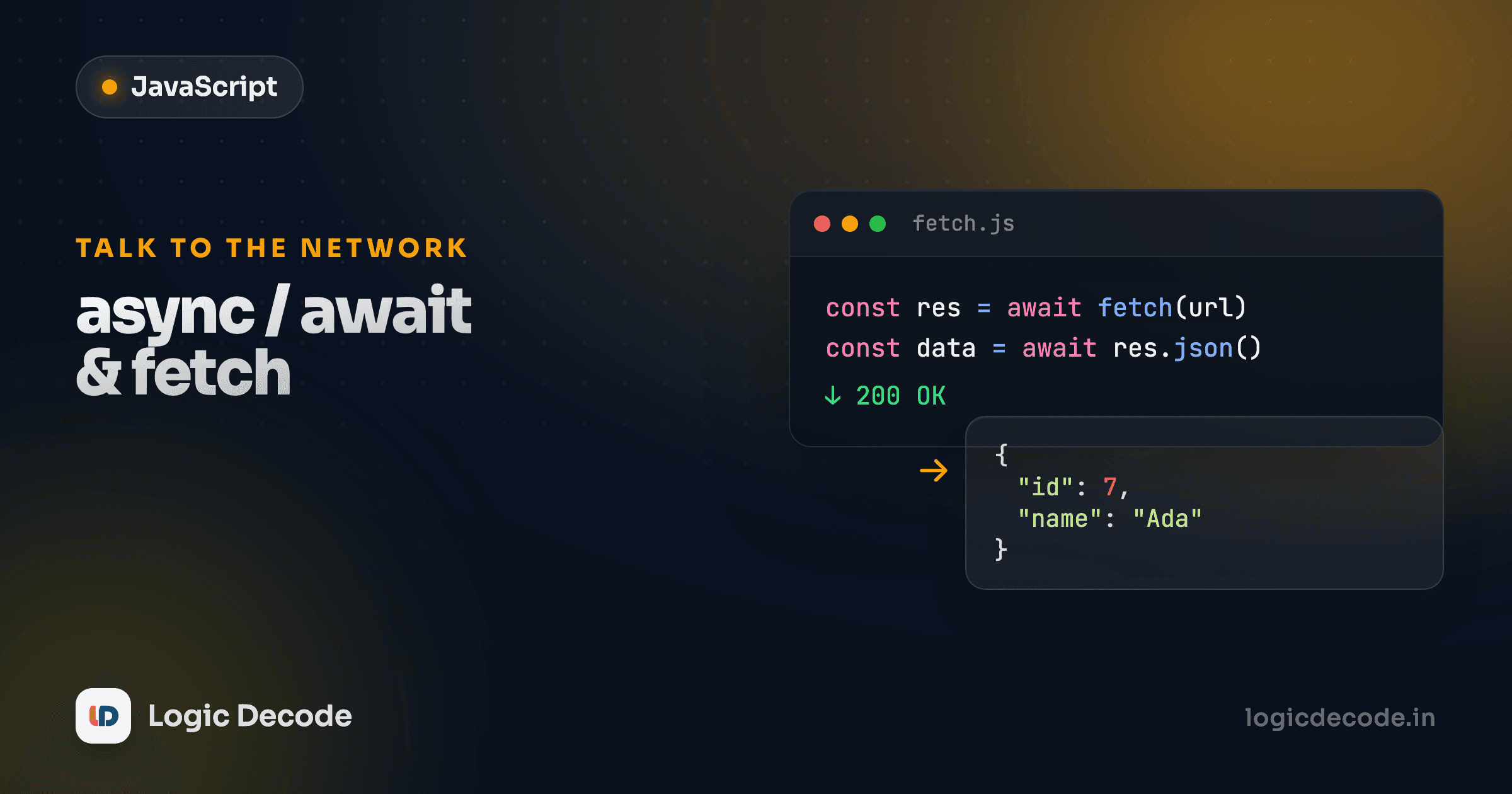
Promises are a real upgrade, but .then chains still stack up. The next lesson introduces syntax that lets you write asynchronous code that looks synchronous, with plain lines, top to bottom, and normal try/catch: async/await and fetch, where you'll also make your first real request to a live API. If you skipped here directly, the previous lesson on JavaScript events covers the callbacks you wire up for clicks and key presses, the same idea applied to the browser.

Written by
Rhythm Bhiwani
Engineer and relentless builder, happiest reverse-engineering hard problems until they click.
Enjoyed this?
Tap the heart to leave some love.
Be the first to react
Comments
Join the conversation.
Loading comments…