Python Error and Exception Handling Explained
Stop your Python programs from crashing — understand exceptions, use try/except/else/finally, raise your own, and fix common beginner errors.

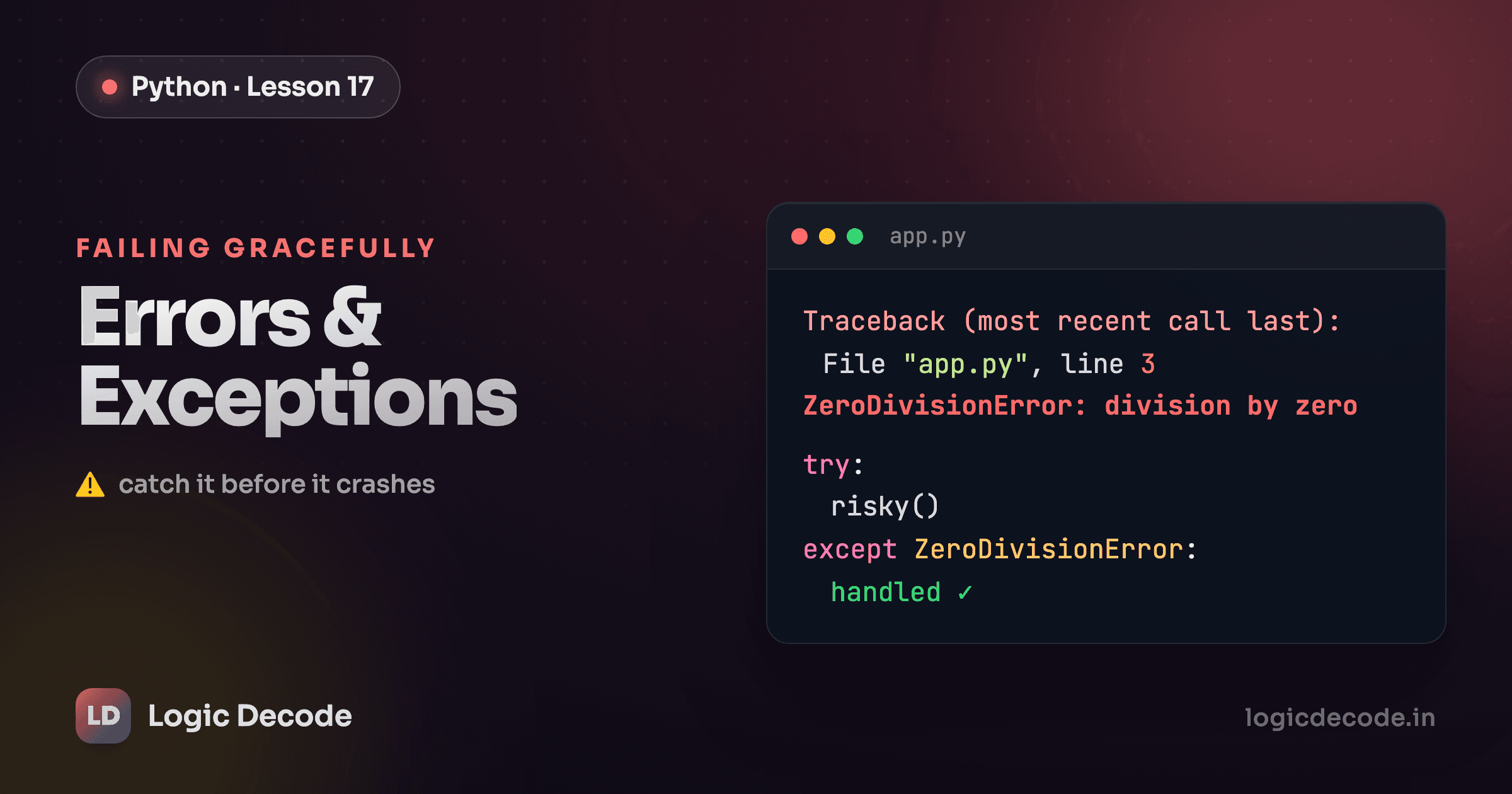
A crash looks scary, but it's just Python telling you something went wrong. The red wall of text is a message, not a verdict. Once you learn to read it and catch the failure, your program stops falling over and keeps its feet instead.
By the end of this post you'll know the difference between the two kinds of problems, how to catch the ones that happen while your code runs, and how to clean up afterward no matter what.
Errors vs exceptions
There are two completely different ways your code can go wrong, and they fail at different moments.
A syntax error means you wrote something Python can't even parse. A missing colon, an unclosed bracket, a stray quote. Python refuses to run a single line until you fix it:
if x > 5
    print("big")
# SyntaxError: expected ':'
That program never starts. The fix is in the text itself.
An exception is different. The code is valid, it runs, and then it hits a problem partway through. Dividing by zero is the classic one:
print("starting")
result = 10 / 0   # ZeroDivisionError happens right here
print("you never see this")
starting prints, then Python raises a ZeroDivisionError and stops. The line above the error already ran, but the line below never gets the chance. Exceptions are the ones worth handling, because unlike a typo, they often depend on data you don't control: a user types garbage, a file goes missing, the network drops.
try and except
Wrap the risky line in try:, and put your recovery plan in except:. If the protected code raises the error you named, Python jumps straight to the except block instead of crashing.
Converting text to a number is a perfect example, because you can't always trust what a string holds:
int('not a number') raises a ValueError, so the print on the next line never runs. Control jumps to except ValueError: and you get a friendly message instead of a traceback. The program survives.
Name the specific exception you expect. except ValueError: catches bad conversions and nothing else, so a different bug somewhere in the try block still surfaces loudly instead of getting swallowed.
Tip
Catch the specific exception, not a bare except:. A bare catch grabs everything, including typos in your own code and the Ctrl+C you press to quit. It hides real bugs and turns a five-minute fix into an afternoon of guessing. Always reach for except ValueError:, except KeyError:, and friends.
else and finally
try/except has two more clauses, and they earn their keep.
else runs only if the try block finished with no exception. It's where you put the code that should run after a success, kept separate so it isn't accidentally protected by your except.
finally is the important one. It runs every single time, exception or not, success or failure. That's where cleanup goes: closing a file, releasing a connection, anything that must happen no matter how the block ends.
Here's all four working together. The same function is called once with good data and once with bad, so you can watch finally fire in both runs:
Run it. On '42' you see the else message then finally. On 'oops' you see the except message then finally. The finally line shows up both times, which is the whole point: it always runs.
Quick check
What runs in a finally block?
This pattern shows up constantly in real code. When you read and write files, the file can fail to open or fail midway, so file handling leans on the same try/finally idea to make sure files get closed.
Raising your own
Exceptions aren't only thrown by built-in operations. You can raise one yourself with raise when your code notices something is wrong. It's how a function refuses bad input instead of quietly returning a nonsense result.
def set_age(years):
    if years < 0:
        raise ValueError("age can't be negative")
    return years

set_age(-5)   # ValueError: age can't be negative
Pick an exception type that fits the problem. ValueError for a bad value, TypeError for the wrong kind of thing, and pass a clear message that says what went wrong. The caller can then catch it with except ValueError:, exactly like the built-in errors above. Raising early, with a useful message, beats letting a bad value drift deep into your program where the eventual crash makes no sense.
Common beginner errors
You'll meet these five constantly. Learn to recognize each one by what triggers it, and the traceback stops being scary:
NameError: you used a variable or function that doesn't exist yet, usually a typo.print(totl)when you meanttotal.TypeError: you mixed types that don't combine, like'a' + 5. You can't add a number to a string without converting one first.ValueError: the type is right but the value is wrong, likeint('xyz'). A string is fine forint(), but that particular string can't become a number.IndexError: you reached for a list position that isn't there.[1, 2, 3][9]only has three items, so index 9 is off the end.KeyError: you asked a dictionary for a key it doesn't have.{'a': 1}['z']has no'z', so Python raises rather than guess.
Each one names exactly what happened. Read the last line of the traceback first, then the line number above it, and you've found the problem most of the time.
Recap and what's next
A syntax error stops your code before it runs. An exception interrupts it while it runs. You catch exceptions by wrapping risky code in try: and handling the failure in except SomeError:. Add else for the success path and finally for cleanup that has to happen either way. When your own code spots trouble, raise an exception with a clear message rather than limping along. And the big five (NameError, TypeError, ValueError, IndexError, KeyError) each point straight at what broke.
Catch specific exceptions, keep cleanup in finally, and read the last line of the traceback first. That's most of error handling in practice.
You've now got the core of the language. For where to take it from here, see where to go next.

Written by
Rhythm Bhiwani
Engineer and relentless builder, happiest reverse-engineering hard problems until they click.
Enjoyed this?
Tap the heart to leave some love.
Be the first to react
Comments
Join the conversation.
Loading comments…