Python Inheritance and Dunder Methods Explained
Reuse and extend classes with inheritance and super(), then customize objects with dunder methods like __str__ and __repr__.

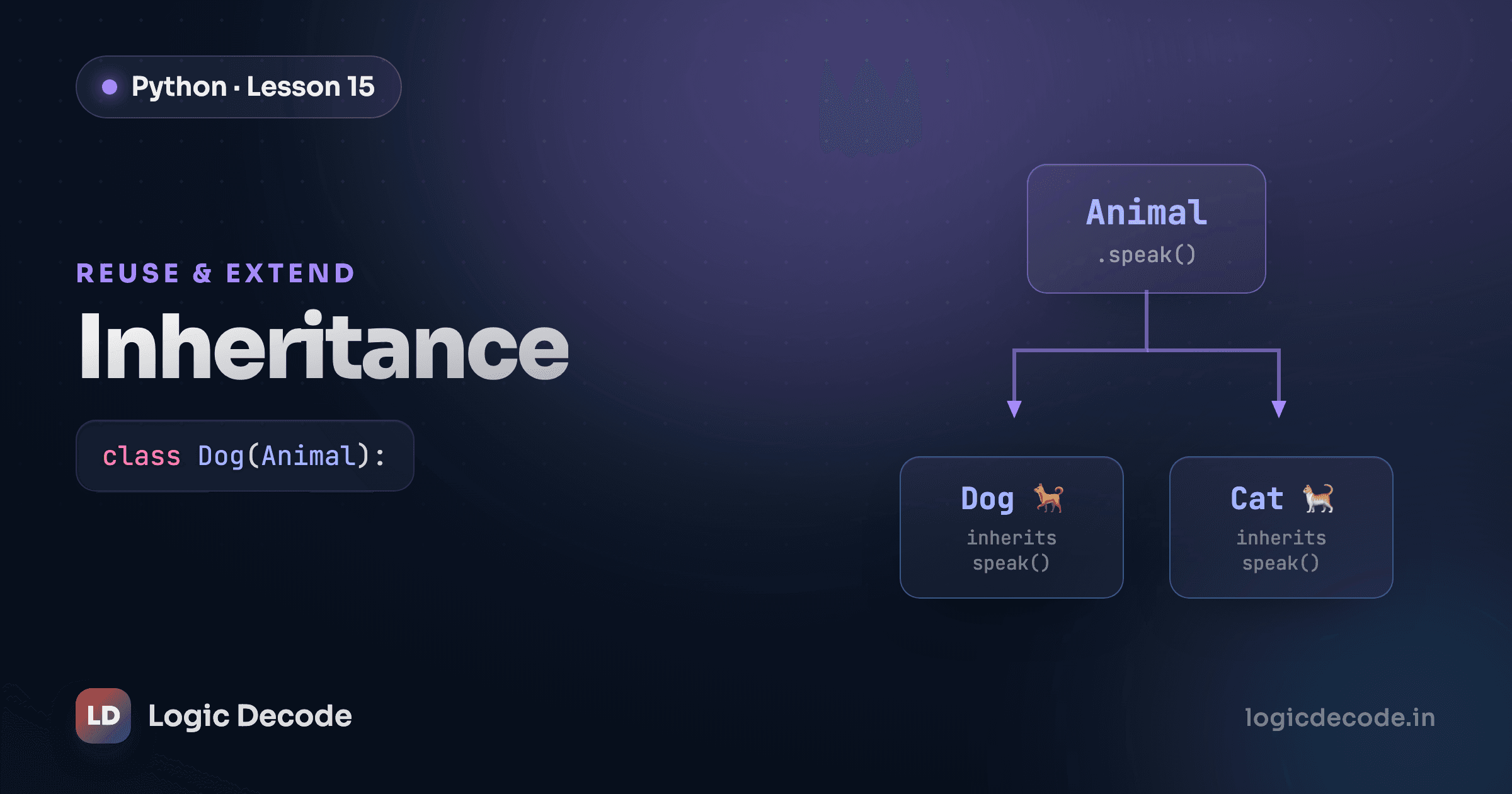
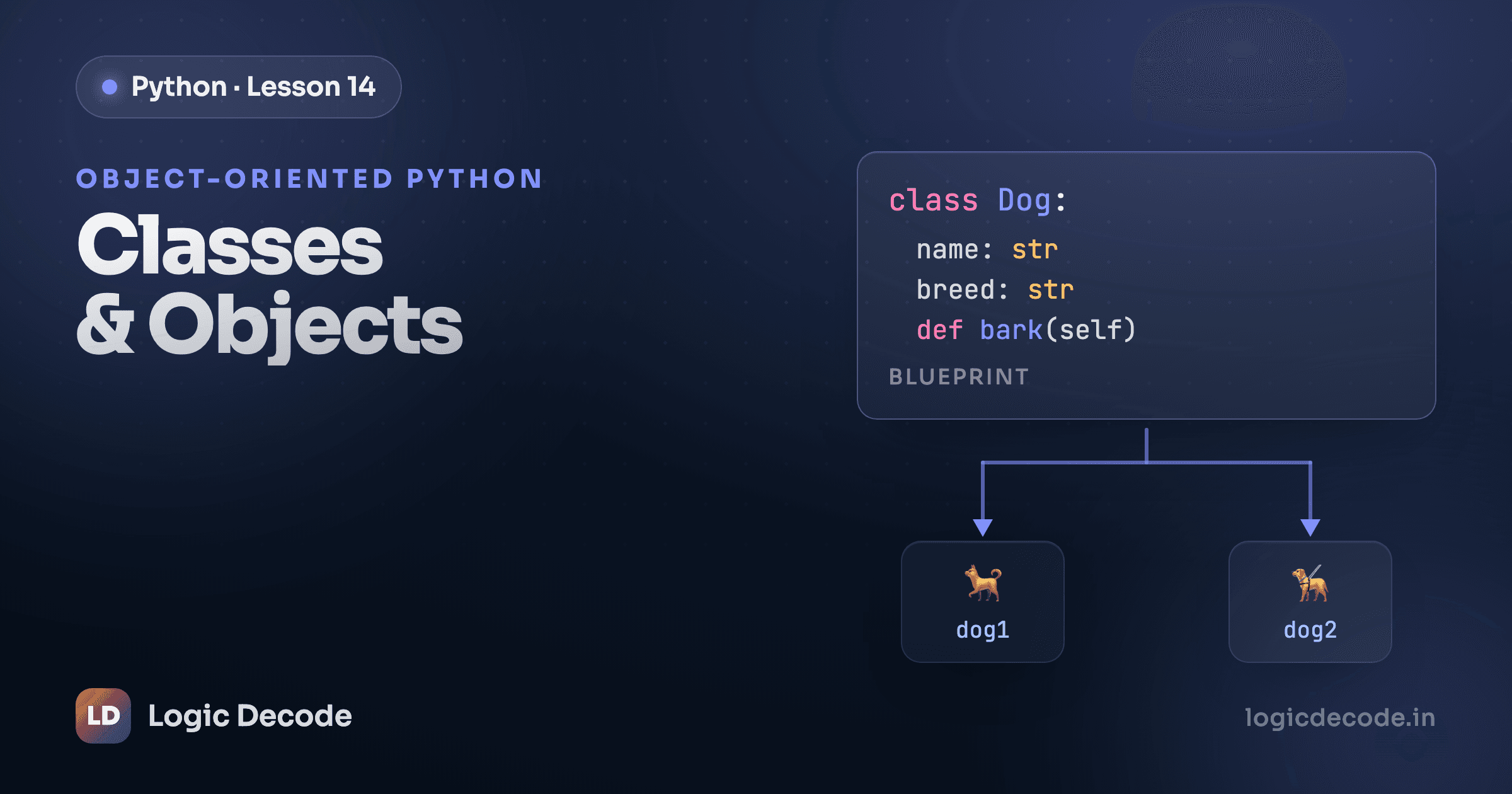
Last post you built a Dog class with a name, an age, and a bark. Now you want a Cat, and a Puppy, and maybe a Hamster. They all have a name and an age. They all need that same __init__. Copy-pasting the setup into every one of them is exactly the kind of duplication classes were supposed to kill. Inheritance is how you write the shared part once and let every animal reuse it.
Inheritance
Pull the shared stuff up into a parent class, then let the specific animals build on it. The name and age aren't dog-specific, they're animal-specific, so they belong on an Animal:
class Animal:
    def __init__(self, name, age):
        self.name = name
        self.age = age

    def describe(self):
        print(self.name + ' is ' + str(self.age) + ' years old')


class Dog(Animal):
    def bark(self):
        print(self.name + ' says woof!')
class Dog(Animal): is the whole trick. The (Animal) says "a Dog is an Animal," and from that one line Dog inherits everything Animal has: the __init__, the describe method, all of it. You didn't write an __init__ on Dog, but it has one, borrowed straight from the parent.
d = Dog('Rex', 3)
d.describe()   # Rex is 3 years old
d.bark()       # Rex says woof!
d.describe() runs the method defined on Animal. d.bark() runs the one defined on Dog. Same object, reaching into both classes. The vocabulary: Animal is the parent (or base, or superclass), Dog is the child (or subclass). A child gets its parent's attributes and methods for free, and then adds its own.
Now a Cat costs you almost nothing:
class Cat(Animal):
    def meow(self):
        print(self.name + ' says meow!')
No __init__, no name, no age. It inherits all of that. You only wrote what makes a cat a cat.
super()
What if a Puppy needs everything a Dog has plus something extra at setup, like whether it's house-trained yet? You write your own __init__ on the child, but the moment you do, you've replaced the parent's __init__ completely. The shared name/age setup stops happening. super() is how you get it back:
class Dog(Animal):
    def __init__(self, name, age, breed):
        super().__init__(name, age)   # run Animal's setup
        self.breed = breed            # then add the dog-specific part

    def bark(self):
        print(self.name + ' says woof!')
super().__init__(name, age) reaches up to the parent and runs its __init__, which sets self.name and self.age for you. Then you add the one new thing, self.breed, on the next line. You re-typed zero of the shared setup.
d = Dog('Rex', 3, 'Labrador')
d.describe()      # Rex is 3 years old   (from Animal)
print(d.breed)    # Labrador             (added in Dog)
This is the most common reason you'll ever touch super(): a child needs the parent's __init__ to run and wants to do a little extra. Call super().__init__(...) first, then add your own attributes. Forget that call and self.name won't exist, because nobody set it up.
Quick check
What does super() let a child class do?
Overriding methods
Animal has a generic describe, but a dog might want to introduce itself differently. Define a method with the same name on the child and yours wins:
class Animal:
    def __init__(self, name, age):
        self.name = name
        self.age = age

    def speak(self):
        print(self.name + ' makes a sound')


class Dog(Animal):
    def speak(self):
        print(self.name + ' says woof!')
Both classes have a speak. When you call it, Python checks the child first:
Animal('thing', 1).speak()   # thing makes a sound
Dog('Rex', 3).speak()        # Rex says woof!
The Dog version overrides the Animal version. Python looks at the actual object's class, finds speak right there on Dog, and uses it without ever falling back to the parent. That's how a Cat and a Dog can both answer speak() and each do its own thing.
You don't have to throw the parent's version away, though. Sometimes you want the parent's behavior plus a bit more, and super() works here too, not just in __init__:
class Puppy(Dog):
    def speak(self):
        super().speak()                       # the normal woof
        print(self.name + ' wags its tail')   # then something extra
Calling super().speak() runs the Dog version, then the Puppy adds a line. Override to replace, super() inside the override to extend.
Dunder methods
Try printing a dog and you get something useless:
d = Dog('Rex', 3)
print(d)   # <__main__.Dog object at 0x104f3a990>
That memory address is Python's default. You can do better by defining __str__, one of the dunder methods (short for "double underscore"). These are special method names Python calls for you at specific moments. You already met one: __init__ runs when you create an object. __str__ runs when something needs a readable string of your object, like print():
class Dog(Animal):
    def __str__(self):
        return self.name + ', age ' + str(self.age)
Now print(d) calls your __str__ and shows Rex, age 3. You taught Python how to display a dog.
There's a cousin, __repr__, meant for the debug form, the unambiguous version a developer wants to see. It's what shows up in the interactive shell or inside a list. A good __repr__ looks like the code that would recreate the object:
    def __repr__(self):
        return "Dog('" + self.name + "', " + str(self.age) + ")"
If you only write one, write __repr__, because Python falls back to it when __str__ is missing. The split: __str__ is for humans reading output, __repr__ is for you debugging.
Dunders go well beyond display. Define __len__ and len(obj) works on your object. Define __eq__ and == does what you mean instead of just comparing identity:
class Box:
    def __init__(self, items):
        self.items = items

    def __len__(self):
        return len(self.items)

    def __eq__(self, other):
        return self.items == other.items
Now len(Box([1, 2, 3])) returns 3, and two boxes with the same items compare equal. This is how Python's own types feel built-in: list, str, and dict are just objects with the right dunders defined. You get to play the same game.
Tip
The single highest-value dunder to learn is __str__. Add it to any class you'll print or log, and print(your_object) shows real information instead of <Dog object at 0x...>. It costs three lines and saves you constant guessing during debugging.
Here's a runnable version that ties it together: an Animal base, a Dog child that calls super().__init__(...), overrides speak, and defines __str__ so the object prints readably.
Run it. rex.speak() prints the dog's woof because Dog overrides speak. print(rex) shows a readable line instead of a memory address because of __str__. And all three attributes print, which proves super().__init__ ran the parent's setup before Dog added breed.
One more, to watch a Puppy extend its parent instead of replacing it:
Puppy inherits from Dog, which inherits from Animal, so Bolt gets __init__ from the top of the chain and a speak that builds on the middle of it. Calling super().speak() runs Dog's version, then the puppy adds its own line.
Recap and what's next
Inheritance lets a child class reuse a parent: class Dog(Animal): and the dog gets the animal's attributes and methods for free. When the child needs its own __init__, call super().__init__(...) to run the shared setup before adding anything new. Override a method by defining one with the same name, and use super() inside the override when you want the parent's behavior plus a little extra. Dunder methods like __str__, __repr__, __len__, and __eq__ let your objects work with print(), len(), and == the way Python's built-in types do.
If the parent/child idea still feels fuzzy, it's worth rereading classes and objects, since inheritance is just classes built on classes. Next we leave the world of pure objects and start talking to the outside: opening, reading, and writing files. Keep going with reading and writing files.

Written by
Rhythm Bhiwani
Engineer and relentless builder, happiest reverse-engineering hard problems until they click.
Enjoyed this?
Tap the heart to leave some love.
Be the first to react
Comments
Join the conversation.
Loading comments…