File Handling in Python: Read and Write Files
Open, read, and write files in Python: file modes, the with statement, and safe patterns for reading and writing text files.

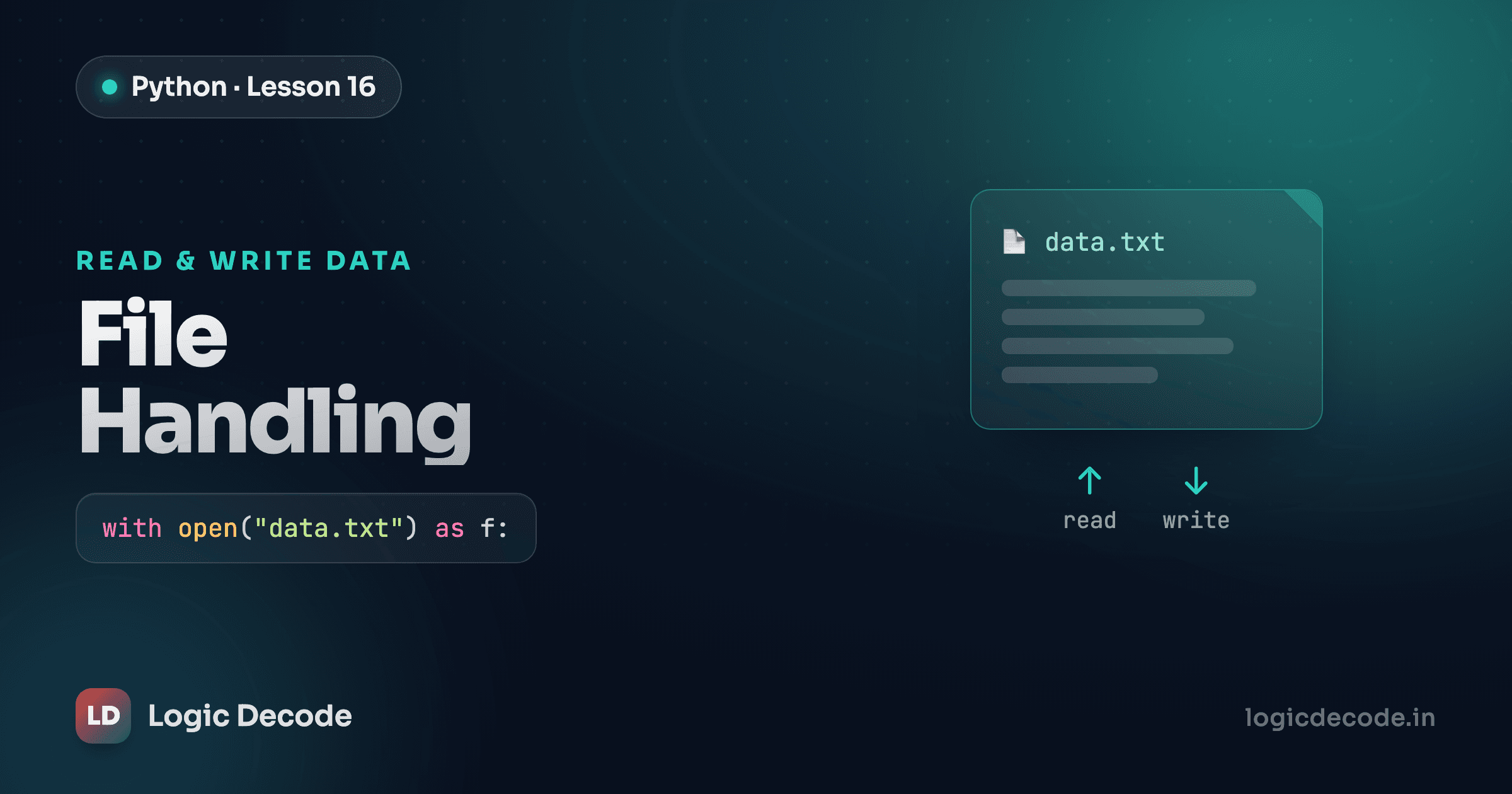
Everything your program has remembered so far lives in variables, and variables vanish the moment the program stops. Close the window, and the to-do list you built is gone. Files are how the data sticks around: write it to disk once, and it's still there tomorrow, next week, after a reboot. This post is how you read and write them.
Opening a file
Before you can touch a file, Python needs a handle to it. open() gives you one:
f = open("notes.txt", "r")Two arguments matter here. The first is the path. Just a filename like "notes.txt" looks in the same folder your script runs from, or you can pass a full path like "/Users/me/notes.txt". The second is the mode, a short string that tells Python what you intend to do:
"r"is read. Open an existing file and pull data out. This is the default, soopen("notes.txt")andopen("notes.txt", "r")mean the same thing."w"is write. Create the file if it doesn't exist, and erase it completely if it does, then let you write fresh content."a"is append. Open the file and add to the end, keeping whatever was already there.
Pick the mode by what you're actually doing. Reading a config file? "r". Saving a brand-new report? "w". Adding one more line to a log? "a". Get this wrong and you'll either get an error or quietly wipe a file, which brings us to the warning you should tattoo somewhere.
Warning
Opening a file in "w" mode erases whatever was in it before you write a single byte. If notes.txt had a week of work in it, open("notes.txt", "w") empties it the instant you open it. When you want to add to the existing contents instead of replacing them, use "a".
Reading a file
Say notes.txt holds three lines. You've got three ways to get them out, and which you pick depends on the shape you want the data in.
.read() hands you the entire file as one string, newlines and all:
f = open("notes.txt")
content = f.read()
print(content)   # the whole file, exactly as stored
f.close()
.readlines() gives you a list instead, one string per line:
f = open("notes.txt")
lines = f.readlines()
print(lines)   # ['Buy milk\n', 'Call the dentist\n', 'Pay rent\n']
f.close()
Notice each item still carries its trailing \n. That trips people up, so line.strip() is your friend when you only want the text.
The cleanest way to go line by line is to loop straight over the file. You've done this kind of loop over lists already, and a file behaves the same way, handing you one line per pass:
f = open("notes.txt")
for line in f:
    print(line.strip())
f.close()
This last form is the one I reach for most. It reads one line at a time instead of loading the whole file into memory, so it stays fast even on a file with a million lines.
Writing a file
.write() is the counterpart to .read(). Open the file in a writing mode, pass it a string, and it goes to disk:
f = open("notes.txt", "w")
f.write("Buy milk\n")
f.write("Call the dentist\n")
f.close()
The detail that bites everyone once: write() does not add a newline for you. print() spoils you by tacking on a \n automatically. write() doesn't. Leave out the \n above and both notes land on the same line as Buy milkCall the dentist. If you want separate lines, you type the \n yourself.
The mode you opened with decides what happens to old content. "w" throws it away and starts clean. "a" keeps it and adds your text at the end:
f = open("log.txt", "a")
f.write("2026-06-15: started the run\n")
f.close()
Run that script ten times and you get ten lines, not one overwritten line. That's the difference between "w" and "a" in one sentence: write replaces, append adds.
The with statement
Every example above ends in f.close(), and that's not decoration. An open file holds a system resource. Forget to close it and you can lose data that's still sitting in a buffer, or hit the operating system's limit on open files. The annoying part is that close() is easy to forget, and if an error fires between open() and close(), the close line never runs at all.
with fixes both problems:
with open("notes.txt", "w") as f:
    f.write("Buy milk\n")
    f.write("Call the dentist\n")
# file is closed here, automatically
When the indented block ends, Python closes the file for you. It closes it even if an exception is raised inside the block, because the cleanup is guaranteed, not dependent on reaching a final line. No close() to forget, no leaked handle.
This is why you'll see with open(...) in basically every real codebase and why the bare open() plus close() pattern above is really just here to show you the moving parts. From now on, default to with. Here's the whole loop in one cell: write a couple of lines, then read them straight back. Hit Run:
That writes notes.txt to an in-browser filesystem, then reads it back and prints both lines. Change the text, add a third f.write(...), and run it again to watch the file change.
Quick check
Why is 'with open(...) as f:' preferred over a bare open()?
Recap and what's next
open(path, mode) gives you a file handle, and the mode is the whole game: "r" to read (the default), "w" to write from scratch (it erases first), "a" to add to the end. You read with .read() for the whole thing, .readlines() for a list, or a for line in f: loop for one line at a time. You write with .write(), remembering that newlines are yours to add. And you wrap all of it in with open(...) as f: so the file closes itself, error or not.
Files introduce a new way for things to go wrong: the file isn't there, the path is misspelled, you don't have permission. Next up is handling exactly that without your program crashing: errors and exceptions.

Written by
Rhythm Bhiwani
Engineer and relentless builder, happiest reverse-engineering hard problems until they click.
Enjoyed this?
Tap the heart to leave some love.
Be the first to react
Comments
Join the conversation.
Loading comments…