Python for and while Loops for Beginners
Repeat work with Python loops: for with range, iterating over sequences, while loops, and the break, continue, and pass keywords.

If you ever catch yourself writing print(1), then print(2), then print(3), stop. That's the computer's job. A loop is how you say "do this again" once and let the machine handle the repeating, whether that's five times, a thousand times, or once for every item in a list. You write the instruction once, and Python runs it as many times as you need.
for loops
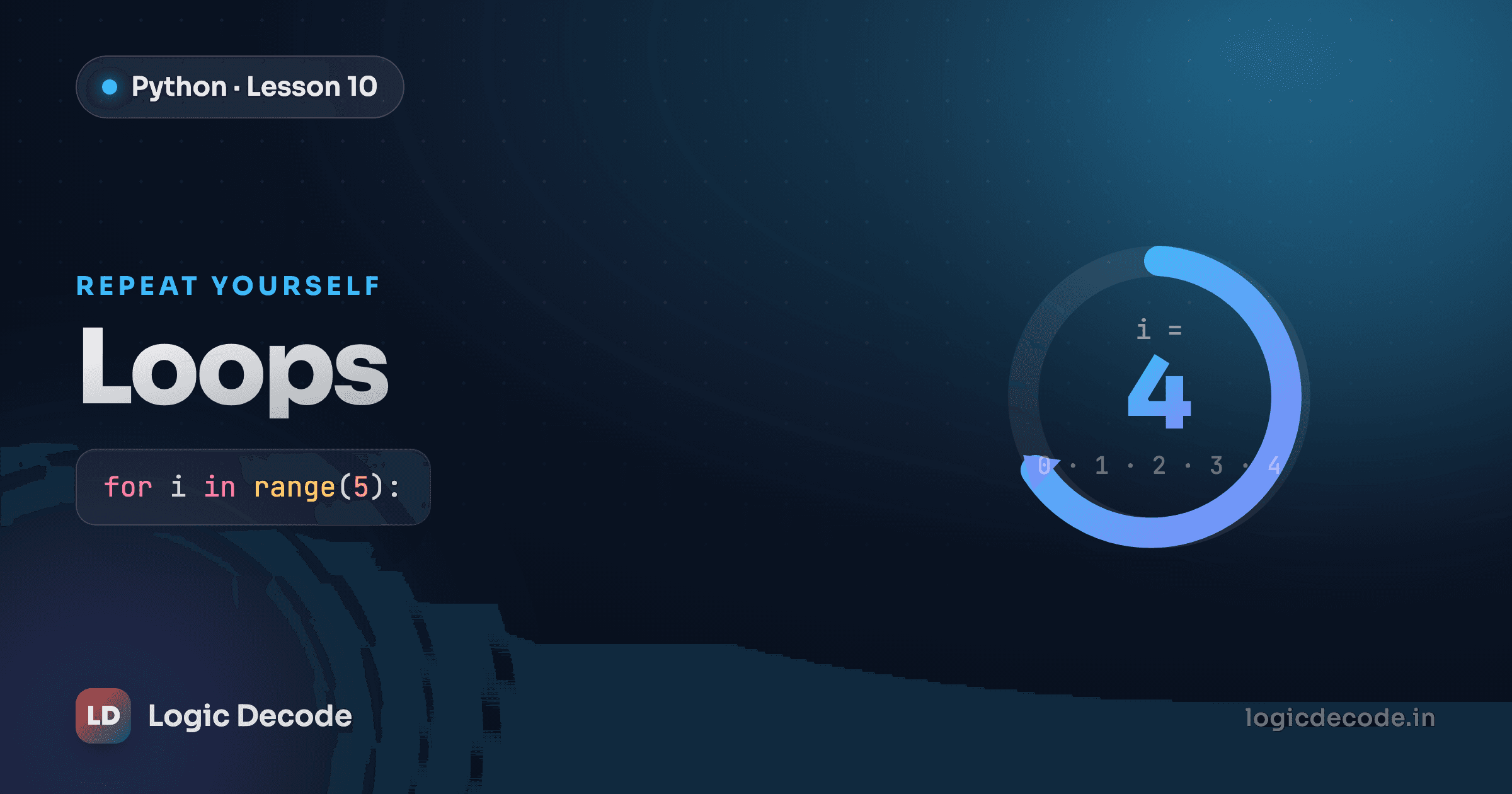
A for loop runs a block of code once for each item in a sequence. The simplest version counts using range:
for i in range(5):
    print(i)
That prints 0 1 2 3 4, five numbers, but starting at 0 and stopping before 5. This trips up everyone at first: range(5) gives you five values, 0 through 4, not 1 through 5. The number you pass is the count, and the last one it hands you is always one less. The variable i holds the current value on each pass. You can name it anything, but i (for "index") is the convention.
Run it and watch the count happen:
Counting is only half of it. The real power of for is that it walks over any sequence, and a list is a sequence:
fruits = ['apple', 'banana', 'cherry']
for fruit in fruits:
    print(fruit)
No range, no index math. Python pulls each item out in order and hands it to fruit, one per pass. That's almost always what you actually want. You care about the things in the list, not their positions.
A string is a sequence too, so you can loop over its characters the same way:
for letter in 'hi':
    print(letter)
That prints h, then i, each character on its own line. Try the list version yourself:
range with a start and step
range(2, 6) gives 2 3 4 5, and range(0, 10, 2) gives the even numbers 0 2 4 6 8. The full form is range(start, stop, step), with the same "stops before stop" rule every time.
while loops
A for loop is for a known number of repetitions. A while loop is for "keep going until something changes." It checks a condition before every pass and runs as long as that condition stays True. The moment the condition becomes False, the loop ends and your program moves on.
Here's a countdown:
count = 5
while count > 0:
    print(count)
    count = count - 1
print('Liftoff!')
Trace it: count starts at 5, the condition count > 0 is true, so it prints 5 and drops count to 4. Then 4, 3, 2, 1, printed and decremented each time. When count hits 0, count > 0 is false, the loop stops, and Liftoff! prints. Five numbers, then liftoff.
The critical line is count = count - 1. That's what moves the loop toward stopping. Every while loop needs something inside it that nudges the condition toward False, otherwise it never ends.
The infinite loop
If the condition never becomes False, the loop runs forever. Delete the count = count - 1 line above and count stays 5. Since 5 > 0 is always true, it prints 5 until you kill the program. Whenever you write a while, find the line that moves it toward stopping and make sure it's actually there.
break, continue, pass
Sometimes you need to bail out of a loop early, or skip just one pass. Three keywords handle that.
break stops the loop immediately, even if there's more to iterate over:
for i in range(10):
    if i == 3:
        break
    print(i)
That prints 0 1 2. When i reaches 3, break fires and the loop quits, so it never reaches 4 through 9.
continue skips the rest of the current pass and jumps straight to the next iteration:
for i in range(5):
    if i == 2:
        continue
    print(i)
That prints 0 1 3 4. When i is 2, continue skips the print and moves on, so 2 is the only number missing.
pass does nothing at all. It's a placeholder for spots where Python's syntax demands a block but you've got nothing to put there yet:
for i in range(3):
    pass  # TODO: fill this in later
The loop runs three times and does nothing each time. Without pass, an empty block is a syntax error, so it's a stand-in that keeps your code valid while you're still figuring out the logic.
Quick check
What does break do inside a loop?
Looping with else
Loops can have an else clause, which surprises most people. The else block runs only if the loop finished normally, meaning it ran to completion without a break:
for i in range(5):
    if i == 10:
        break
else:
    print('Never broke out')
There's no 10 in range(5), so the break never fires, the loop finishes on its own, and else prints Never broke out. If you'd searched for i == 2 instead, the break would hit and else would stay silent. It's a tidy way to say "ran the whole thing without finding what I was looking for," handy for search loops, awkward everywhere else.
Recap and what's next
Loops let the computer do the repeating so you don't have to. Use a for loop when you know what you're iterating over: a count from range, a list, a string. Use a while loop when you're waiting on a condition to flip, and always include a line that moves it toward stopping so it doesn't run forever. break bails out early, continue skips one pass, pass holds an empty block open, and a loop's else runs only when no break happened.
You now have all the pieces: variables, if, elif and else, and loops. Time to build something real with them: the FLAMES game project.

Written by
Rhythm Bhiwani
Engineer and relentless builder, happiest reverse-engineering hard problems until they click.
Enjoyed this?
Tap the heart to leave some love.
Be the first to react
Comments
Join the conversation.
Loading comments…