Comparison and Logical Operators in Python
Build conditions with Python's comparison and logical operators (==, !=, <, >, and/or/not) plus short-circuiting and real examples.

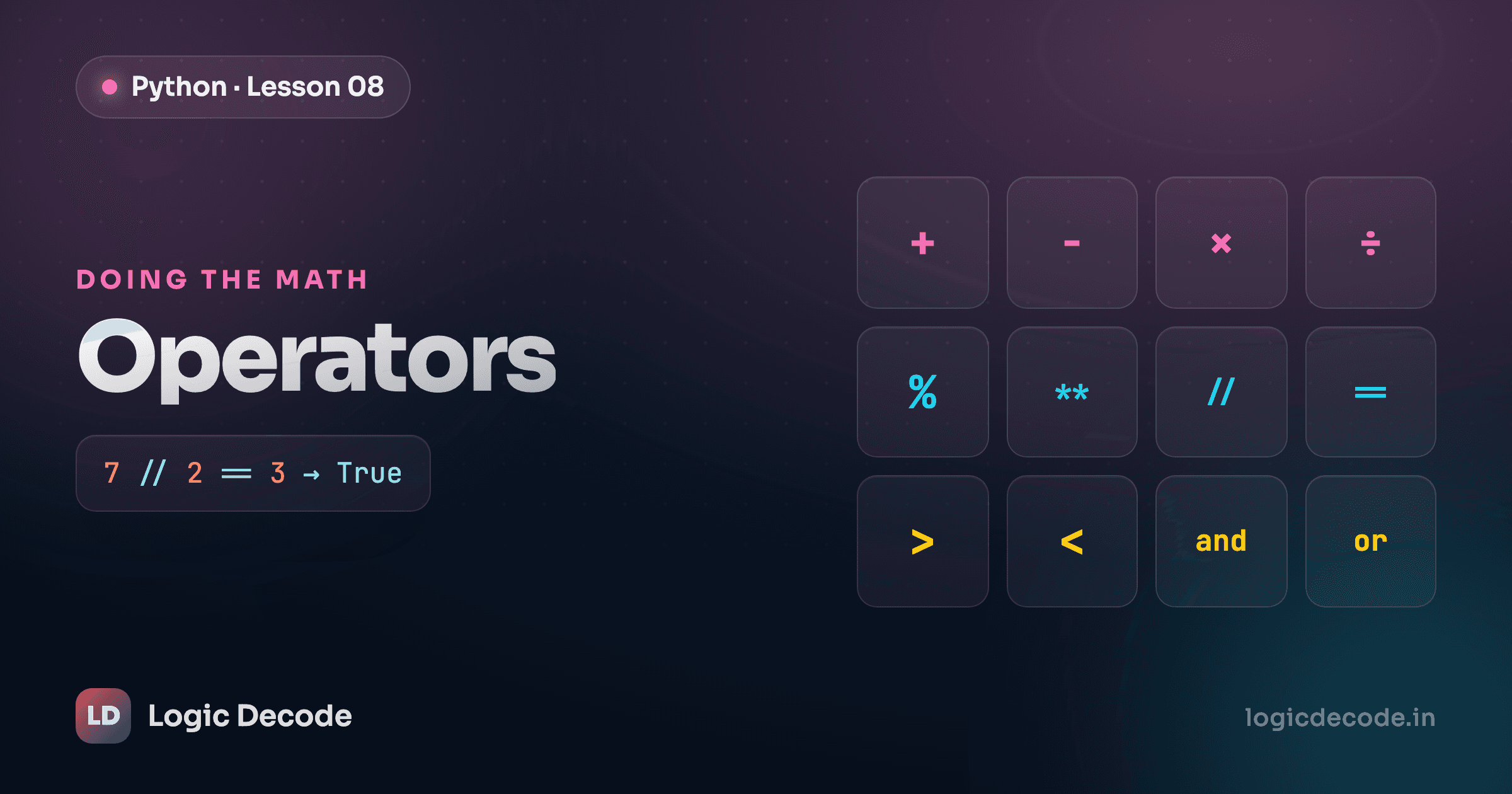
Every decision a program makes starts with a comparison, and that comparison is always either True or False. "Is the password correct?" "Is the cart empty?" "Did the user type a number bigger than 100?" Each one boils down to a yes-or-no answer the computer can act on. This post is about the operators that produce those answers.
Comparison operators
A comparison operator takes two values and hands you back a boolean, True or False, the two values you met when we covered numbers and types. That's it. There's no third option, no "maybe."
Here are the six you'll use constantly:
| Operator | Means | Example | Result |
|---|---|---|---|
== | equal to | 5 == 5 | True |
!= | not equal to | 5 != 3 | True |
< | less than | 3 < 5 | True |
> | greater than | 3 > 5 | False |
<= | less than or equal | 5 <= 5 | True |
>= | greater than or equal | 4 >= 5 | False |
Two of these trip people up. First, == is case-sensitive when comparing text: 'Yes' == 'yes' is False, because a capital Y is a different character than a lowercase one. Second, == is type-aware, but not in the way you'd guess. 5 == '5' is False, because the number five and the string '5' are different kinds of thing. Yet 5 == 5.0 is True, because an integer and a float are both numbers, and Python is happy to compare their values.
Run it, then change age to 15 and see which lines flip. That's the whole game: feed the operator two values, get a boolean back.
Logical operators
Comparisons answer one question. Real conditions usually ask several at once ("is the user logged in and an admin?"), and that's what logical operators are for. There are three: and, or, and not.
andisTrueonly when both sides areTrue.orisTruewhen at least one side isTrue.notflips a boolean:not TrueisFalse, andnot FalseisTrue.
Read them like English and they mostly behave the way you expect:
age = 25

# Both must be true
print(age >= 18 and age <= 65)   # True: 25 is in range

# Either one is enough
print(age < 13 or age > 65)      # False: 25 is neither

# Flip a result
print(not (age == 25))           # False: age IS 25, so "not equal" is False
You can chain as many as you need. Each comparison becomes one True/False, and and/or combine them into a single answer. Parentheses make the grouping obvious and save you from guessing the precedence:
Quick check
What does (10 < 20) and (10 > 30) evaluate to?
= is not ==
A single = assigns a value (age = 18). A double == compares two values (age == 18). Writing if age = 18: when you meant == is the single most common beginner bug with conditions. Python will actually stop you with a SyntaxError here, which is a kindness. In some languages it silently runs and gives you the wrong answer.
Short-circuiting
Here's a detail that's easy to miss and genuinely useful once you see it. Python reads logical expressions left to right and stops the moment the answer is settled. It doesn't bother evaluating the rest.
Think about or. As soon as Python finds one True, the whole thing is True no matter what comes after, so it stops at the first True. With and it's the mirror image: one False makes the whole thing False, so it stops at the first False.
This is short-circuiting, and you can watch it happen:
Notice that check('B', ...) and check('D', ...) never print. Python had its answer and walked away. That's not just a curiosity, it's a tool. Put the cheap or most-likely check first, and put the expensive or "might blow up" check second, so the second one only runs when it has to:
# If user_data is empty, the right side never runs,
# so we never risk reading a key that isn't there.
if user_data and user_data['role'] == 'admin':
    print('Welcome, admin')
If user_data is empty (falsy), and short-circuits and the user_data['role'] lookup is skipped entirely. Order your conditions deliberately and short-circuiting quietly protects you.
Recap and what's next
Comparison operators (==, !=, <, >, <=, >=) turn two values into a single boolean, and they're picky about case and type. 5 == '5' is False, but 5 == 5.0 is True. Logical operators (and, or, not) glue those booleans into bigger conditions, and Python short-circuits them: or stops at the first True, and stops at the first False. Keep = (assign) and == (compare) straight and you've dodged the classic beginner bug.
These booleans are about to earn their keep. Next we use them to actually branch your code, running one block when a condition is True and a different block when it's False, with if, elif and else statements.

Written by
Rhythm Bhiwani
Engineer and relentless builder, happiest reverse-engineering hard problems until they click.
Enjoyed this?
Tap the heart to leave some love.
Be the first to react
Comments
Join the conversation.
Loading comments…