Python Modules, pip and Virtual Environments
Import and write modules, install packages with pip, and isolate projects with virtual environments, the foundation of real Python projects.

You don't have to build everything from scratch. Python ships with batteries: a big standard library of ready-made tools you can import in one line. And millions more packages, written by other people and tested in the wild, are a single command away. This lesson is about reaching for that work instead of redoing it.
What is a module?
A .py file is a module. That's the whole idea. Any file of Python you write is something another file can pull in and use, and the standard library is just a pile of such files that came with Python.
You reach into a module with import. Say you want a square root:
import math

print(math.sqrt(49))   # 7.0
import math loads the module. math.sqrt reaches inside it for one specific function. The math. prefix tells you exactly where sqrt came from, which is handy once a program imports a dozen modules.
If you only need one thing, grab it by name and skip the prefix:
from math import sqrt

print(sqrt(49))   # 7.0
Both work. import math keeps the namespace tidy and obvious. from math import sqrt is shorter when you're hammering on one function. Pick whichever reads better for the code in front of you.
The standard library
Three modules you'll use constantly, none of which you install, because they come bundled with Python.
math covers the number stuff: square roots, pi, trig, logs.
import math

print(math.sqrt(144))   # 12.0
print(math.pi)          # 3.141592653589793
random makes things unpredictable on purpose. randint(a, b) gives a whole number between a and b inclusive. choice picks one item from a list.
import random

print(random.randint(1, 6))               # a dice roll: 1 to 6
print(random.choice(['heads', 'tails']))  # a coin flip
datetime handles dates and times, including right now.
import datetime

print(datetime.date.today())   # e.g. 2026-06-15
Run the math ones yourself. The values are fixed, so you'll see exactly these:
Now random. Hit Run a few times and watch the output change, because that's the point of the module:
There are dozens more of these in the standard library: json, os, csv, statistics, and on and on. The official module index is the full list. You don't memorize it. You skim it when you have a problem and find the tool that fits.
Writing your own module
When you find yourself copy-pasting the same function between files, pull it into its own module instead. There's nothing magic to it: write the function in a .py file, then import that file by its name (without the .py).
Put a couple of helpers in a file called helpers.py:
def greet(name):
    return f"Hello, {name}!"

def shout(text):
    return text.upper() + "!"
Now, from another file sitting in the same folder, import it. Same two styles from earlier:
import helpers

print(helpers.greet("Rhythm"))   # Hello, Rhythm!
print(helpers.shout("ship it"))  # SHIP IT!
Or pull in just the one function you need:
from helpers import greet

print(greet("Rhythm"))   # Hello, Rhythm!
If greet and shout look familiar, that's because you already wrote functions like them back in the functions lesson. A module is just where those functions live so more than one program can share them.
Note
The playground on this page runs a single file, so the import-your-own-module example can't run there. On your own machine, drop helpers.py and main.py in the same folder and run python main.py to see it work.
Installing packages with pip
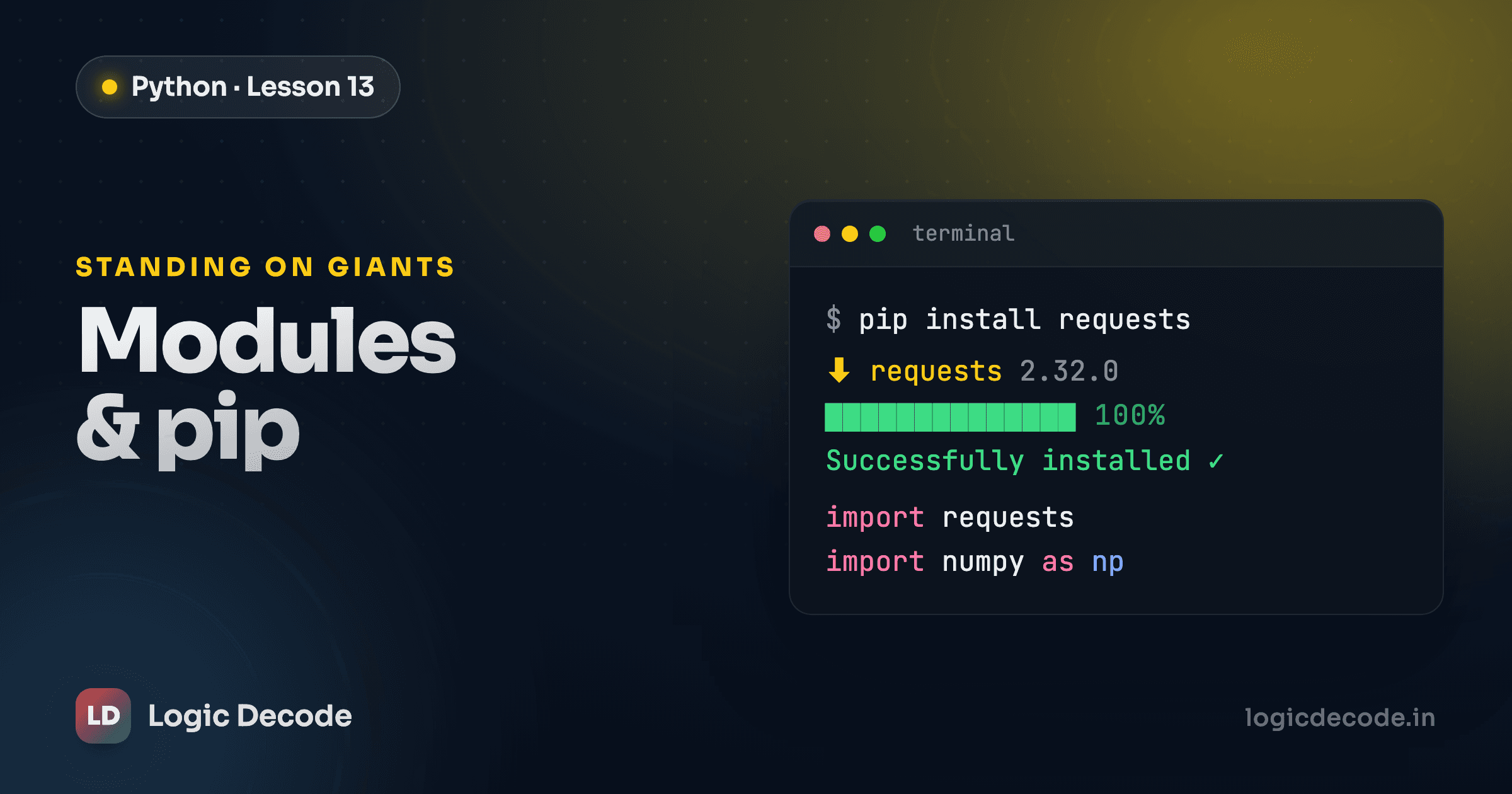
The standard library is large, but it's not everything. When you need something it doesn't cover (talking to a web API, reading a spreadsheet, training a model) you install a third-party package with pip, Python's package installer.
requests is the classic example, a friendlier way to make web requests than the standard library offers:
pip install requestsThat pulls the package from PyPI, the Python Package Index, a public warehouse of over half a million packages anyone can publish to and install from. After it installs, you import it exactly like a built-in module:
import requests

response = requests.get("https://api.github.com")
print(response.status_code)   # 200
To see what's already installed in your current setup, ask pip to list it:
pip listYou'll get every package and its version, including the ones pip pulled in as dependencies of what you asked for.
Virtual environments
Here's the problem virtual environments solve. Project A needs requests version 2.25. Project B, written a year later, needs version 2.31. Install packages globally and the two projects fight over one shared copy: upgrade for B and you might break A. A virtual environment ends the fight by giving each project its own private box of packages.
Create one inside your project folder:
python -m venv .venvThat makes a .venv folder holding a fresh, isolated Python. Before you use it, you activate it, and the command differs by operating system:
source .venv/bin/activate.venv\Scripts\activateOnce it's active, your prompt usually shows (.venv), and any pip install lands inside that folder instead of your system Python. Different project, different .venv, zero version clashes.
Tip
Activate the virtual environment before you run pip install. If you install first and activate later, the package goes into your system-wide Python and not into the project, which is the exact mess venvs exist to prevent.
When you're done working, type deactivate to step back out. Most teams add .venv/ to .gitignore and instead commit a list of dependencies, so anyone cloning the project can rebuild the same environment from scratch.
Quick check
Why use a virtual environment for a project?
Recap and what's next
A module is a .py file of reusable code, and import is how you load it: import math for the whole module, from math import sqrt for one piece. The standard library hands you math, random, datetime, and dozens more for free. When you need code that isn't bundled, pip install pulls it from PyPI, and a virtual environment keeps each project's packages walled off from the rest. That combination (your own modules, the standard library, pip, and a clean venv) is the shape of essentially every real Python project.
Next up, the big one: bundling data and behavior together into your own types with object-oriented programming: classes and objects.

Written by
Rhythm Bhiwani
Engineer and relentless builder, happiest reverse-engineering hard problems until they click.
Enjoyed this?
Tap the heart to leave some love.
Be the first to react
Comments
Join the conversation.
Loading comments…