CSS Colors, Units and Typography Basics
Style text and color in CSS: hex/rgb/hsl, rem vs px vs %, web fonts, and readable typography, with a live, editable preview.

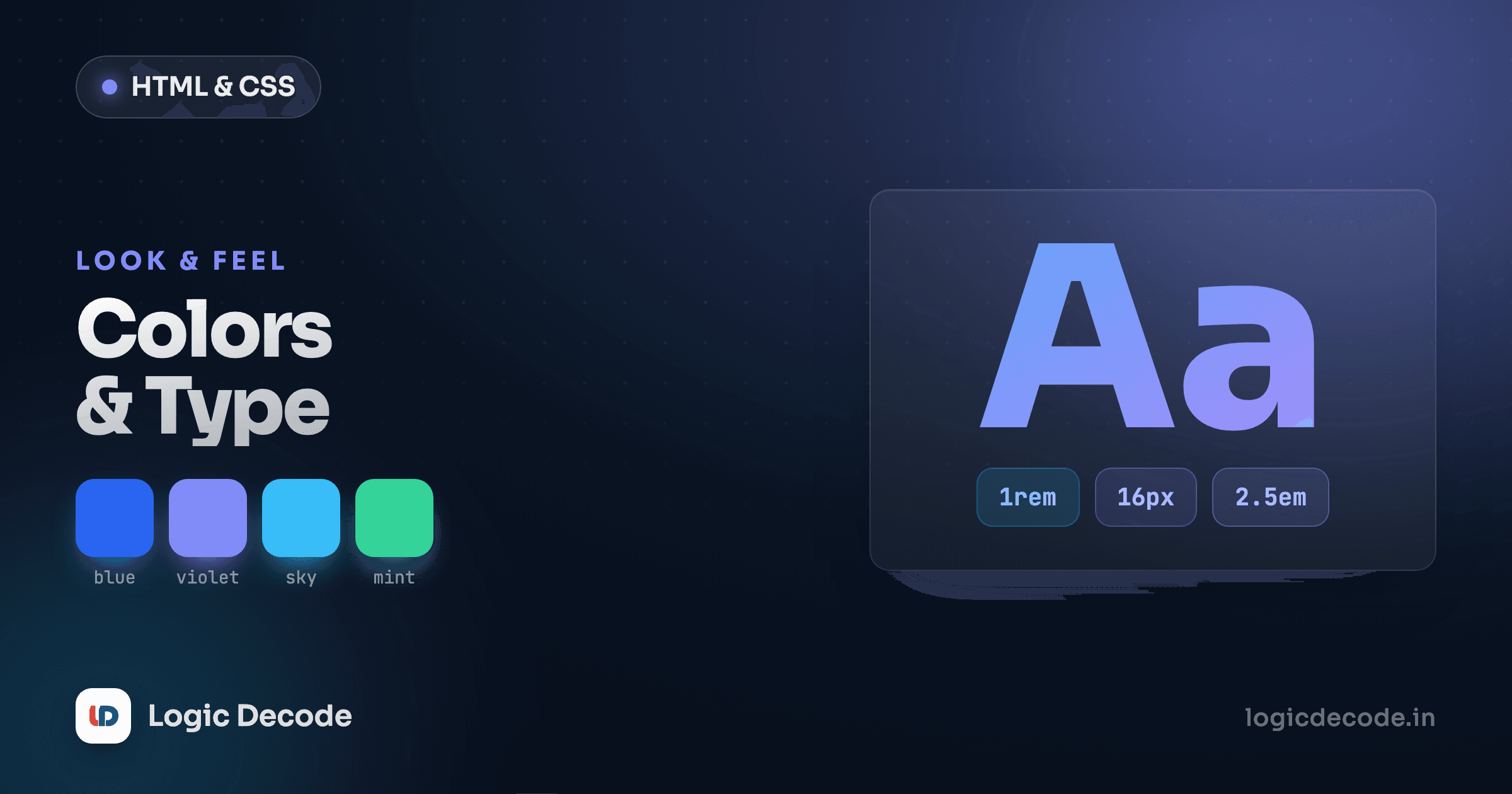
You can lay out a page perfectly and it'll still look amateur if the text is grey-on-grey, the font is whatever the browser felt like, and the line length runs ear to ear. Color and type do most of the work of "this looks designed." This lesson is the small set of CSS properties that get you there, plus the units that decide whether your text scales sanely.
Here's a before/after in one box. Edit styles.css and watch it react.
Change hsl(265 80% 55%) to hsl(150 70% 40%) and the link goes from violet to green without you touching anything else. That's the payoff of the rest of this lesson: a handful of properties you can reason about instead of guessing.
Colors: hex, rgb, and hsl
There are three color formats you'll meet constantly. They produce the same colors. The difference is how easy they are to think in.
.a { color: #7c3aed; }                 /* hex */
.b { color: rgb(124 58 237); }         /* red, green, blue (0–255) */
.c { color: rgba(124 58 237 / 0.5); }  /* same, 50% opaque */
.d { color: hsl(265 80% 55%); }        /* hue, saturation, lightness */
Hex (#7c3aed) is six hex digits: two for red, two for green, two for blue. It's compact and what design tools spit out, but you can't read it. Nobody looks at #7c3aed and pictures violet. A #fff-style shorthand expands each digit (#f0a = #ff00aa).
rgb is the same three channels in plain decimals, 0–255. Add a fourth value for opacity and you get a see-through color: rgb(124 58 237 / 0.5) is the violet at half opacity, handy for overlays and subtle borders. (rgba() is the older comma syntax for the same thing. Modern CSS lets you put the alpha after a slash in plain rgb().)
hsl is the one to actually design with. It's hue (0–360 around a color wheel, with 0 red, 120 green, 240 blue), saturation (0% grey to 100% vivid), and lightness (0% black to 100% white). The reason it wins: you can tweak a color in your head. Want the same violet but darker? Drop the lightness. Want a muted version? Lower the saturation. Want a matching accent? Spin the hue and keep the other two.
Build a palette by changing one number
Pick a hue and keep saturation/lightness fixed, then vary just the hue for related accents: hsl(265 70% 55%), hsl(225 70% 55%), hsl(150 70% 55%). They feel like a family because only one dial moved. Doing that with hex means three trips to a color picker.
Units: px, rem, em, %, and viewport
A number in CSS means nothing without a unit, and the unit you pick decides how things scale.
pxis an absolute pixel.16pxis16pxforever. Great for things that shouldn't scale, like a1pxborder or a fixed icon.remis relative to the root font size (the<html>element,16pxby default). So1rem=16px,1.5rem=24px. The key trait: if a user bumps their browser's default font size for readability, everything sized inremgrows with it.pxtext ignores them.emis relative to the current element's font size. Useful for padding that should track its own text, but it compounds. Aneminside anemmultiplies, which surprises people.%is relative to the parent, typically used for widths (width: 50%).vw/vhare 1% of the viewport width / height.100vhis the full screen height, and50vwis half the window's width. Good for full-bleed heroes and "fill the screen" sections.
The rule worth memorizing: size text in rem. It respects the reader's settings and keeps your whole type scale anchored to one number. Use px for hairline borders and em for spacing that should follow the local font size. See the difference live. Change the font-size on html and watch only the rem text move.
Quick check
Why prefer rem over px for font sizes?
Typography: the properties that matter
Most of typography is five properties. Learn these and you can style text deliberately instead of poking at it.
body {
  font-family: "Inter", system-ui, sans-serif;  /* with fallbacks */
  font-size: 1rem;        /* base size, scale others off this */
  font-weight: 400;       /* 400 normal, 700 bold; some fonts do 100–900 */
  line-height: 1.5;       /* unitless = 1.5× the font size */
  letter-spacing: -0.01em; /* tighten or loosen tracking */
}
font-family takes a stack, tried left to right until one's available. Always end with a generic family (sans-serif, serif, monospace) as the final fallback. system-ui is a great cheap default. It uses the OS's native UI font (San Francisco on Mac, Segoe on Windows), so it loads instantly and looks native.
line-height is the spacing between lines. Use a unitless value like 1.5. It means "1.5 times this element's font size" and scales correctly when the font size changes. A fixed line-height: 24px breaks the moment the text gets bigger.
To load an actual web font rather than relying on the system, the modern way is @font-face (or a <link> to a host like Google Fonts) and then naming it first in your stack:
@font-face {
  font-family: "Inter";
  src: url("/fonts/inter.woff2") format("woff2");
  font-weight: 100 900;     /* a variable font covers a range */
  font-display: swap;       /* show fallback text while it loads */
}
font-display: swap matters: without it, browsers may hide your text until the font arrives, giving readers a blank flash. With swap, they see the fallback immediately, then the real font swaps in.
Readable defaults
A few numbers do most of the work for body text, and they're easy to get wrong:
- Line length: aim for roughly 45–75 characters per line. Set it with
max-widthinchunits (1ch≈ one character), somax-width: 65chis a solid default. Full-width paragraphs on a wide screen are exhausting to read because your eye loses its place jumping back to the start. - Line height: about 1.5 for body copy. Tighter (
1.2) for big headings, since large text needs less breathing room. - Contrast: near-black on white reads better as a very dark grey (
hsl(220 15% 20%)) than pure#000, slightly softer and less harsh. But don't go too light: thin grey-on-white fails accessibility contrast checks and strains eyes. - Size:
1rem(16px) is a sensible floor for body text. Anything smaller and people squint.
Don't ship grey-on-grey
Light grey text on a white card looks elegant in a mockup and unreadable on a real phone in sunlight. Check your text/background pair against the WCAG contrast guidelines. Body text needs at least a 4.5:1 ratio. Browser devtools will flag failures for you.
Here's all of it together, a properly set paragraph. Tweak max-width, line-height, and the colors and feel how each one changes the read.
Recap and what's next
Color and type are the two dials that make a page look intentional. Use hsl() so you can reason about and remix colors by changing one number. Reach for rgb() with an alpha when you need transparency, and treat hex as the import/export format from design tools. Size text in rem so it respects the reader, keep px for hairlines and em for local spacing, and use vw/vh for full-screen sections. For type, a sensible font-family stack with system-ui fallback, a base 1rem size, line-height around 1.5, and a max-width near 65ch will get you a genuinely readable page before you tune anything. MDN's styling text guide is the reference to keep open.
Last lesson covered CSS selectors and the box model, how to target elements and control their spacing. Now that things look right, the next step is arranging them: CSS Flexbox, the first real layout tool you'll use on almost every page.

Written by
Rhythm Bhiwani
Engineer and relentless builder, happiest reverse-engineering hard problems until they click.
Enjoyed this?
Tap the heart to leave some love.
Be the first to react
Comments
Join the conversation.
Loading comments…