React useEffect: Side Effects, Explained
Understand the useEffect hook: when effects run, the dependency array, and cleanup, without the usual confusion, with live code.

Here's a clock that ticks once a second, running right now. It starts a timer when it appears and stops it cleanly when it goes away. That whole "reach outside React and touch something" move is what useEffect is for.
That's the whole hook in one shot. By the end you'll know exactly what each line does (including that empty [] and the function it returns) and, just as important, when not to reach for useEffect at all.
What counts as a side effect
So far your components have been pure little machines: data goes in as props and state, JSX comes out. Same data, same output. That purity is what makes React predictable.
A side effect is anything a component does that reaches outside that data-in, UI-out flow. Setting document.title. Starting a setInterval. Adding an event listener to window. Opening a WebSocket. Fetching from an API. None of those are "compute the UI from the data." They're your component poking at the world beyond React.
You can't do that work during rendering. Rendering is meant to be pure and can happen more than once, so kicking off a timer mid-render would start a pile of duplicate timers. useEffect gives that work a home: it runs after React has rendered and painted, when it's safe to touch the outside world.
The shape: useEffect(fn, deps)
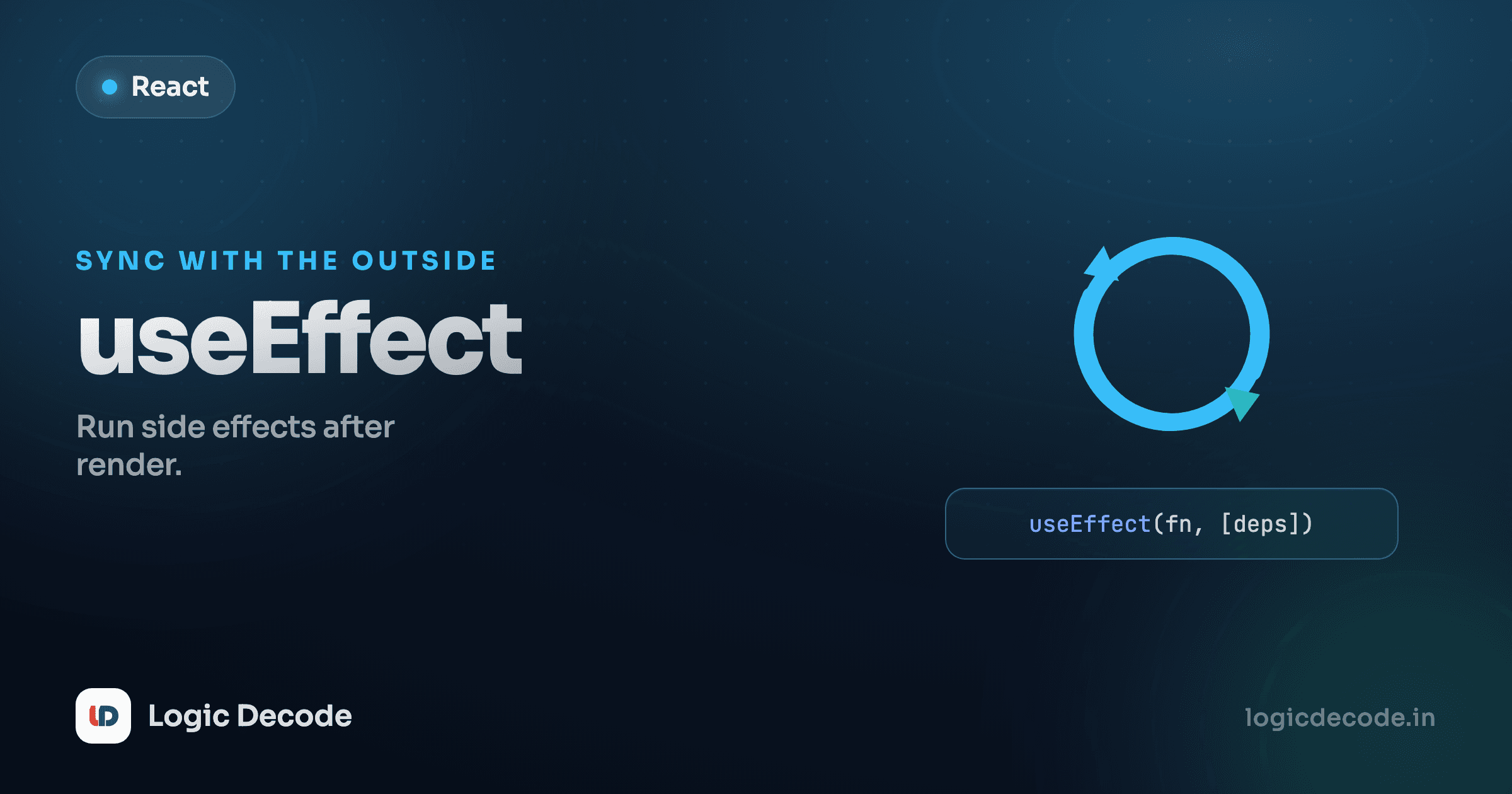
useEffect takes two arguments: a function with the effect code, and a dependency array.
useEffect(() => {
  // your side effect runs here, after render
}, [/* dependencies */]);
The first argument is the effect. The second is a list of values the effect depends on. React reads that list to decide whether to re-run the effect after a given render. Get it right and the hook behaves. Get it wrong and you get either stale data or an infinite loop. That list is where almost all the confusion lives, so let's nail it down.
The dependency array, three cases
The behavior changes entirely based on what you pass as the second argument. There are exactly three cases.
Empty array []: run once, on mount. The effect has no dependencies, so React runs it after the first render and never again. This is your "set up once when the component appears" slot, and the timer above used it. Sync document.title to a fixed string, subscribe to something once, log a page view.
useEffect(() => {
  document.title = "Dashboard";
}, []); // runs after the first render only[x]: run when x changes. List the values your effect reads, and React re-runs it whenever any of them differs from the last render. Here the title follows count, so every time count changes, the effect runs again and updates the tab.
Click a few times and watch the tab title. React compares [count] from this render to the last one. Different? Run the effect. Same? Skip it. The rule of thumb: every value the effect uses should be in the array. Skip one and you'll read a stale version of it.
Omitted: run after every render. Leave out the second argument and the effect runs after every single render. This is almost always a mistake. If the effect calls a state setter, that triggers a re-render, which runs the effect again, which sets state again, an infinite loop. An omitted array should make you stop and check whether you meant [].
The infinite-loop trap
An effect that has no dependency array and also updates state will loop forever: render → effect → setState → render → effect → … React will hang or warn. If your effect sets state, be deliberate about the dependency array. Usually you want [] or a specific list, never nothing.
Quick check
An effect reads a state variable `query` and you want it to re-run whenever `query` changes. What goes in the dependency array?
Cleanup: the function you return
Some effects set something up that has to be torn down. A setInterval keeps firing until you clearInterval. An event listener stays attached until you removeEventListener. A subscription keeps pushing data until you unsubscribe. If you never clean up, you leak: timers pile up, listeners stack, and old components keep running in the background after they're gone from the screen.
That's why an effect can return a function, the cleanup. React runs it before the effect runs again, and once more when the component is removed.
useEffect(() => {
  const id = setInterval(() => console.log("tick"), 1000);
  return () => clearInterval(id); // cleanup: stop the timer
}, []);
Read the timer at the top of this lesson again with that in mind. setInterval starts the clock; the returned () => clearInterval(id) stops it on unmount. Without that line, the interval would tick forever, calling setSeconds on a component that no longer exists.
Here's that whole run-cleanup-rerun-unmount cycle as one picture.
Here's the lifecycle made visible. Mount the box, then unmount it, and watch the log.
Open the console panel. You'll see "starting timer" when Ticker mounts and "stopping timer" the moment you unmount it. That pairing (set up, tear down) is the contract. Anytime you subscribe, attach, or start something in an effect, return the matching cleanup right next to it.
When NOT to use useEffect
Here's the honest part most tutorials skip: useEffect is overused. People reach for it as a generic "run some code when stuff changes" hook, and most of those uses are wrong.
The biggest one: don't use an effect to transform data for rendering. If you have a list and a filter, you don't need an effect to compute the filtered list and stash it in state. Just compute it during render.
// Don't: an effect + extra state to derive a value
const [visible, setVisible] = useState([]);
useEffect(() => {
  setVisible(items.filter((i) => i.active));
}, [items]);

// Do: just calculate it while rendering
const visible = items.filter((i) => i.active);
The second version is simpler, has no extra state, and can't get out of sync, because it's recomputed every render from the current items. The effect version adds a render cycle, a state variable, and a bug surface for nothing.
The mental test: does this code talk to something outside React, like the DOM, the network, a timer, a subscription? Then it's a side effect and useEffect is right. Is it just computing a value from props and state? Then it belongs in the render body, not an effect. The official React useEffect reference has a whole companion page called "You Might Not Need an Effect," and it's worth reading once you're comfortable here.
The one-line filter
If removing the effect and computing the value inline still works, you never needed the effect. Effects are for synchronizing with systems outside React, not for reacting to state changes in general.
Recap and what's next
A side effect is anything your component does beyond turning data into UI: timers, subscriptions, listeners, fetching, setting document.title. useEffect(fn, deps) runs that work after render. The dependency array decides when: [] runs once on mount, [x] re-runs when x changes, and an omitted array runs after every render (usually a bug). When an effect sets something up, return a cleanup function so it tears down on unmount or before the next run. And the discipline that separates clean React from tangled React: reach for an effect only when you're syncing with the outside world, not to derive a value you could compute during render.
The most common real reason to use an effect is loading data from a server, and that has enough sharp edges (loading states, errors, race conditions) to deserve its own lesson. Previous: Controlled forms. Next: Fetching data.

Written by
Rhythm Bhiwani
Engineer and relentless builder, happiest reverse-engineering hard problems until they click.
Enjoyed this?
Tap the heart to leave some love.
Be the first to react
Comments
Join the conversation.
Loading comments…