React State with the useState Hook
Make React components interactive with useState: state vs props, updating state correctly, and re-renders, with a live counter example.

A component that only renders props is a poster: pretty, fixed, dead on the wall. The moment you want a button that actually counts, a form that remembers what you typed, or a panel that opens and closes, you need data that changes over time and a way to tell React "this changed, draw it again." That's state, and useState is how you get it. After components and props gave you reusable pieces fed from the outside, state is what lets a piece manage something of its own.
Your first piece of state
Here's a counter. Click it.
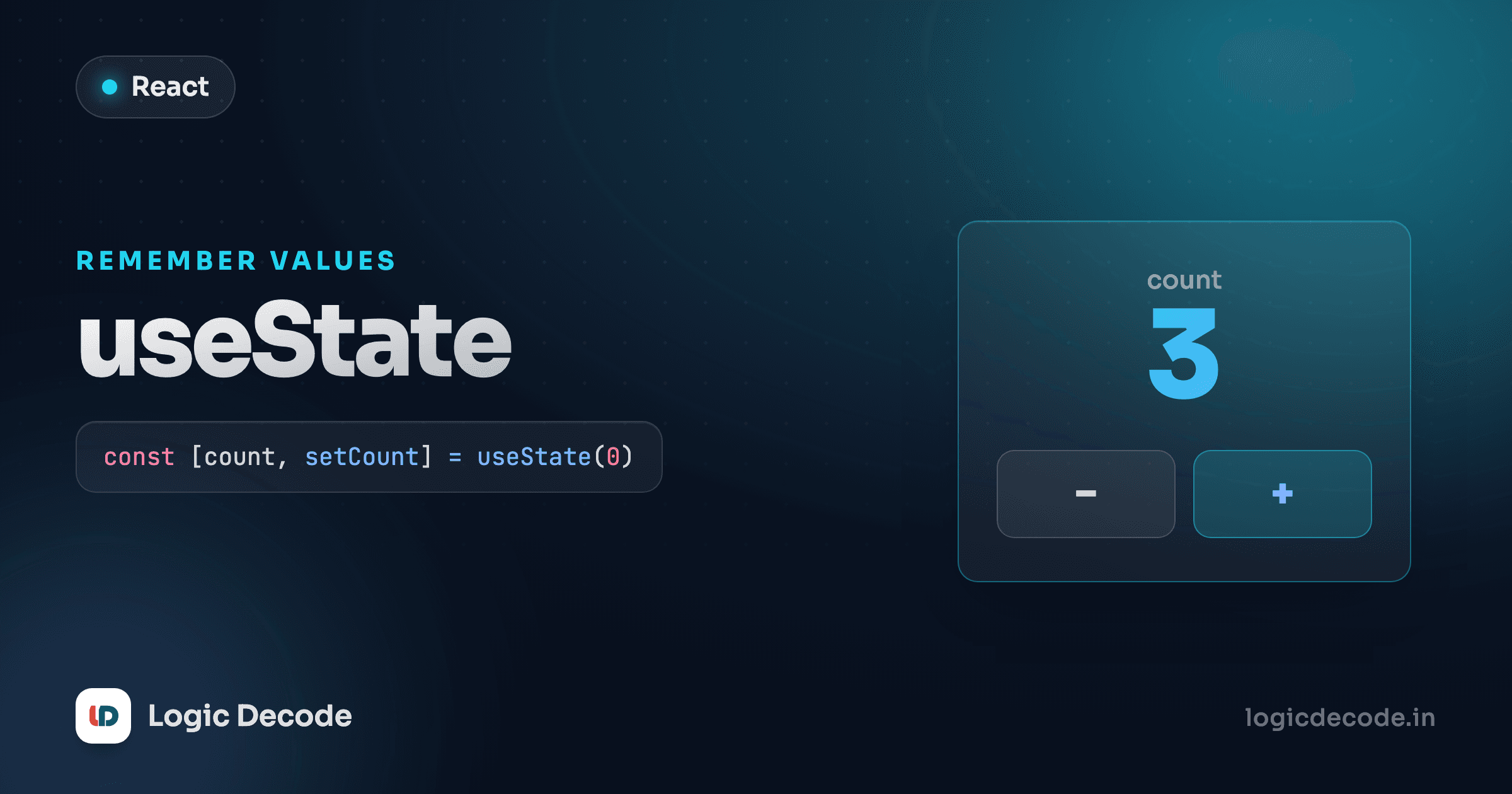
Three lines do all the work. import { useState } from "react" pulls in the Hook. const [count, setCount] = useState(0) creates a state variable starting at 0. And setCount(count + 1) on each click bumps it up, and crucially, tells React to re-render the button with the new number.
That last part is the whole game. You don't change the screen yourself. You change the state, and React redraws the component for you.
That cycle is the loop that makes a UI interactive:
What useState hands back
useState returns an array with exactly two things, and you pull them apart with that square-bracket syntax (array destructuring):
const [count, setCount] = useState(0);
//      ↑        ↑              ↑
// current setter initial valuecount: the current value. On the first render it's whatever you passed touseState(here,0). After that, it's whatever you last set it to.setCount: the setter function. Call it to give state a new value and trigger a re-render.- The argument to
useStateis the initial value, used only on the first render. Pass anything: a number, string, boolean, array, object.
The names are yours. People follow a [thing, setThing] convention, so a boolean reads as const [isOpen, setIsOpen] = useState(false). Follow it. The next person to read your code (often you, three weeks later) will thank you.
Hooks have rules
Call Hooks at the top level of your component, never inside an if, a loop, or a nested function. React tracks state by call order, so the calls have to happen the same way every render. Put useState at the top of the function and you'll never trip this.
Why you must call the setter
Here's the mistake every beginner makes once. Reassigning the variable directly does nothing useful:
function App() {
  let [count, setCount] = useState(0);

  function handleClick() {
    count = count + 1;   // ❌ React has no idea this happened
    console.log(count);  // logs the new number...
  }
  // ...but the screen never updates
}
The console.log shows the bumped number, so it feels like it worked. But the screen never changes, because React only re-renders when you call a setter. Mutating the variable updates a value React isn't watching. Calling setCount updates the value and schedules a re-render. Same rule for arrays and objects — never push into a state array or edit a state object in place. Build a new one and pass it to the setter:
const [items, setItems] = useState([]);

// ❌ mutates — React sees the same array reference, skips the render
items.push("new");

// ✅ new array — React sees a change and re-renders
setItems([...items, "new"]);
React decides whether to re-render by comparing references. Hand it the same array back and it shrugs. Hand it a fresh one and it redraws.
A text input that remembers
State isn't only numbers. Wire it to an <input> and the component remembers every keystroke:
The input's value is driven by state, and onChange pushes every keystroke back into state with setName. Type a letter, state updates, React re-renders, the <p> reflects it. This pattern, input value tied to state with changes flowing back through a setter, is how React handles forms, and you'll lean on it constantly. We go deep on it in handling events.
State vs props
These two trip people up, so let's draw the line clearly.
- Props come in from the parent. The component receives them and can't change them. They're read-only, like arguments to a function.
- State is owned by the component. It's private, and the component changes it over time with its setter.
A <UserCard name="Diya" /> gets name as a prop — fixed, handed down. But whether that card's details panel is expanded is its own business, so it holds const [expanded, setExpanded] = useState(false) in state. Rule of thumb: if a value comes from above and never changes inside the component, it's a prop. If the component needs to change it in response to clicks, typing, or time, it's state.
Quick check
A component needs to track whether a dropdown is open or closed, toggling on each click. Should that be state or props?
Updating based on the previous value
One more trap, and it's a subtle one. Try clicking a "+3" button that calls the setter three times in a row:
function handleClick() {
  setCount(count + 1);
  setCount(count + 1);
  setCount(count + 1);
}
You'd expect +3. You get +1. During a single event, count is a fixed snapshot. All three lines read the same old value, so all three set it to the same count + 1. React batches them and the last one wins.
The fix: pass a function to the setter. React calls it with the latest pending value, so each update builds on the one before it:
setCount((c) => c + 1) says "whatever the current count is, add one." Run three times, each one starts from the result of the last, and you get the +3 you wanted. The rule: whenever your new state depends on the old state, use the function form. It costs nothing and saves you from stale-value bugs that only show up when actions stack.
Stale state hides in async code
This bites hardest with timers, network responses, and anything that runs later. By the time a setTimeout callback fires, count is the value from when the timer was set, not now. Reach for setCount((c) => c + 1) there and you're always working from the freshest value.
Recap and what's next
State is data a component owns and changes over time, and changing it is what makes React redraw the screen. useState(initial) hands you a [value, setValue] pair: read value, call setValue to update and trigger a re-render. Never mutate state directly. Build a new value and pass it to the setter, since React compares references to decide what to redraw. Props come from the parent and are read-only. State is the component's private, changeable data. And when an update depends on the previous value, use the function form, setValue((prev) => ...), to avoid stale snapshots.
For the official deep-dive on this mental model, react.dev's State: A Component's Memory is worth a read. Next we put state to work behind real interactions in handling events: clicks, typing, form submits, and passing data through event handlers.

Written by
Rhythm Bhiwani
Engineer and relentless builder, happiest reverse-engineering hard problems until they click.
Enjoyed this?
Tap the heart to leave some love.
Be the first to react
Comments
Join the conversation.
Loading comments…