SQL INSERT, UPDATE and DELETE
Change data in SQL: INSERT new rows, UPDATE existing ones, and DELETE safely, plus why a missing WHERE is dangerous. With live, runnable examples.

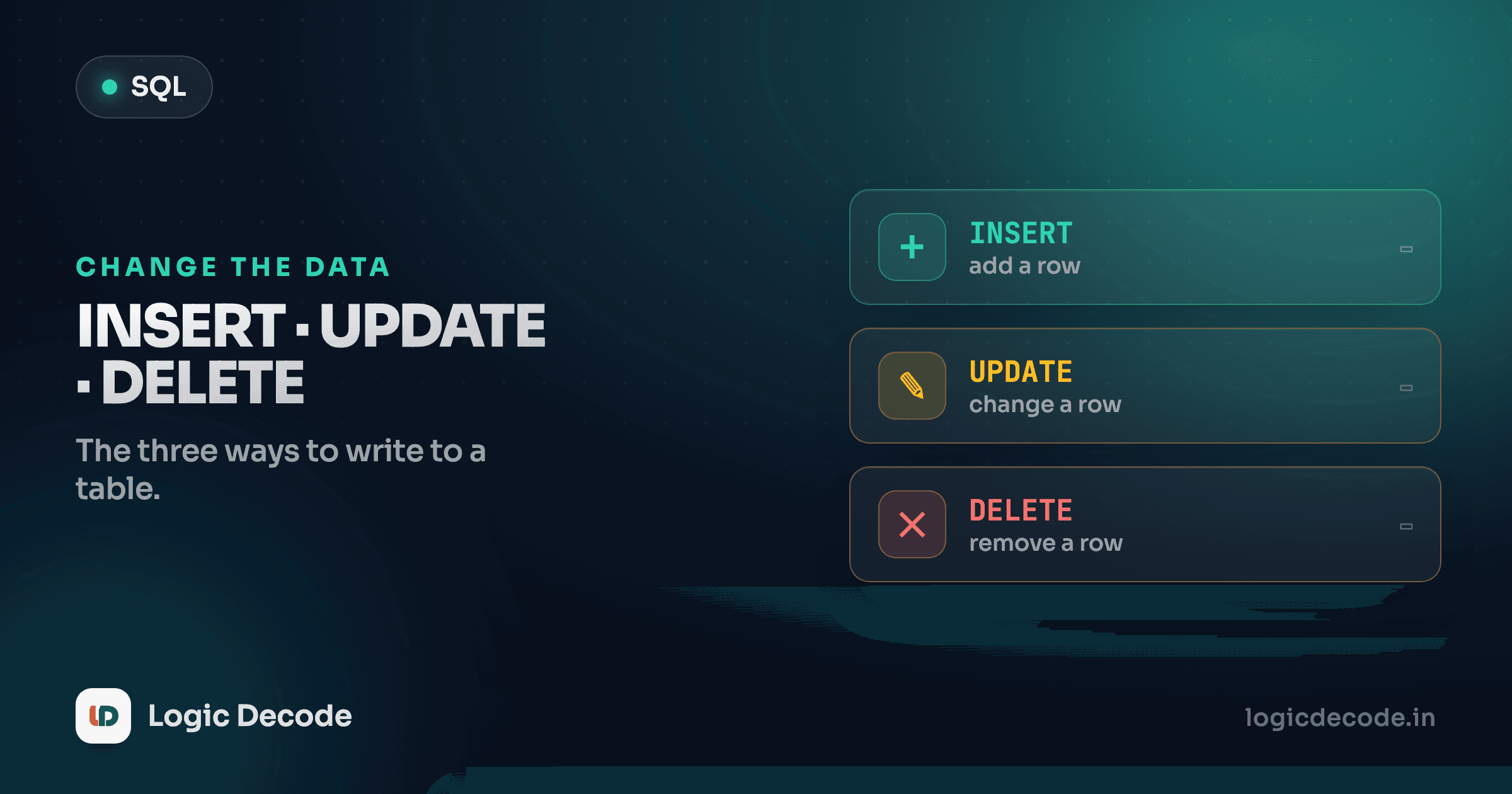
Every query you've written so far has only read data. SELECT looks, but it never touches a single byte. That's about to change. This lesson is the other half of working with a database: putting new rows in, editing the ones already there, and removing the ones you don't want. That's the write side of CRUD.
These three statements (INSERT, UPDATE, DELETE) are short and they look harmless. One of them, run wrong, can wipe a table in a fraction of a second with no undo button. So we'll write each one carefully, prove the result with a SELECT, and then talk about the safety net that catches mistakes before they're permanent.
INSERT: add a new row
INSERT INTO ... VALUES adds a row. You name the table and hand over the values in column order:
INSERT INTO customers VALUES (9, 'Nisha', 'Jaipur', '2026-05-01');The playground only shows the result of the last statement, and an INSERT on its own returns nothing to display. So to actually see what happened, we insert and then read it back in the same run:
Run it. Nisha shows up, a row that didn't exist a moment ago. The values have to line up with the columns in the order they were defined: id, name, city, signup_date. Get the order wrong and you'll put a city where a name should go, or worse, hit a type error.
Relying on column order is fragile, though. Add a column to the table later and every positional INSERT breaks. The better habit is to name the columns you're filling:
Two things to notice. First, the order in your column list and your value list just has to match each other, not the table's definition. Second, we left out signup_date entirely, and the row still inserted. The column we didn't mention is filled with NULL (you'll see it flagged in the result). That's the everyday way to say "I don't have this value yet." If a column is defined NOT NULL with no default, skipping it is an error instead, but that's a schema concern we'll get to in the next lesson.
You can also stack multiple rows in one statement, which is faster than firing off one INSERT per row:
Let the database number things
We're handing in explicit id values to keep these demos predictable, but in a real schema you'd usually make id auto-increment so the database assigns the next number for you. Then your INSERT skips id entirely. More on that in the schema lesson.
UPDATE: change rows that already exist
INSERT makes new rows. UPDATE edits existing ones. The shape is UPDATE table SET column = value WHERE condition:
The Mouse price drops from 19.99 to 17.99. The SET clause says what to change. The WHERE clause says which rows to change it on. That WHERE is doing the most important job in the whole statement. It's the difference between editing one row and editing all of them. Hold that thought.
You can change several columns at once, separated by commas, and the condition can be anything you'd write in a normal WHERE:
You can even compute the new value from the old one. Say every Electronics product goes up 10%. Reference the existing column on the right side of the =:
The database reads each matching row's current price, multiplies by 1.10, and writes the result back. Three Electronics products, all bumped in one statement.
DELETE: remove rows
DELETE FROM table WHERE condition throws rows away:
Every order with quantity = 1 is gone. What's left is everything else. DELETE has no SET. It's not changing columns, it's removing whole rows. The only thing that varies is which rows, and once again that's entirely down to the WHERE.
A DELETE with no SELECT after it shows you a confirmation line instead of a table. The playground reports how many rows it affected:
You'll see something like OK — 3 row(s) affected. That count is worth reading. If you expected to delete one row and it says it touched forty, you've just learned your WHERE was wider than you thought, before you trusted it on production data.
The missing WHERE: how to wipe a table by accident
Here's the part that ends careers. UPDATE and DELETE don't require a WHERE clause. Leave it off and the statement doesn't error. It cheerfully applies to every row in the table.
This deletes one customer:
DELETE FROM customers WHERE id = 3;This deletes all of them:
DELETE FROM customers;One forgotten clause. No warning, no "are you sure," no recycle bin. The same trap waits in UPDATE. UPDATE products SET price = 0; zeroes out the price of every product in the table, not the one you meant.
A WHERE-less UPDATE or DELETE hits every row
DELETE FROM orders; empties the entire orders table. UPDATE customers SET city = 'Mumbai'; moves every customer to Mumbai. There's no confirmation prompt and no undo. Before you run any UPDATE or DELETE, ask: is the WHERE clause there, and does it select exactly the rows I mean? A reliable habit is to write the same condition as a SELECT first, eyeball the rows it returns, then swap SELECT * for DELETE or UPDATE.
See it for yourself. The playground reseeds a fresh database on every run, so this is safe to try — but it's exactly what you must never do where it counts:
Zero. Eight rows, gone, from a five-word statement. The reason this is so dangerous is that the WHERE-less version is shorter and looks cleaner, so your eye skips right over the missing condition.
Quick check
What does `UPDATE products SET price = 0;` (no WHERE) do?
Transactions: an undo button for writes
So how do professionals work with this stuff and sleep at night? Transactions. A transaction wraps several statements into one all-or-nothing unit. You open it with BEGIN, make your changes, and then either COMMIT to save everything or ROLLBACK to throw it all away as if it never happened.
The classic case is a money transfer: subtract from one account, add to another. If the second statement fails after the first succeeds, you've lost money into thin air. A transaction guarantees both happen or neither does. Here, watch a ROLLBACK undo a change that already ran:
The UPDATE ran and set the price to 999 inside the transaction. Then ROLLBACK rewound it. The SELECT shows the original 49.99, so the change never stuck. Swap ROLLBACK for COMMIT and the new price would be permanent instead. That's the safety net: when you're not sure a multi-step change is right, wrap it, inspect it, and only COMMIT once you're confident. Otherwise ROLLBACK and pretend it never happened.
Recap and what's next
You can now change data, not just read it. INSERT INTO ... VALUES adds rows (name your columns so the order can't bite you, and skip a column to leave it NULL). UPDATE ... SET ... WHERE edits existing rows, one or many, and can even compute new values from old ones. DELETE FROM ... WHERE removes rows. The single most important word in the last two is WHERE. Leave it out and you hit every row in the table, with no undo. Wrap risky changes in a transaction (BEGIN ... COMMIT / ROLLBACK) so a mistake costs you nothing. For the full reference, the SQLite INSERT docs lay out every variation.
Before this, we built read queries that pulled answers out of other queries in Subqueries. Next we stop assuming the tables already exist and create our own: Creating tables and schema, where you'll define columns, types, and the rules that stop bad data getting in.

Written by
Rhythm Bhiwani
Engineer and relentless builder, happiest reverse-engineering hard problems until they click.
Enjoyed this?
Tap the heart to leave some love.
Be the first to react
Comments
Join the conversation.
Loading comments…