Why Learn SQL in 2026 (and What a Database Is)
What SQL and relational databases are, why every app needs one, and your first live query, runnable in your browser against a real database.

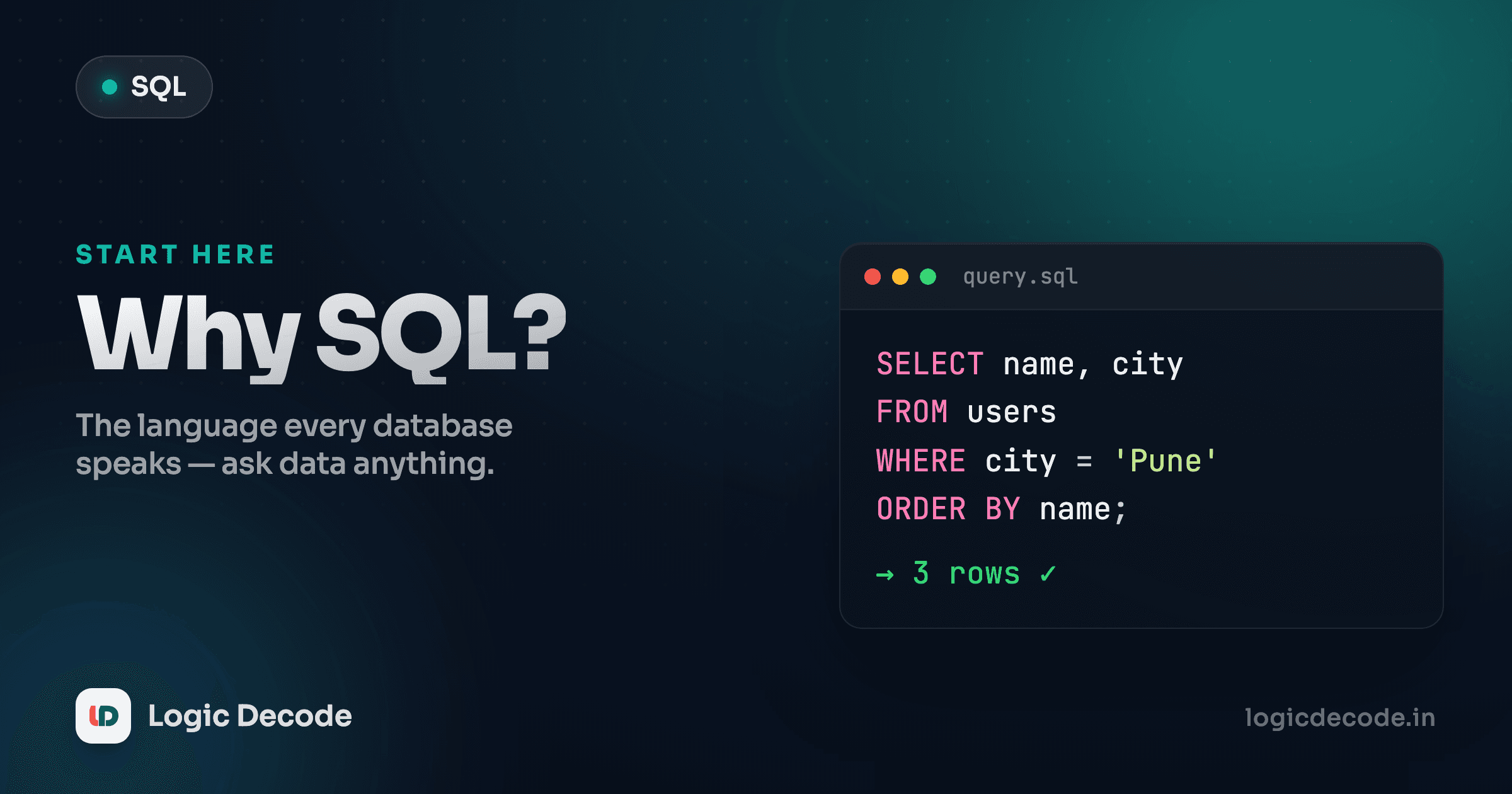
Open almost any app you use and somewhere behind it is a list of things: users, orders, messages, songs. That list lives in a database, and SQL is the language you use to ask it questions. Want every customer in Mumbai? That's one line of SQL. By the end of this page you'll have run that exact query yourself, against a real database, without installing anything.
What a database actually is
Strip away the jargon and a relational database is a stack of spreadsheets that know about each other. Each spreadsheet is a table. A table has columns (the fields: a name, a city, a date) and rows (one record each: one customer, one order).
Here's a customers table with eight rows and four columns:
| id | name | city | signup_date |
|---|---|---|---|
| 1 | Maya | Mumbai | 2026-01-05 |
| 2 | Aarav | Delhi | 2026-01-12 |
| 3 | Diya | Pune | 2026-02-02 |
| 4 | Kabir | Mumbai | 2026-02-18 |
The id column is the key bit. Every row gets a unique number so you can point at exactly one record without ambiguity. There might be two people named Maya, but there's only ever one customer 4. That little number is what lets tables reference each other, which is where the "relational" in relational database comes from. We'll lean on it hard once we hit joins later in the series.
That's the whole model. Rows and columns, in named tables, with keys tying them together. If you've used a spreadsheet, you already have the mental picture. SQL just gives you a precise way to query it that doesn't fall over when the table has ten million rows.
What SQL does
SQL (Structured Query Language) is how you talk to that database. You don't click around or scroll. You write a sentence describing what you want, and the database figures out how to fetch it.
The verb you'll use most is SELECT. It reads like English once you've seen it a few times:
SELECT name, city FROM customers;Read it left to right: select the name and city columns from the customers table. The semicolon ends the statement. That's a complete, valid query. Pick the columns you care about, name the table, done.
Notice what you didn't write. You never told the database how to loop through rows, where the data sits on disk, or how to make it fast. You said what you wanted and it handled the how. That's the trade that makes SQL worth learning: you describe the result, the engine does the work.
Run your first query
Enough reading. Hit Run below and watch a real database answer you. This is live SQLite running in your browser, no server, no signup. Every lesson in this series has one of these editors, and the code is yours to change.
You should see eight rows come back, one per customer, showing just the two columns you asked for. Now make it yours: change name, city to name, signup_date, or swap customers for products, and hit Run again. Break it on purpose. Type FORM instead of FROM and see what the error looks like. Reading error messages is half the job, and there's nothing to break here, so poke at it.
Single quotes for text
When you start filtering by text values, SQL wants single quotes around them, like WHERE city = 'Mumbai', not double quotes. Double quotes mean something else in SQL (they name a column), and mixing them up is one of the most common beginner stumbles. Numbers need no quotes at all: WHERE id = 4.
Three tables, one tiny shop
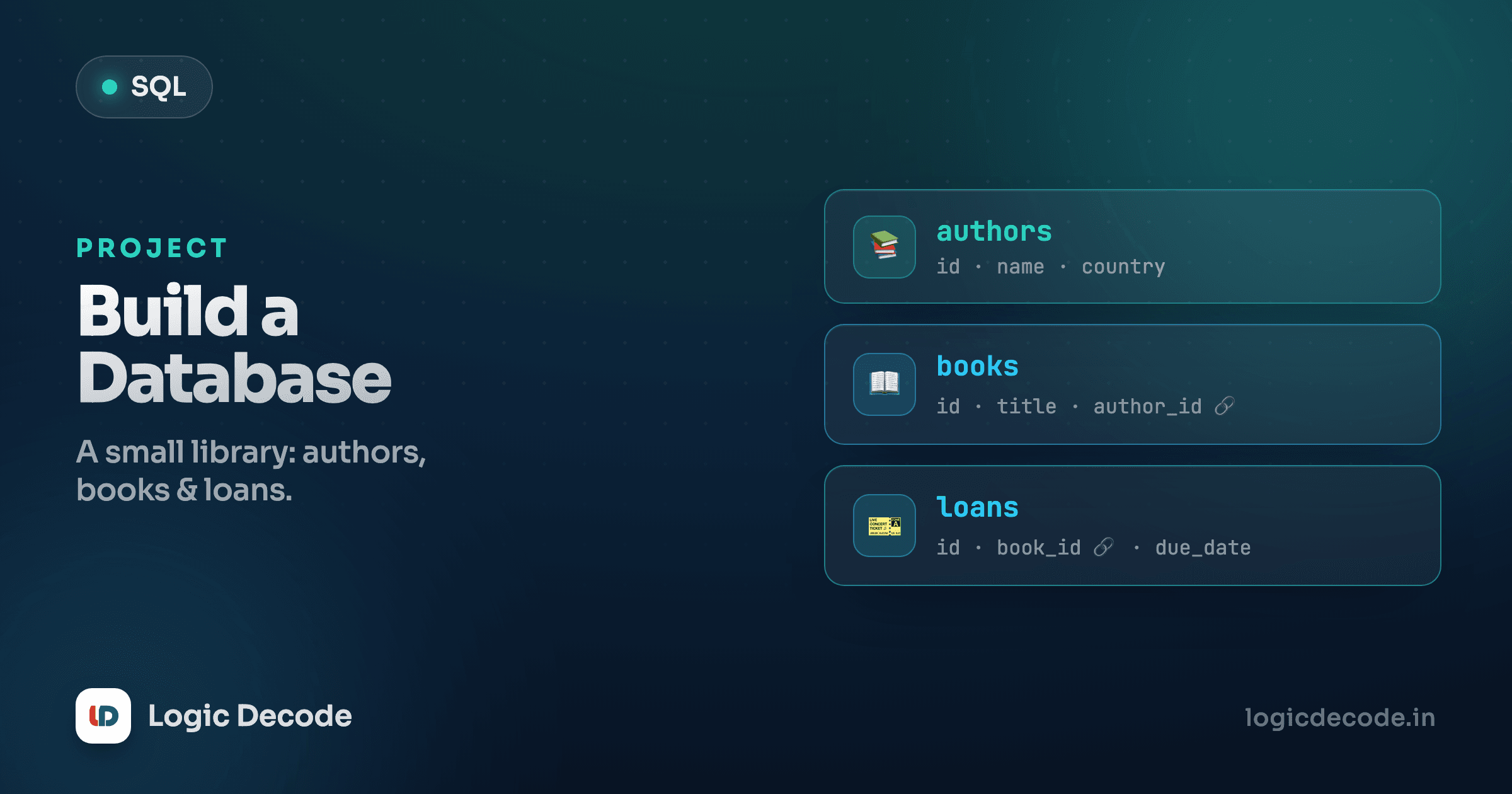
The playground is seeded with a small online-shop database we'll use all series long, so the data stays familiar while the queries get fancier. Three tables:
customers(id, name, city, signup_date), who's buying.products(id, name, category, price), what's for sale.orders(id, customer_id, product_id, quantity, order_date), who bought what.
Look at orders and you'll spot why the id columns matter. An order doesn't repeat the customer's name and the product's name. It just stores their ids, customer_id and product_id. Order 1 says "customer 1 bought product 1." To turn that back into "Maya bought a Keyboard," you connect the tables on those ids. That connecting move is a join, and it's the single most useful thing SQL does. We're a few lessons from it, but this is the shape of the whole thing: small tables, linked by ids, queried together.
Quick check
In the orders table, what does the customer_id column hold?
Where SQL shows up
This isn't a niche skill you'll use once. SQL runs in a lot more places than people expect:
- Web and mobile apps. Sign up, post a comment, add to cart: every one of those is rows going into or out of a database. The backend behind your favourite app is mostly SQL underneath whatever framework wraps it. If you're learning web development, the database is the half that survives a page refresh.
- Analytics and dashboards. The numbers in a sales dashboard or a "users this week" chart are SQL queries someone wrote, often the exact aggregates we'll cover mid-series: counts, sums, averages, grouped by month or category.
- Data and AI pipelines. Before a model trains on data, that data usually gets pulled, filtered, and joined with SQL. The unglamorous "get the right rows in the right shape" step is SQL, and it's most of the work.
Postgres, MySQL, SQLite, SQL Server: the products differ, but the core language is the same standard, so what you learn here transfers nearly everywhere. Learn it once, use it on every job.
"But won't AI just write my SQL?"
Fair question in 2026. Yes, an LLM will happily draft a query for you, and that's genuinely useful. But here's the catch: a wrong SQL query rarely crashes. It runs fine and quietly hands you the wrong numbers. A misplaced join condition silently doubles your revenue total. A missing WHERE clause updates every row instead of one. The query "works," it just lies.
So the skill that matters isn't typing SQL from a blank page. It's reading SQL and knowing whether it's correct. You can't sign off on a generated query, or fix it when the dashboard shows nonsense, if you can't follow what it does. AI makes SQL faster to write and more important to understand, not less. The same thing happened with code generally, and it's exactly why we still teach the fundamentals in Why Learn JavaScript. Tools that write code raise the value of people who can read it.
What's next
You now know the shape of the whole thing: a database is tables of rows and columns, linked by ids. SQL is how you ask it questions, and SELECT ... FROM ... is the query you'll write more than any other. You also ran one against a real database, which is more than most people who say they "know a bit of SQL" have actually done.
Next we go deeper on that SELECT: picking exactly the columns you want, aliasing them with nicer names, doing math right in the query, and the difference between SELECT * and naming columns (and why the pros usually name them). Keep that playground in mind, because you'll be in it constantly.
Continue with SELECT basics. If you want the formal reference for any keyword as you go, the SQLite SQL language docs are the source of truth for the exact engine running in these lessons.

Written by
Rhythm Bhiwani
Engineer and relentless builder, happiest reverse-engineering hard problems until they click.
Enjoyed this?
Tap the heart to leave some love.
Be the first to react
Comments
Join the conversation.
Loading comments…