React Lists and Keys: Rendering Arrays
Render arrays in React with map, and why keys matter for correct, fast updates, with clear, runnable live examples.

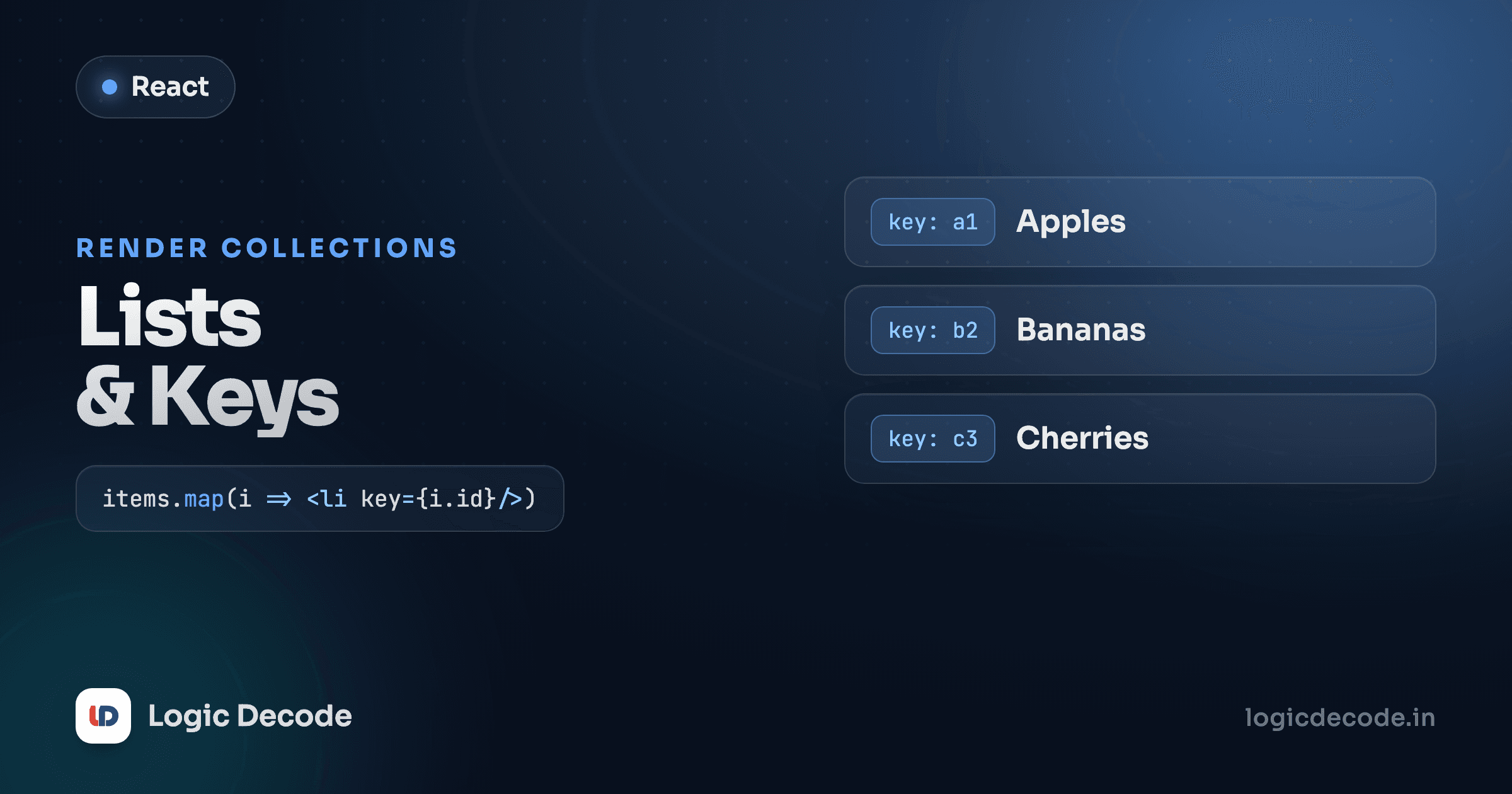
Almost every real screen is a list of something: products, messages, todos, search results. You don't know how many there'll be until the data shows up, so you can't hand-write the JSX. React's answer is delightfully boring: take your array, call .map() on it, and return a piece of JSX for each item. The whole list renders itself. The one thing that trips people up is a small key prop React keeps nagging about. Get that wrong and your list looks fine until it suddenly doesn't.
Render a list with map
JSX can hold an array of elements. So if you turn your data array into an array of JSX, React renders all of it. .map() is the tool for exactly that. It takes each item and gives back something new, the same array method from JavaScript map, filter and reduce, just returning JSX instead of numbers.
The curly braces drop you into JavaScript inside JSX. Inside them, fruits.map(...) returns an array of four <li> elements, and React renders each one. Change the array, add a name, remove one, and the list updates to match. You never wrote a loop or touched the DOM.
Run that and it works, but open the browser console and React is grumbling: "Each child in a list should have a unique key prop." That warning is the whole reason this lesson exists.
Why keys exist
When your data changes, React doesn't throw away the old list and rebuild it from scratch. It compares the new list to the old one and changes only what differs. To do that comparison, it needs to know which item is which between renders. The key prop is the name tag that tells React "this element is that same element from last time."
Without keys, React falls back to matching by position. Item 0 to item 0, item 1 to item 1. That's fine if nothing reorders. But the moment you insert at the top, delete from the middle, or sort, every position shifts and React's matching goes haywire. It thinks every item changed when really they just moved.
Give each item a stable key and the picture is clear:
key={user.id} hands React a stable identity. user.id is 101 whether Maya is first in the list or last, so React always knows it's the same row. The key only needs to be unique among siblings in that one list, and it never shows up in the DOM. It's purely a hint for React.
Don't use the array index as the key
This is the mistake nearly everyone makes, because it makes the warning disappear:
// looks fine, quietly broken
{users.map((user, index) => (
  <li key={index}>{user.name}</li>
))}
The index is the position, not the identity. When the list is static it happens to work, which is exactly why it's a trap. It passes today and breaks the day you add sorting or deletion. Insert a new user at the top and every index shifts down by one. React now thinks the item at index 0 changed its name from "Maya" to the new person, the item at 1 changed from "Aarav" to "Maya," and so on down the line. The keys point at the wrong rows.
That's not just a redraw nuisance. Any per-item state React holds (a focused input, a checked box, an animation mid-flight) stays glued to its index, so it ends up attached to the wrong row after a reorder. The fix is always the same: key by something that belongs to the data and doesn't move. A database id, a unique slug, an email. If your data genuinely has no stable id, generate one once when you create the item (crypto.randomUUID()), not on every render.
The index-key tell
If a checkbox in your list jumps to a different row after you delete an item, you're keying by index. Swap to a stable id and it sticks to the right row.
Quick check
Why is the array index usually a bad choice for a list key?
A list of objects, as cards
Real lists are rarely plain strings. You map over an array of objects and pull several fields out of each one. Here's a tiny todo list rendered as cards, with each item's own data feeding the JSX:
Two things worth noticing. The key goes on the outermost element returned by the map, here that's <TodoCard>, the component, not the <li> inside it. React reads the key off the thing your callback returns. And each card stays small and focused: it takes one todo as a prop and decides how to draw it. The map handles "do this for every item," the component handles "draw one item." Splitting those two jobs is most of what keeps list code readable.
Handle the empty state
Sooner or later the array is empty. No todos yet, no search results, a freshly loaded account. If you only render the list, an empty array maps to nothing and the user stares at a blank space wondering if it broke. Decide what empty looks like:
A plain if (results.length === 0) check, returning a friendly message instead of the list, covers it. An empty state isn't an edge case to bolt on later. It's part of the feature. Drop a couple of strings into the results array above and watch it switch to the real list.
Recap and what's next
Rendering a list in React is one move: call .map() on your array and return JSX for each item. The key prop gives every item a stable identity so React can update the list correctly and fast. Use a real id from your data, never the array index, because the index is a position that shifts the moment the list reorders. Map over objects to build cards or rows, keep each item in its own small component, and always handle the empty case so a user with no data sees something deliberate. For the official deep dive, the React docs page on rendering lists is excellent.
That covers what to show when you have a list. Next we tackle what to show conditionally, like loading spinners, logged-in vs. logged-out, and error messages: conditional rendering. And if you skipped here, the previous lesson on handling events is what makes those list items actually clickable.

Written by
Rhythm Bhiwani
Engineer and relentless builder, happiest reverse-engineering hard problems until they click.
Enjoyed this?
Tap the heart to leave some love.
Be the first to react
Comments
Join the conversation.
Loading comments…