What deploying actually means
What happens between git push and a live URL, why manual servers still matter when Vercel exists, and the map of everything this series covers.

Your app runs fine on your laptop. node src/server.ts, it prints "listening on port 3000," and you can hit it from curl. Then someone asks the question that actually matters: can my phone reach it? Right now the answer is no, and closing that gap (from "runs on my machine" to "runs on a computer that's on the internet 24/7 with a real address") is what deploying means. This series is ten lessons of doing that by hand, once, on a real Ubuntu server, so you understand exactly what you're buying when you later pay someone else to do it for you.
Push-to-deploy is not cheating
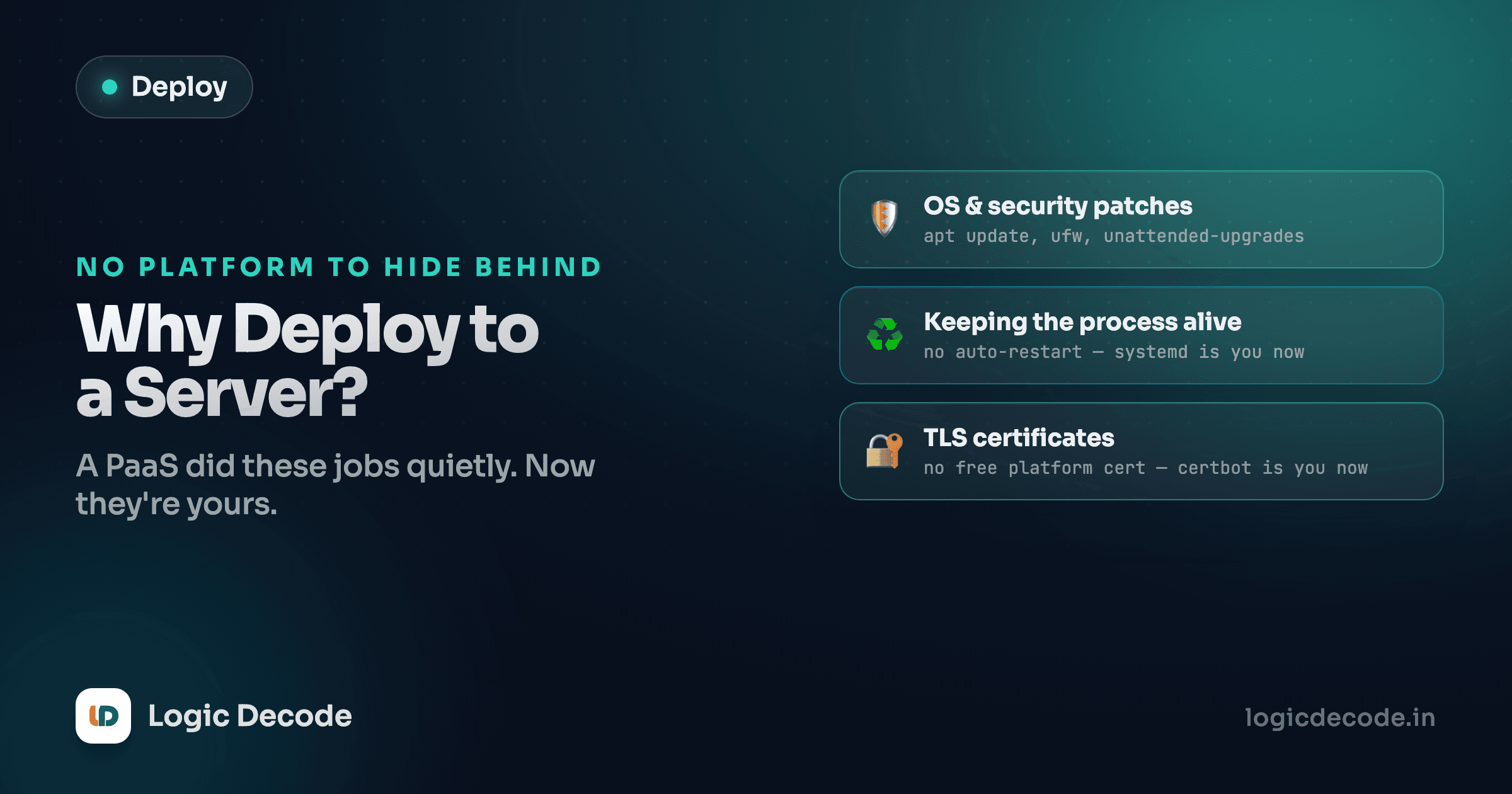
Let's be straight about something before you spend ten lessons on this. If you git push to Vercel, Railway, or Fly.io, they hand you a working HTTPS URL in under a minute. No SSH, no systemd, no certificate renewal. For almost every project, that's the right call. It's not a shortcut for people who don't know better. It's a mature platform doing real infrastructure work so you don't have to, and doing it better than you would on your first try.
So why does this series exist? Because "it just works" is a black box until you've opened it once. When a push-to-deploy app returns a 502, or environment variables don't show up where you expect, or a custom domain won't verify, the platform's abstractions stop being magic and start being questions you can't answer. Every one of those platforms is running your process under something like systemd, sitting a reverse proxy like Nginx in front of it, terminating HTTPS with a certificate from an authority like Let's Encrypt, and reading config from environment variables. You're about to build all four of those pieces yourself, by hand, so that later, when a platform does it for you, you know exactly what you're not seeing.
Think of it the way you'd think about learning to drive a manual transmission. You'll probably drive an automatic for the rest of your life. But understanding what the clutch is doing changes how you think about the car.
What you already have
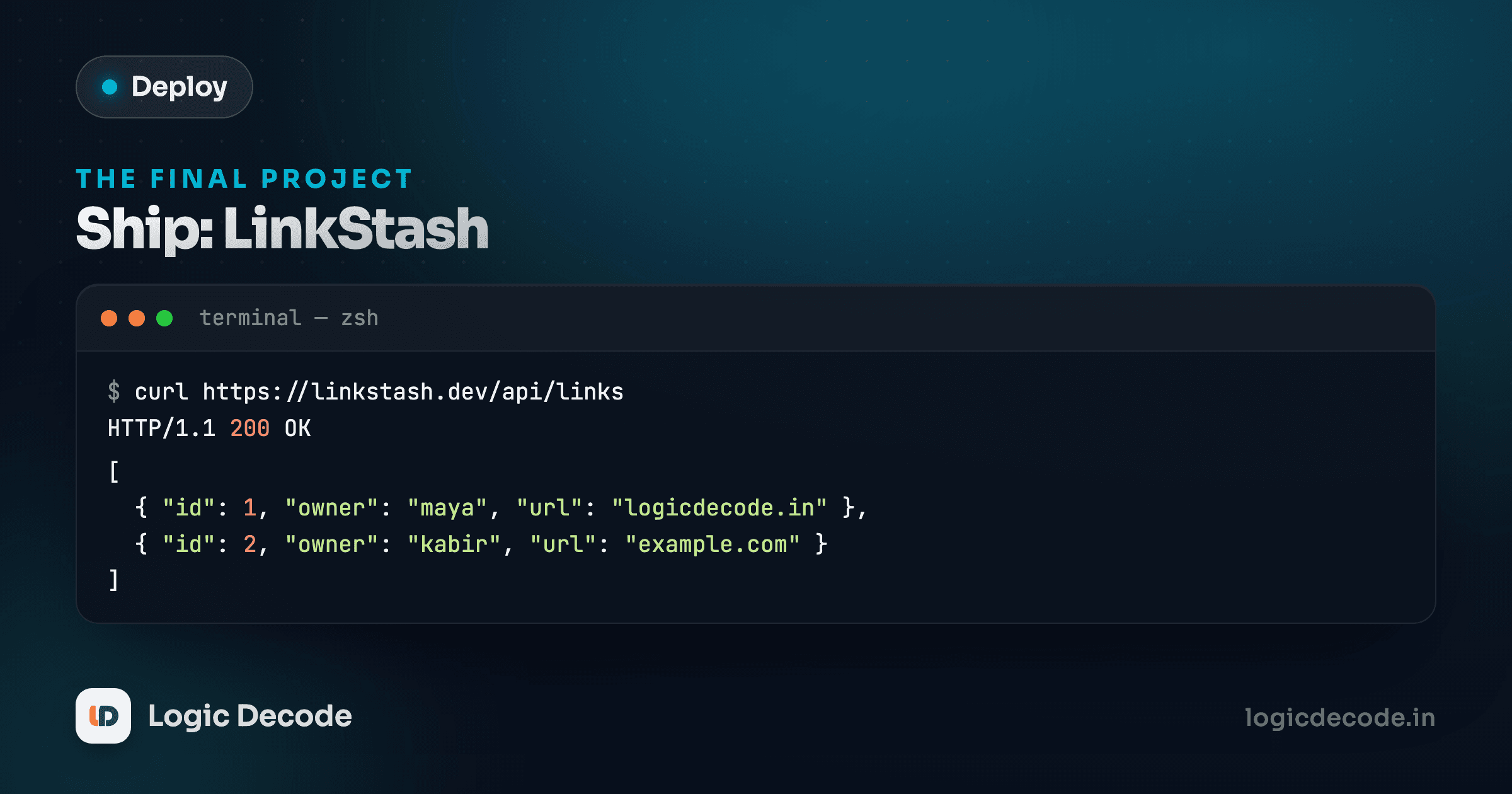
The app you're deploying is Linkstash, the same link-saving API from the backend project: register, log in, save a link, list your links. It's a small Express app backed by SQLite, and it runs with one command:
node src/server.tsNo build step. No tsc compiling anything first. Node 24 reads .ts files directly and strips the type annotations at run time, so the file you wrote is the file that runs, on your laptop and on the server. That single fact removes an entire category of "works locally, breaks in prod" bugs that used to come from a build step doing something slightly different in each place.
Two environment variables shape how it runs. PORT sets what port it listens on, defaulting to 3000. DATABASE_FILE sets where its SQLite database lives on disk, defaulting to linkstash.db in the working directory. Keep both in mind. You'll set them for real starting in lesson 4, and lesson 8 is entirely about getting config like this right in production.
The gap between "runs" and "deployed"
Run that command on your laptop right now and something is listening on localhost:3000. That's necessary but nowhere near sufficient for "deployed." Here's what has to be true before a stranger on their phone can use your app:
- A computer is on and connected to the internet all the time, not just while your laptop lid is open.
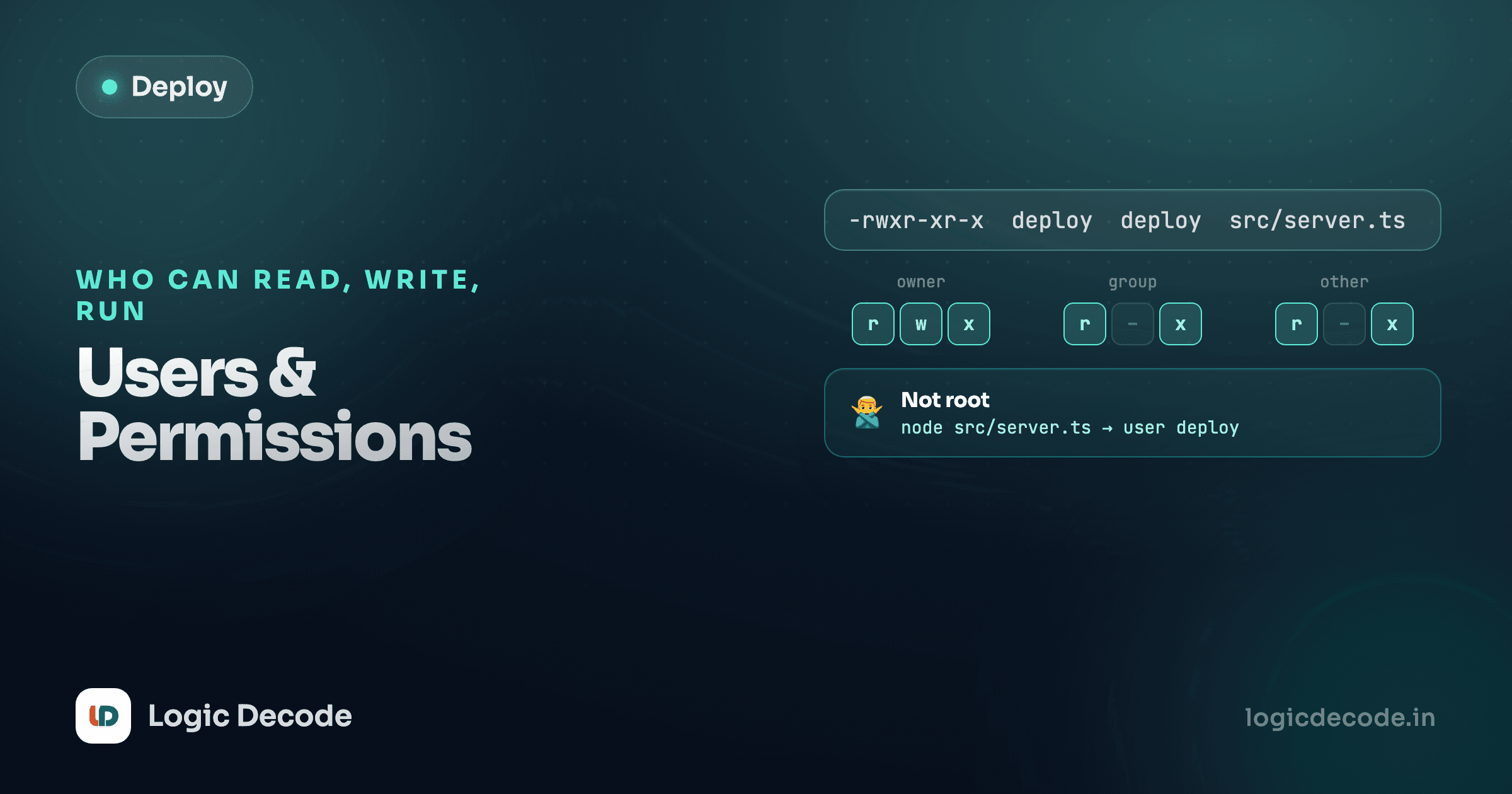
- You can get into that computer and run commands on it, safely, without shipping your password to the world.
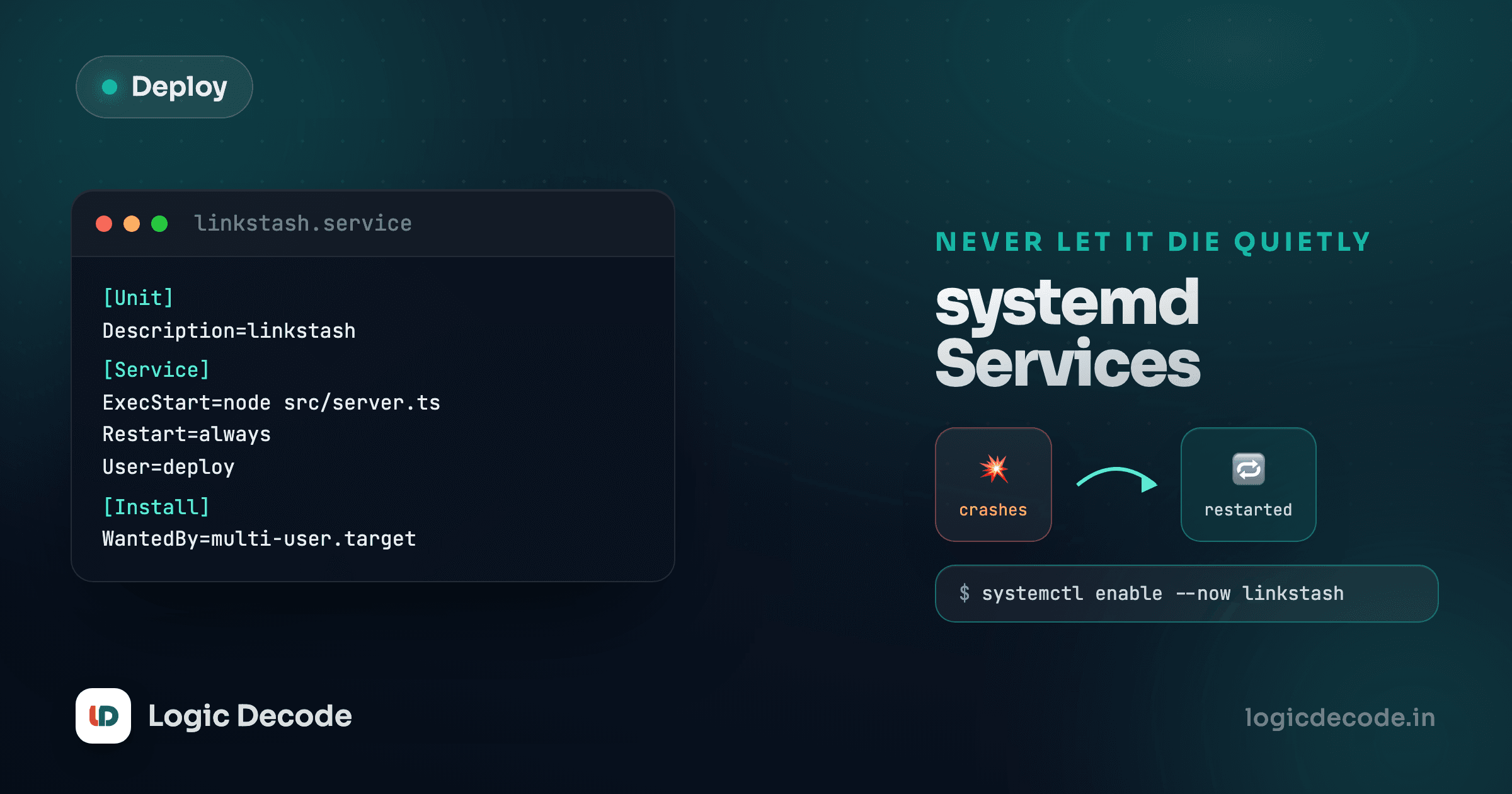
- The app process survives you logging out, and restarts itself if it crashes or the server reboots.
- Something sits in front of the app to handle the messy realities of real traffic (multiple domains, buffering slow clients, redirecting HTTP to HTTPS) instead of your app doing all of that raw.
- A domain name points at the server's address, so people type
linkstash.example.cominstead of an IP. - The connection is encrypted, so the padlock shows and passwords aren't sent as plain text.
- You know when it breaks, because it will, and "it seemed fine yesterday" isn't a debugging strategy.
That's the whole series, in order. Each lesson closes one gap.
What Linux gets you that a laptop doesn't
The server you'll use is a small Ubuntu virtual machine, rented by the hour or month from a cloud provider (DigitalOcean, Hetzner, Linode, AWS EC2, it doesn't matter which for this series, they all give you the same thing: a blank Ubuntu box and root access). It has no GUI. Everything happens over a terminal connection, which is exactly the skill the command-line series built. If typing commands in a shell still feels foreign, that series is the real prerequisite here, more than any deployment-specific knowledge.
What you get in exchange for giving up the desktop environment is a machine that's on all the time, has a public IP address, and is yours to configure exactly how the app needs. Every step from here treats that server as a shared, permanent thing, not a disposable sandbox. Mistakes cost more than they did on your laptop. That's also why the next lesson starts with locking the door properly instead of leaving it on a password anyone can guess.
Where this goes
Lesson by lesson: you'll connect over SSH with keys instead of a password, create a non-root user to actually run things as, keep the app alive with systemd, put Nginx in front of it, point a real domain at the server, get free HTTPS, handle production config properly, watch logs to catch problems, and finish by shipping Linkstash to a real URL you can hand to someone.
None of it is exotic. It's the same handful of tools that have run the server side of the internet for two decades, still the default under the platforms that make it look effortless. Next up: SSH, keys and getting in safely, the first thing you do on any new server, before anything else touches it.

Written by
Rhythm Bhiwani
Engineer and relentless builder, happiest reverse-engineering hard problems until they click.
Enjoyed this?
Tap the heart to leave some love.
Be the first to react
Comments
Join the conversation.
Loading comments…