Project: ship Linkstash to a live URL
Put every piece of this series together into one deploy checklist and ship Linkstash for real, including the one teaching route that must never go live.

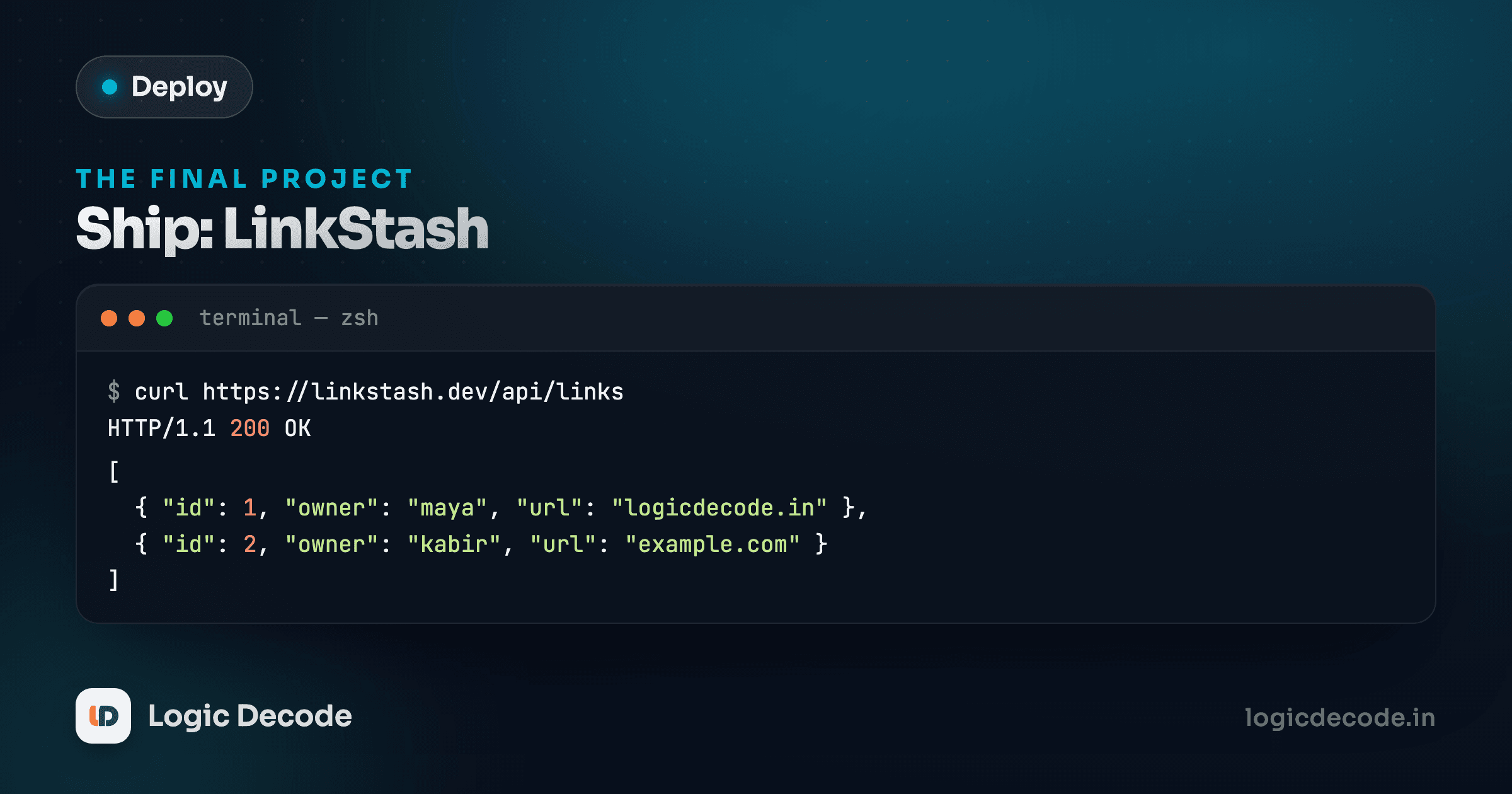
Nine lessons of individual pieces come down to this: one server, one checklist, one live URL at the end of it. You've done every step of this before in isolation. This lesson runs them in order, end to end, on a clean server, and adds the one step none of the earlier lessons covered, because it's specific to shipping: removing a route that was never meant to leave your laptop.
The checklist, start to finish
Work through this in order on a fresh Ubuntu server. Each step links back to the lesson that explains it, so treat this as the assembly instructions, not the tutorial itself.
- SSH in with a key, disable passwords. Generate a key pair, copy the public key to the server, confirm key login works in a fresh terminal, then set
PasswordAuthentication noinsshd_configand restartssh. - Create the deploy user.
sudo adduser deploy, add it to thesudogroup, copy your SSH key into its~/.ssh/authorized_keys, and do everything from here on asdeploy, not root. - Get the code onto the server. Clone or
rsyncLinkstash into/home/deploy/linkstash. Install Node 24 if it isn't already there, then install dependencies:
cd /home/deploy/linkstash
pnpm install --prod
Native dependencies need build tools
Linkstash depends on better-sqlite3 and argon2, both of which include native code compiled for your exact platform. Most of the time pnpm install pulls a prebuilt binary and you never notice. If it instead tries to compile from source and fails, install the standard toolchain first: sudo apt install build-essential python3 and try again.
- Run it under systemd. Write
/etc/systemd/system/linkstash.servicewithUser=deploy,ExecStart=/usr/bin/node src/server.ts, andRestart=on-failure.daemon-reload,start,enable, and confirmactive (running). - Put Nginx in front of it. Install Nginx, write a server block that proxies to
127.0.0.1:3000with theX-Forwarded-*headers set, enable the site,nginx -t, and reload. - Point your domain at the server. Add an A record for your domain pointing at the server's IP, confirm it resolves with
dig, and updateserver_namein the Nginx config to match. - Get HTTPS with Certbot.
sudo certbot --nginx -d yourdomain.com, accept the HTTP-to-HTTPS redirect, and confirm the padlock shows in a browser. - Move config into an env file. Set
PORTand a realDATABASE_FILEpath in/etc/linkstash/linkstash.env, locked to640, and load it viaEnvironmentFile=in the unit. - Confirm logging and set up an uptime check.
journalctl -u linkstash -fwhile you poke the app, and point an external checker at a route that proves the whole stack works, not just that Nginx answers.
Eight steps, all covered already. Step nine is new, and it's not optional.
Step 10: kill /boom before anyone else finds it
Linkstash ships with a route that exists purely for teaching:
// Exists so the Testing and Security series have a reliable 500 to demonstrate.
app.get("/boom", async () => {
  throw new Error("Deliberate failure for teaching the error handler");
});
It does exactly one thing: throws, every single time, no exceptions. That's genuinely useful while you're learning how Express's error handler works and while you're building an uptime check that needs a guaranteed failure to test against. It is also, if it ever reaches a real production server, a standing invitation. An unauthenticated route that reliably 500s is free reconnaissance for anyone probing your server, and depending on what your error handling or logging setup leaks in a stack trace, it can hand over more than you'd want. This route must not be live. Not "should probably remove eventually." Must not be live, as part of shipping, every time.
You have two ways to handle it, and either is fine as long as you actually do one of them.
Option A: remove it from the code you deploy. Delete the route from app.ts (or comment it out) before you copy the code to the server, on whatever branch or build you actually deploy from. This is the cleanest option if /boom was only ever needed for local development and the test suite, both of which still work fine without it once you've confirmed your tests don't depend on hitting it over HTTP.
Option B: block it at the proxy. If you'd rather keep the route in the codebase (so it stays available for local dev without a code change every time you deploy), block it at Nginx instead, before it ever reaches Node:
location = /boom {
    return 404;
}
Add this block above your existing location / block in the same server block. Nginx matches the most specific location first, so an exact match on /boom (the = forces exact matching, not a prefix) wins over the general proxy rule and returns a plain 404 without Linkstash's process ever seeing the request.
Whichever option you pick, verify it actually worked, from outside the server:
curl -i https://yourdomain.com/boomHTTP/1.1 404 Not FoundIf you see a 500 instead, you're not done. Go back and either finish removing the route or fix the Nginx block, and don't move on until that curl comes back 404.
Make this a deploy-day step, not a memory
The failure mode here isn't forgetting once. It's forgetting on the second deploy, after the first one taught you it "just works." Put the /boom check into whatever deploy script or checklist you actually run each time, right next to restarting the service, so it happens automatically instead of depending on you remembering.
Quick check
Why is /boom specifically dangerous on a production server, more than an ordinary bug that might occasionally 500?
What you actually built
Ten lessons ago this was a bare Ubuntu box with a public IP address and nothing else. Now it's a server you access only through a key, running Linkstash as a non-root user under a process manager that restarts it automatically, sitting behind a reverse proxy that terminates real HTTPS from a free, auto-renewing certificate, reachable by a real domain, configured through a locked-down env file instead of hardcoded values, watched through logs and an external check that tells you the moment it goes down, with its one dangerous teaching route confirmed dead.
That's not a toy deployment. It's the same shape of thing running behind Vercel, Railway, and every other platform that made this look like one click. You know now what that click is actually doing, and if you go back to using one of those platforms tomorrow (which, for most projects, is still the right call) you'll read its dashboard differently.
That's the whole Linux & Deploying series, start to finish. From here, the natural next steps are the ones a live server actually needs over time: automating this checklist into a real deploy script instead of typing each step by hand, and setting up CI so a git push runs your tests before anything reaches this server at all. Both are extensions of a skill you already have now, not a new one. You shipped it. Go share the URL.

Written by
Rhythm Bhiwani
Engineer and relentless builder, happiest reverse-engineering hard problems until they click.
Enjoyed this?
Tap the heart to leave some love.
Be the first to react
Comments
Join the conversation.
Loading comments…