JavaScript Project: Build an Interactive Quiz App
Put it all together: build a small interactive quiz app in vanilla JavaScript, using DOM, events, and state, runnable in your browser.

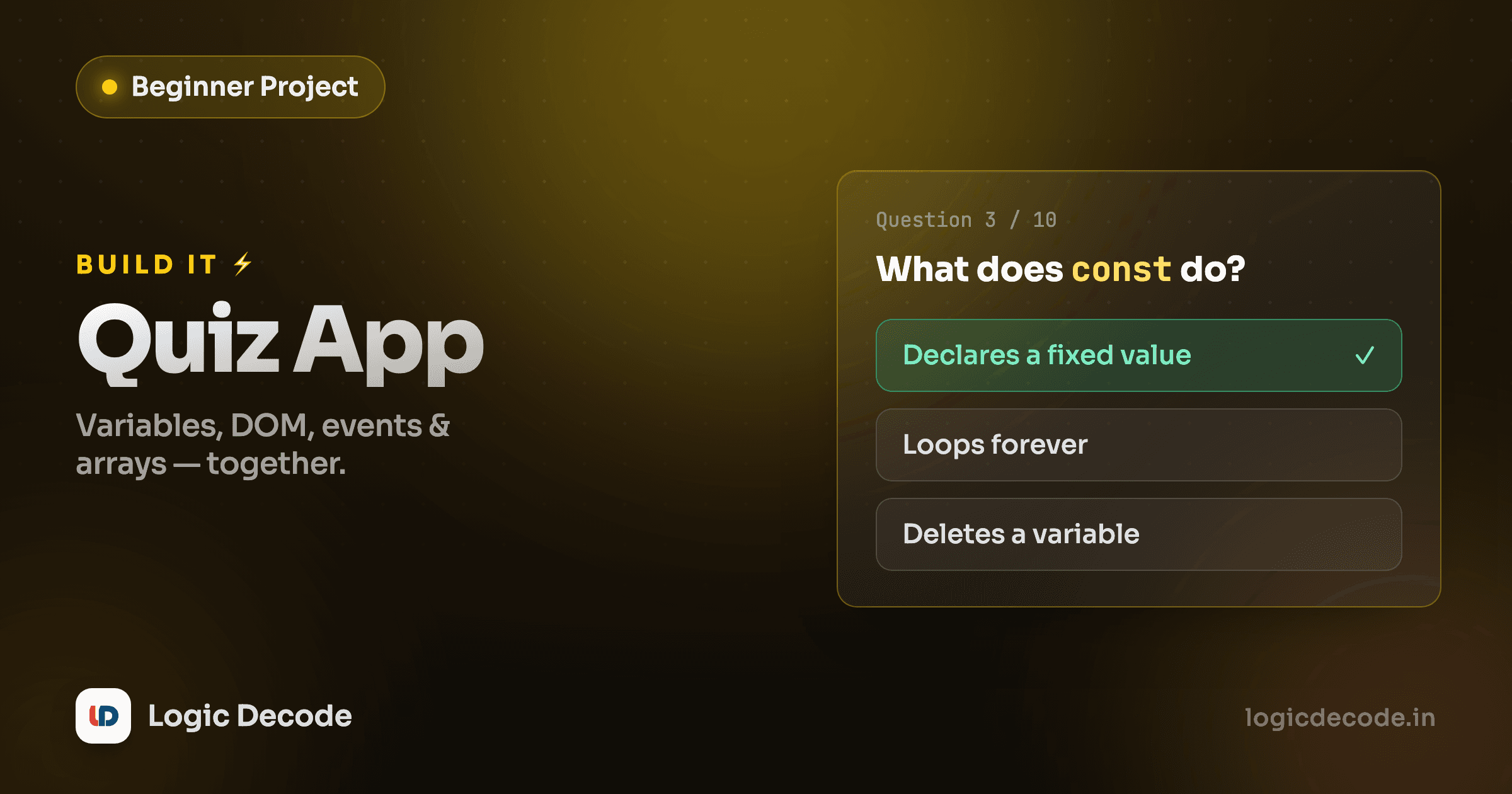
Sixteen lessons in, you've got a pile of parts. Variables, functions, arrays, objects, the DOM, events. Parts are boring on their own. So let's bolt them together into one small thing that actually runs: an interactive quiz app. It shows a question, you click an answer, it tracks your score, moves to the next question, and tells you how you did at the end. No frameworks, no build step. Just vanilla JavaScript driving a real page.
What we're building
Three multiple-choice questions. Click an option, the app marks it right or wrong, and a Next button walks you to the following question. A counter in the corner keeps your score. After the last question, the whole thing swaps to a results screen showing your final tally and a Restart button.
Run it first, then we'll build it from nothing.
Edit any question, change the right answer, refresh. That's the loop the whole series has been pushing: poke it, break it, fix it. Now let's see how it works, piece by piece.
The data: an array of objects
Everything starts with the questions. Each one is an object with three keys (the prompt, the options, and which option is correct), and the whole quiz is an array of those objects.
var questions = [
  {
    prompt: "Which keyword declares a value that never gets reassigned?",
    options: ["var", "const", "let", "static"],
    answer: 1
  },
  // ...two more
];
The answer is a number, not the text. It's the index into options. Option 1 is "const", the right one. Storing the index instead of the string means there's exactly one place the answer lives, and checking a click is a plain number comparison later. Keeping your data clean like this makes the rest of the code almost write itself.
Data first, then UI
Notice we designed the data shape before touching the DOM. Once the questions are a tidy array of objects, rendering is just "loop over this and make elements." Getting the data right up front is most of the work. The screen is a reflection of it.
State: two variables that remember where you are
The app needs to remember two things between clicks: which question you're on, and your score so far. That's the entire state.
var current = 0; // index of the question on screen
var score = 0;   // how many you've gotten right
That's it. No store, no framework, no magic. Just two variables living at the top level so every function can read and update them. When you click the right answer, score goes up by one. When you hit Next, current goes up by one. The screen always shows whatever those two numbers currently describe. That idea, the UI is a picture of your state, is the seed of everything React does later, but here it's two plain variables.
Rendering a question to the DOM
renderQuestion is where the data becomes pixels. It wipes the screen, then builds the question and one button per option using the DOM.
function renderQuestion() {
  app.textContent = ""; // clear the screen

  var q = questions[current];

  var prompt = document.createElement("h2");
  prompt.textContent = q.prompt;
  app.appendChild(prompt);

  q.options.forEach(function (text, i) {
    var button = document.createElement("button");
    button.textContent = text;
    button.addEventListener("click", function () {
      handleAnswer(i, button);
    });
    app.appendChild(button);
  });
}
Three moves. document.createElement makes a fresh element in memory (MDN's reference is the canonical one). textContent fills it with text, and unlike innerHTML, it treats your string as plain text, so a question with a < in it can never accidentally become markup. appendChild drops it onto the page. Do that for the prompt and each option, and a question appears.
Setting app.textContent = "" at the top is the cheap, reliable way to clear the previous question before drawing the next. Empty the box, refill it. The whole render-from-state pattern depends on that clean slate each time.
Why textContent and not innerHTML
You'll see tutorials build HTML by gluing strings together and assigning innerHTML. It works, but if any of that text comes from a user, you've opened the door to injected markup and scripts. createElement + textContent sidesteps that entirely. The text is always just text. Build the habit now.
Handling the click
Each option button got an event listener wired up during render. When you click one, handleAnswer runs with the index you picked.
function handleAnswer(chosen, clickedButton) {
  var q = questions[current];
  var buttons = document.querySelectorAll(".option");

  buttons.forEach(function (b, i) {
    b.disabled = true;            // lock all options
    if (i === q.answer) {
      b.className = "option correct"; // always reveal the right one
    }
  });

  if (chosen === q.answer) {
    score = score + 1;            // update state
  } else {
    clickedButton.className = "option wrong";
  }
  // ...then add a Next button
}
First it disables every option so you can't click twice and double-count. Then it does the comparison the whole app hinges on: chosen === q.answer. Both are numbers: the index you clicked versus the index stored in the data. Match, and score ticks up. Miss, and the button you clicked turns red while the correct one is revealed in green. The styling is just swapping a CSS class. The logic is one number compared to another.
Quick check
In this app, how does a click know whether your answer was right?
Advancing and finishing
After an answer, handleAnswer adds one more button: Next, or "See results" on the last question. Clicking it bumps current and decides what to draw.
next.addEventListener("click", function () {
  current = current + 1;
  if (current < questions.length) {
    renderQuestion(); // more questions left
  } else {
    renderResults();  // that was the last one
  }
});
This is the engine of the whole quiz: change the state (current), then re-render based on it. As long as there's a question at index current, draw it. Once current runs past the end of the array, switch to the results screen. renderResults shows your final score out of questions.length and a Restart button that resets both state variables back to zero and calls renderQuestion, and you're playing again from the top.
That round trip (click changes state, state drives the next render) is the same heartbeat behind every interactive app you'll ever build. You just wrote it by hand.
Recap and extend it
You built a complete interactive app out of pieces you already had. The questions are an array of objects. The score and position are two state variables. createElement and appendChild turn data into a page, addEventListener catches clicks, and every click updates state and re-renders. That's the full shape of a frontend app in about a hundred lines, no libraries.
Now make it yours. A few directions, roughly easiest to hardest:
- Add your own questions. Push more objects into the
questionsarray. The render code already loops, so it just works. - Show a progress bar that fills as
currentclimbs towardquestions.length. - Shuffle the questions each run so the order changes, a great excuse to write a small array-shuffle function.
- Save the high score to
localStorageso it survives a refresh. - Add a timer per question with
setInterval, and auto-skip if it runs out.
Each one nudges you to combine the same handful of skills in a new way, which is the entire game.
You've now done JavaScript end to end, from let to a real running app. The natural next step is making pages that look as good as they behave. That's where HTML & Modern CSS picks up: structure with semantic HTML, then style it with modern layout. Bring the quiz with you and make it beautiful.

Written by
Rhythm Bhiwani
Engineer and relentless builder, happiest reverse-engineering hard problems until they click.
Enjoyed this?
Tap the heart to leave some love.
Be the first to react
Comments
Join the conversation.
Loading comments…